
Find out how to access the OpenFlex Help Centre directly from the platform.
You can access OpenFlex documents at any time for written support on various topics that will be helpful in your use of our platform. Click on your initials and then go to the "Help centre" section.
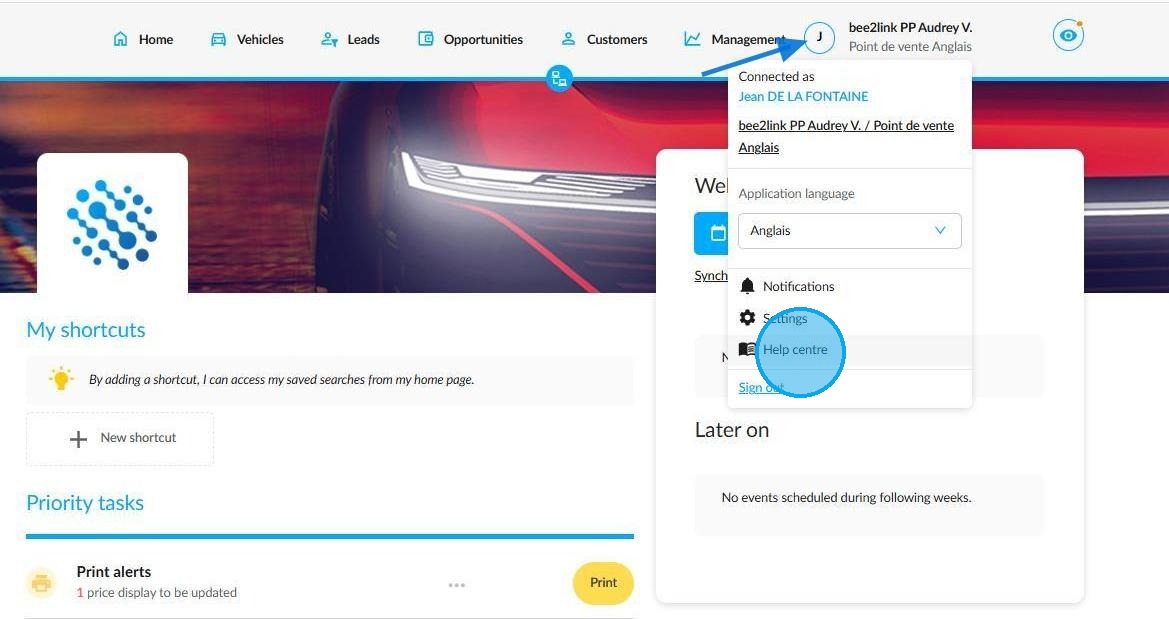
You will then be automatically redirected to Zendesk. Once a user has created an OpenFlex account, they can access the Help Centre. Their account will be linked to the Help Centre automatically.
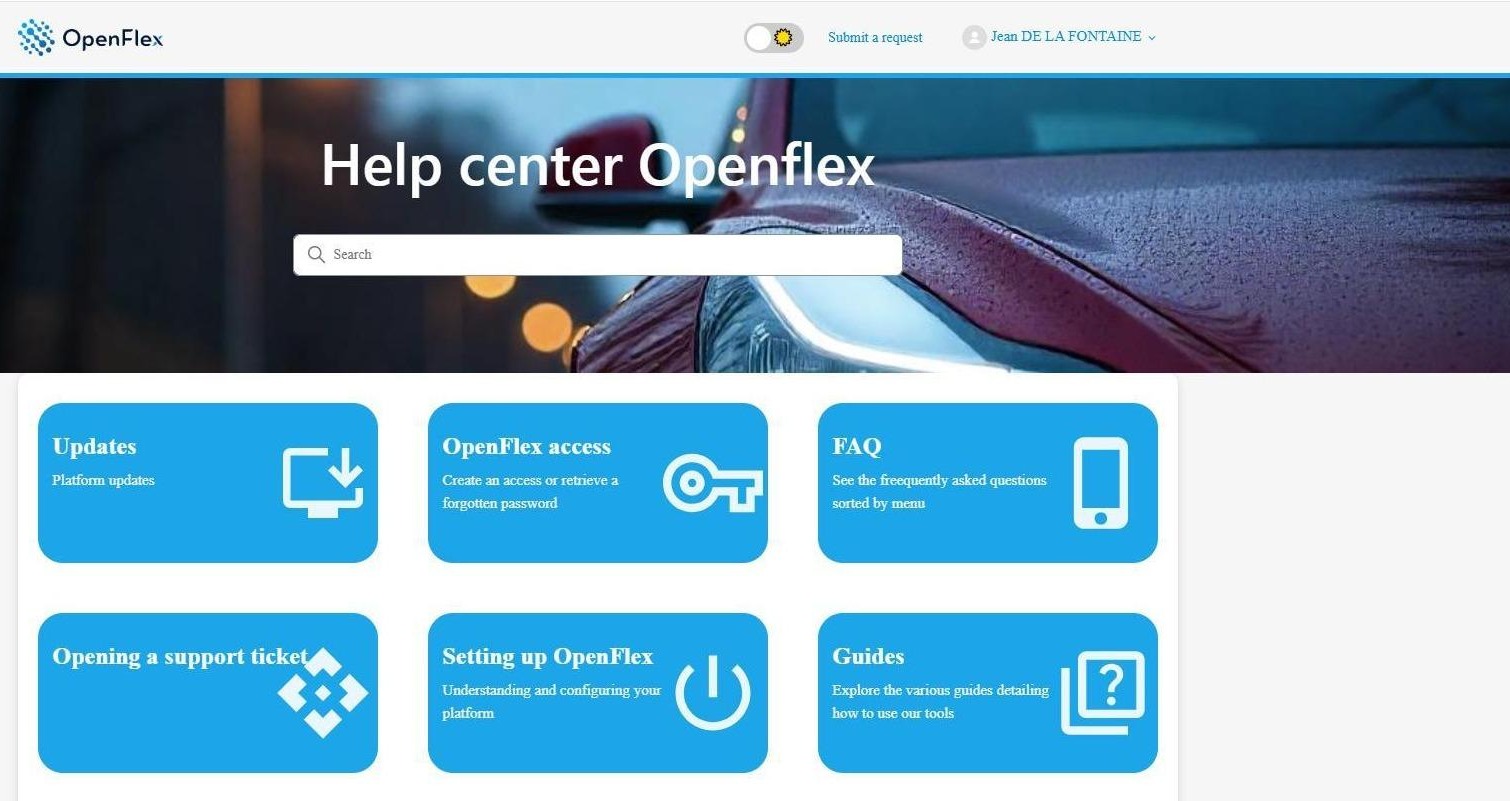
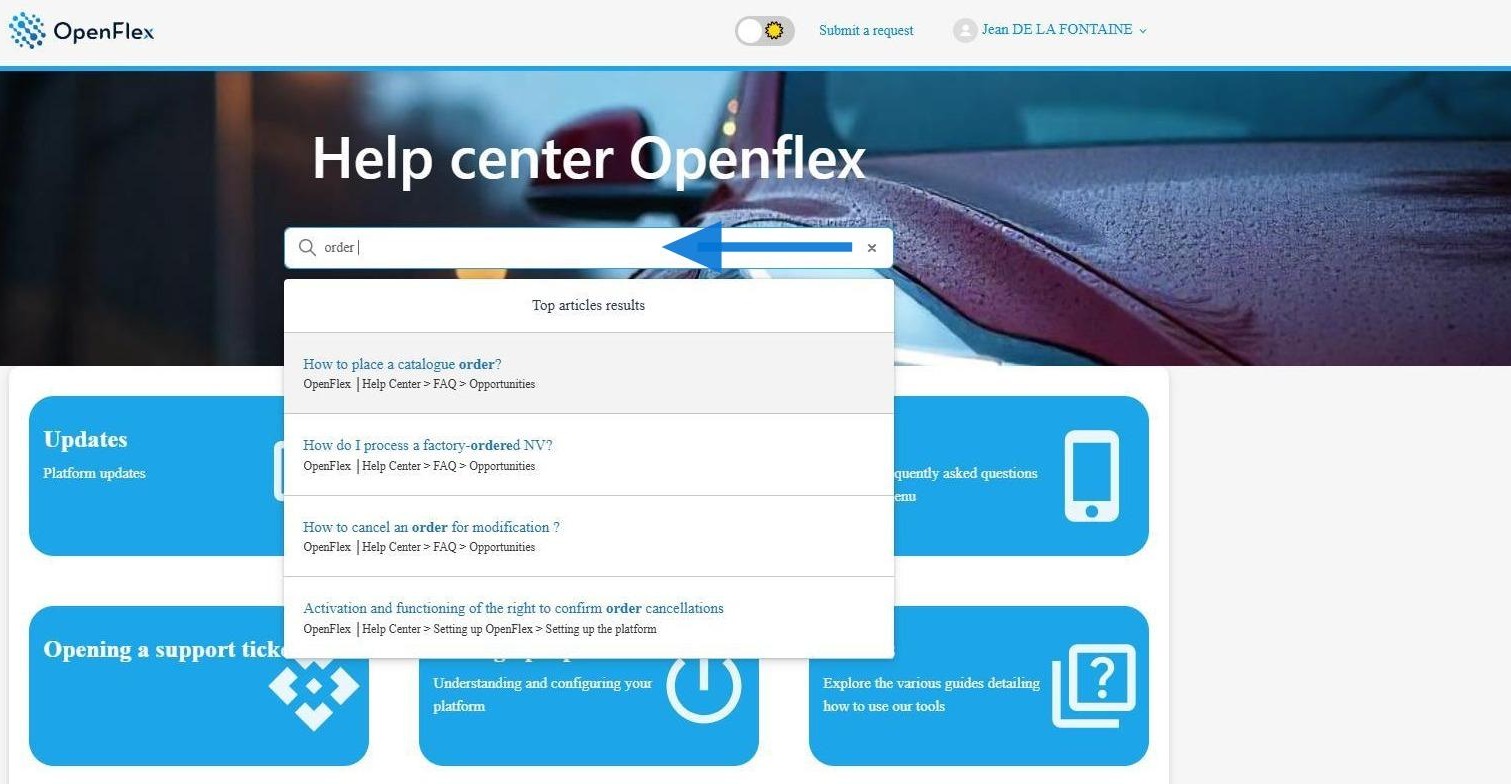
Enter key words in the search bar at the centre of the screen to help you find documents on a particular topic like: trade-in, delivery, price...
A list of documents relevant to your search will be displayed to help you find suitable material.
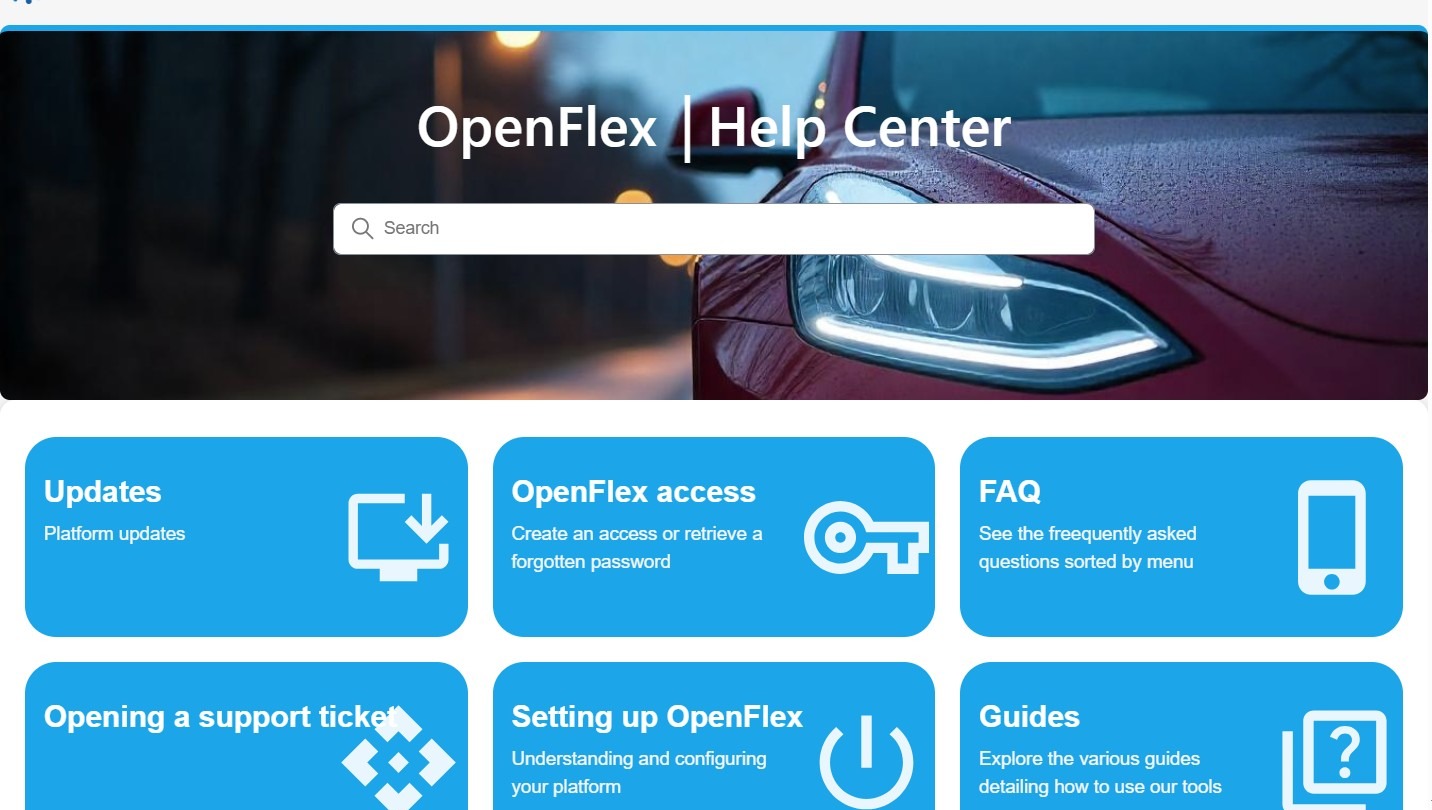
You can also browse the various menus, organised by topic, to find the articles that best suit your needs.
Comments
0 comments
Article is closed for comments.