
This guide explains how to schedule an appointment or a task in your calendar.
Schedule a task
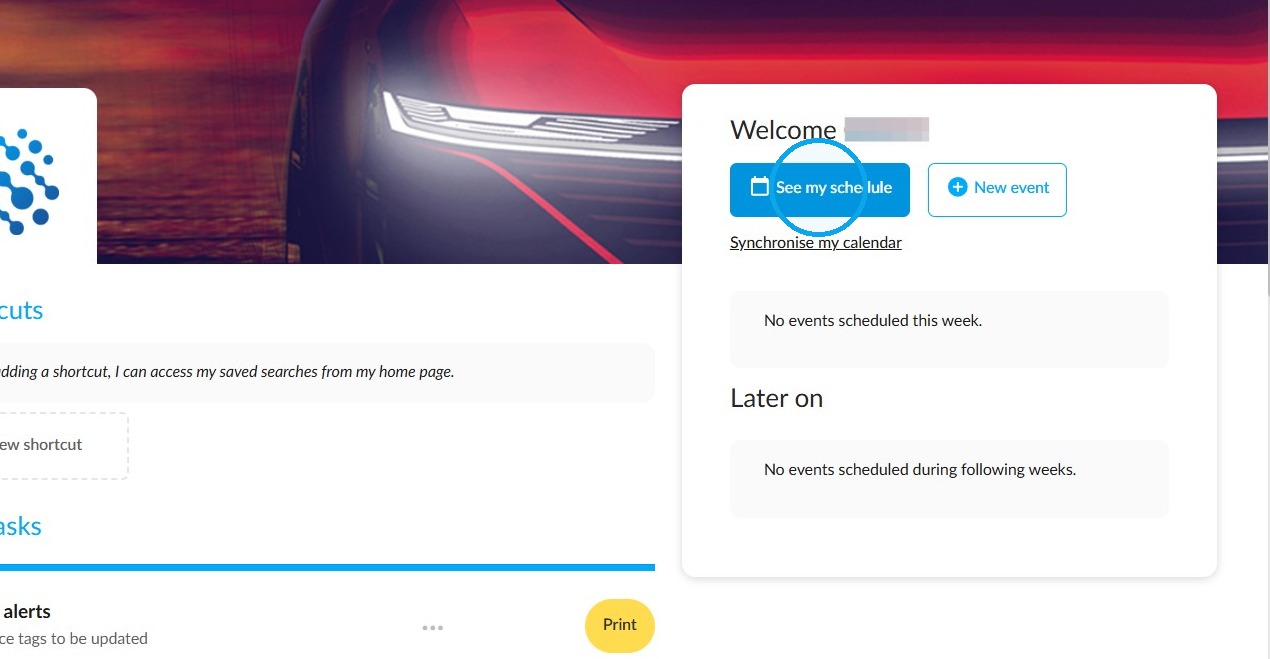
Click on "See my schedule" on the home page.
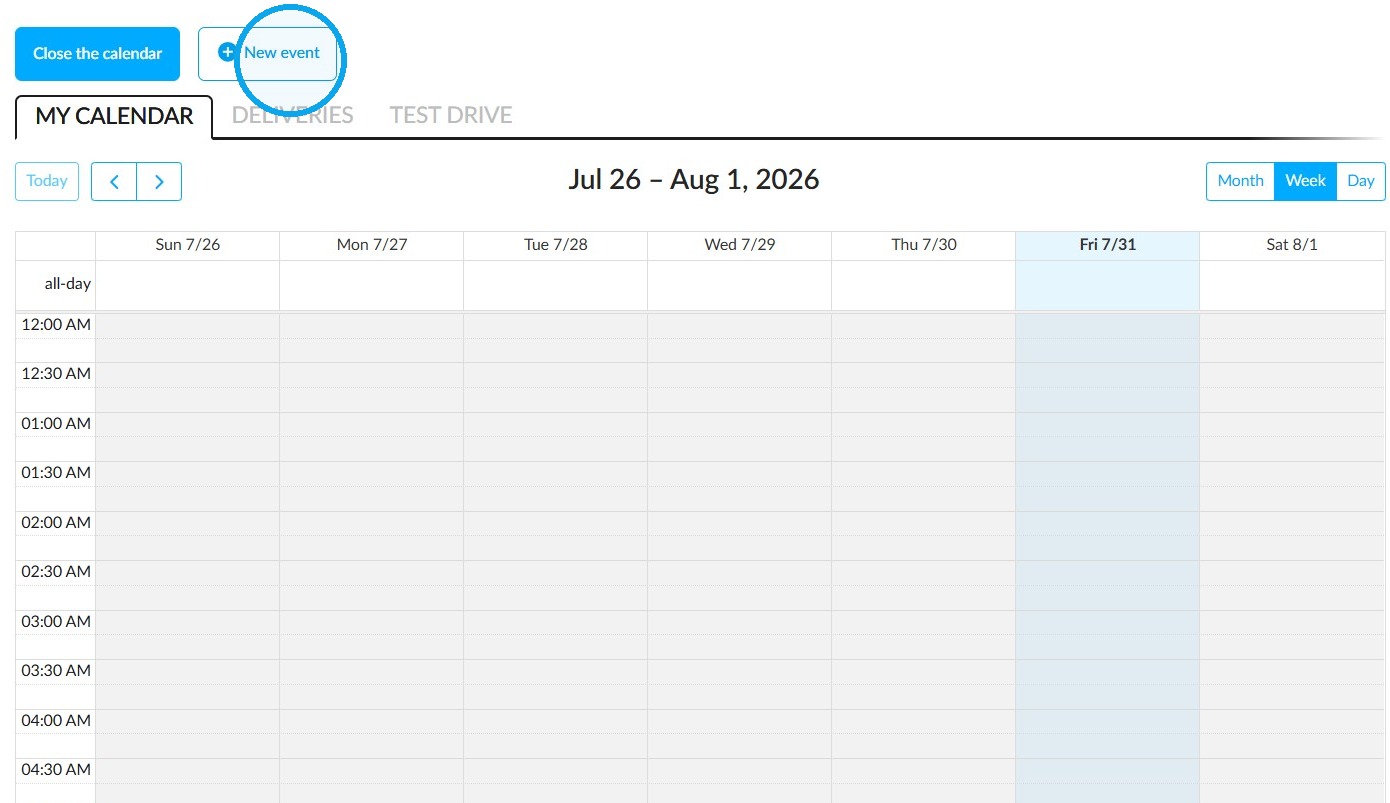
Click on 'New event' or simply click on a time slot on the calendar — this is only possible in weekly and daily views.
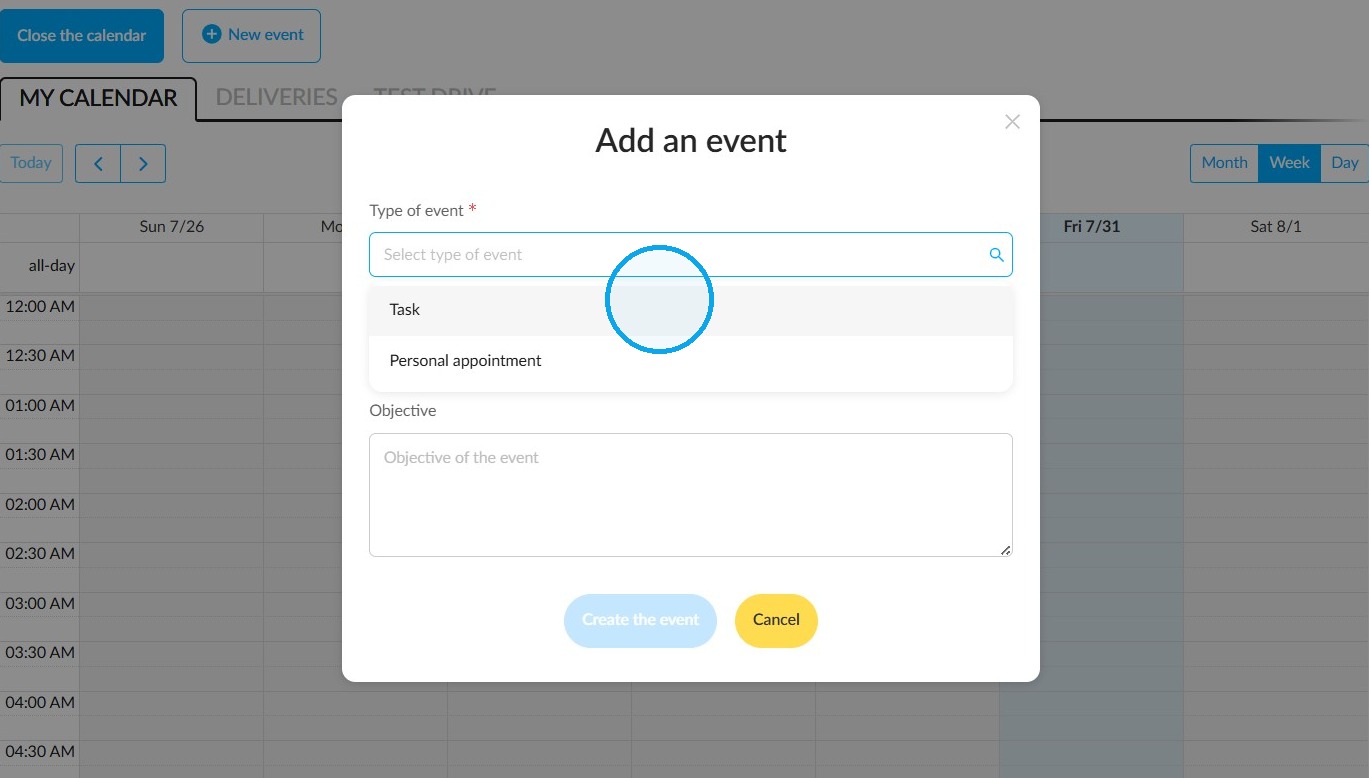
In the "Type of event" field, you can select either a task or a personal appointment. Firstly, we will create a task.
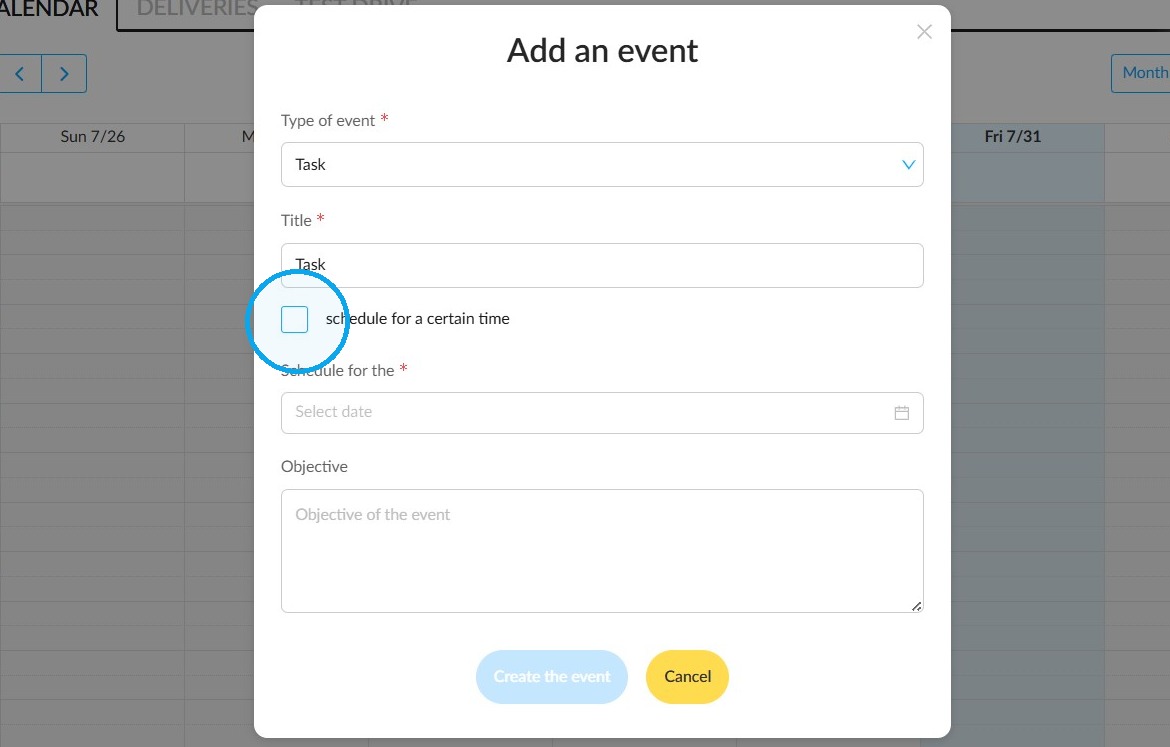
If necessary, click on 'Schedule for a specific time' to schedule a specific hour for the task to be carried out.
Click on the "Schedule for" field
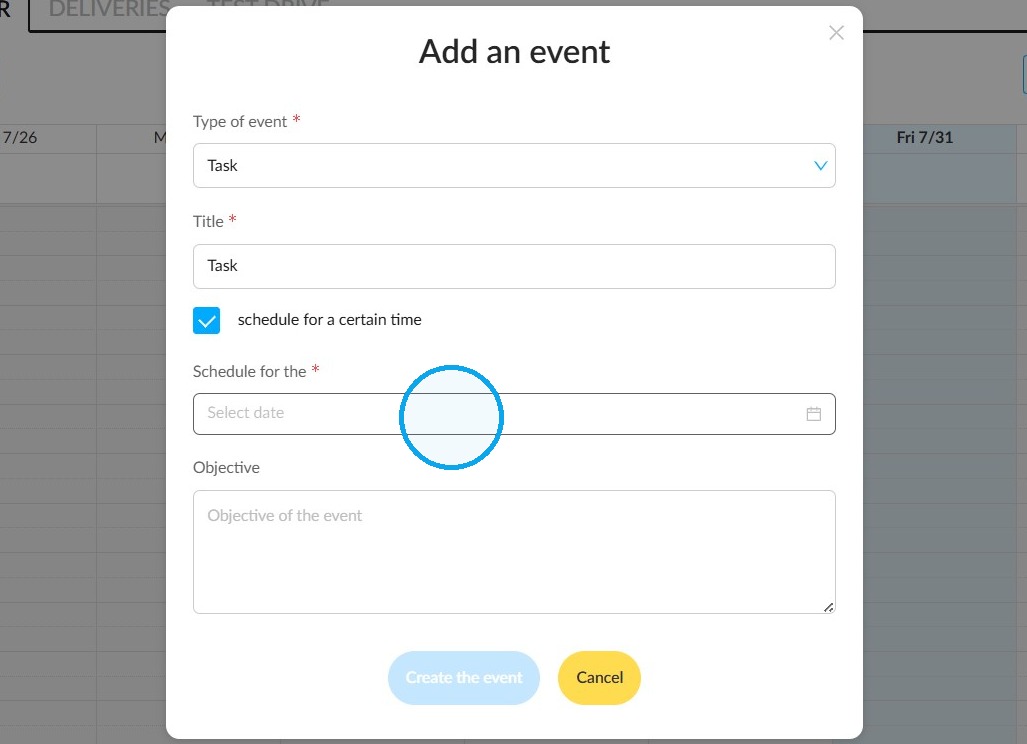
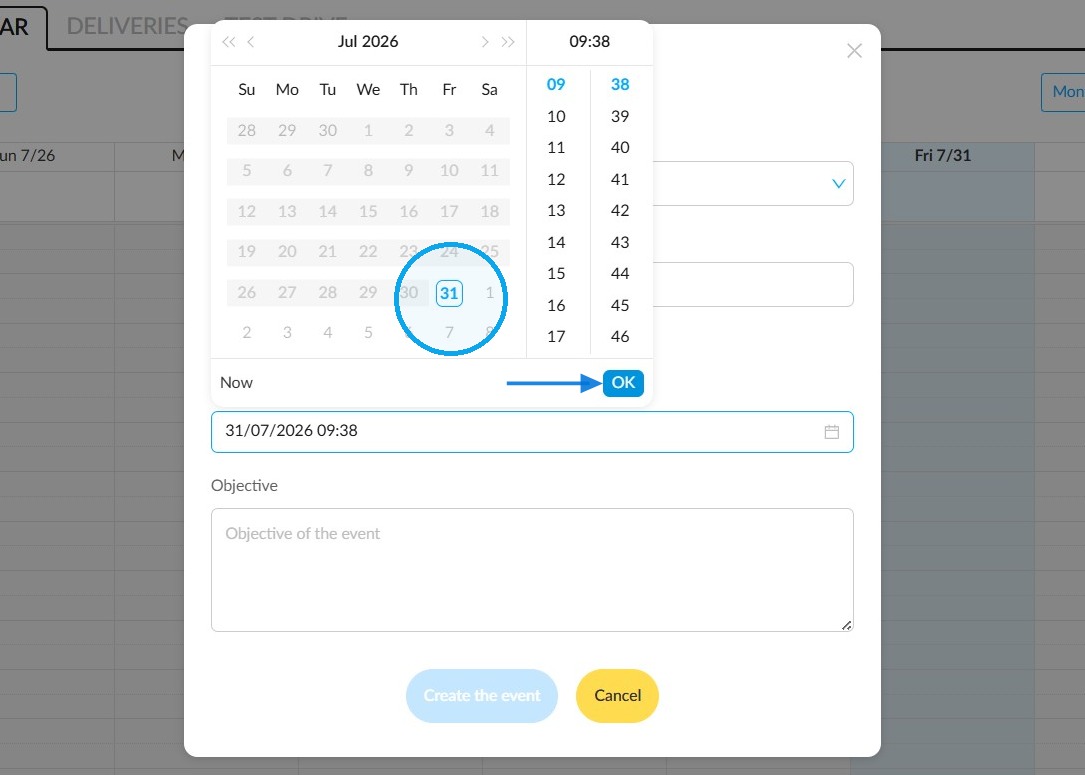
and select the date in the calendar.
If you plan a specific hour, select the hour. Then select the minutes. Click on "Ok".
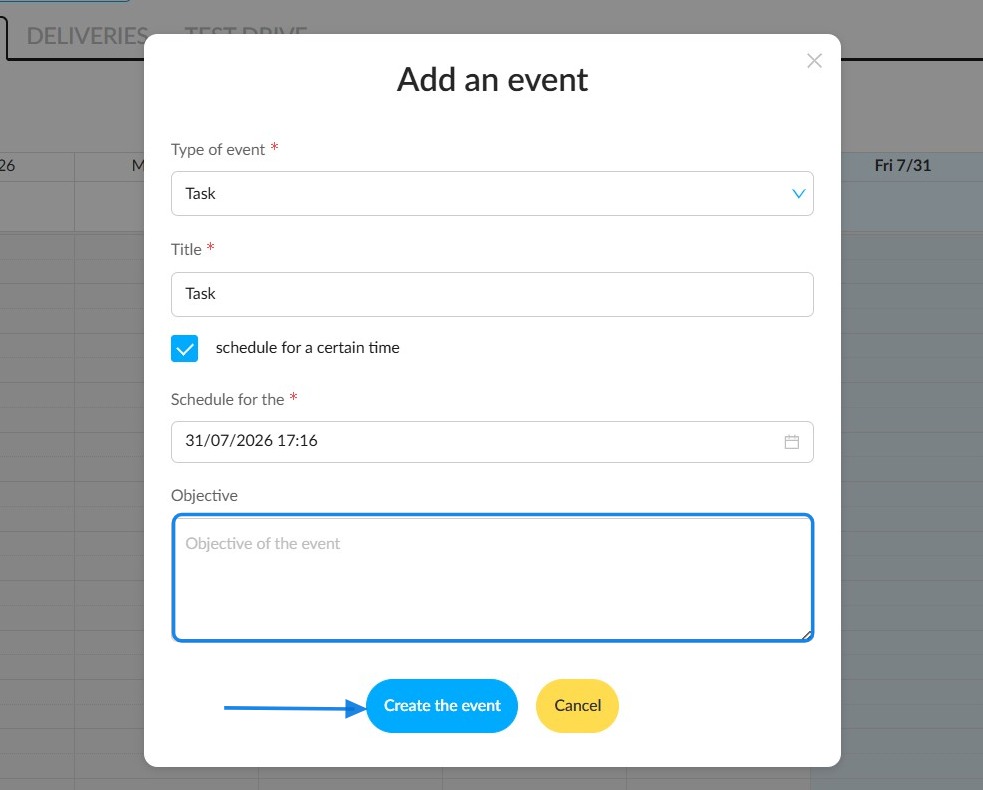
You may use this field to describe your goal.
Finally, click on "Create the event".
Book an appointment
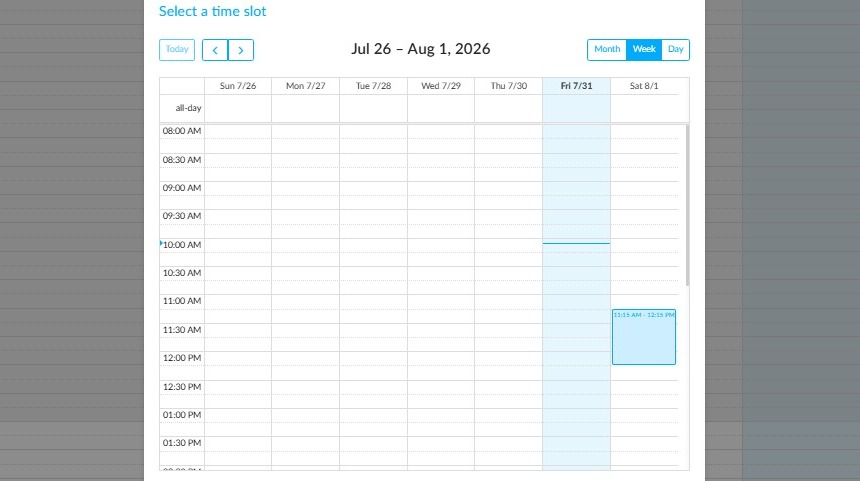
If you’re creating a personal appointment, give the event a title and click directly on a time slot to select it. It will appear in blue.
Comments
0 comments
Article is closed for comments.