
Find out what criteria a vehicle must meet in order to be marketed and appear on the list of vehicles you can select when making an offer.
A vehicle is considered to be eligible for sale when it meets all the necessary conditions for inclusion in a commercial offer.
Conditions for selling a vehicle:
- The vehicle must not have been deleted.
- The vehicle must have an authorised destination.
- The vehicle must have a compatible lifecycle status.
- All compulsory fields must be filled in.
- There must be no blocking reservation.
- There must be no order.
- There must be no online reservation.
- The vehicle must not be included in an auction lot.
In the ‘Vehicles’ module, there are rules governing the sale of a vehicle. These consist of a set of conditions, which are detailed in the following steps.
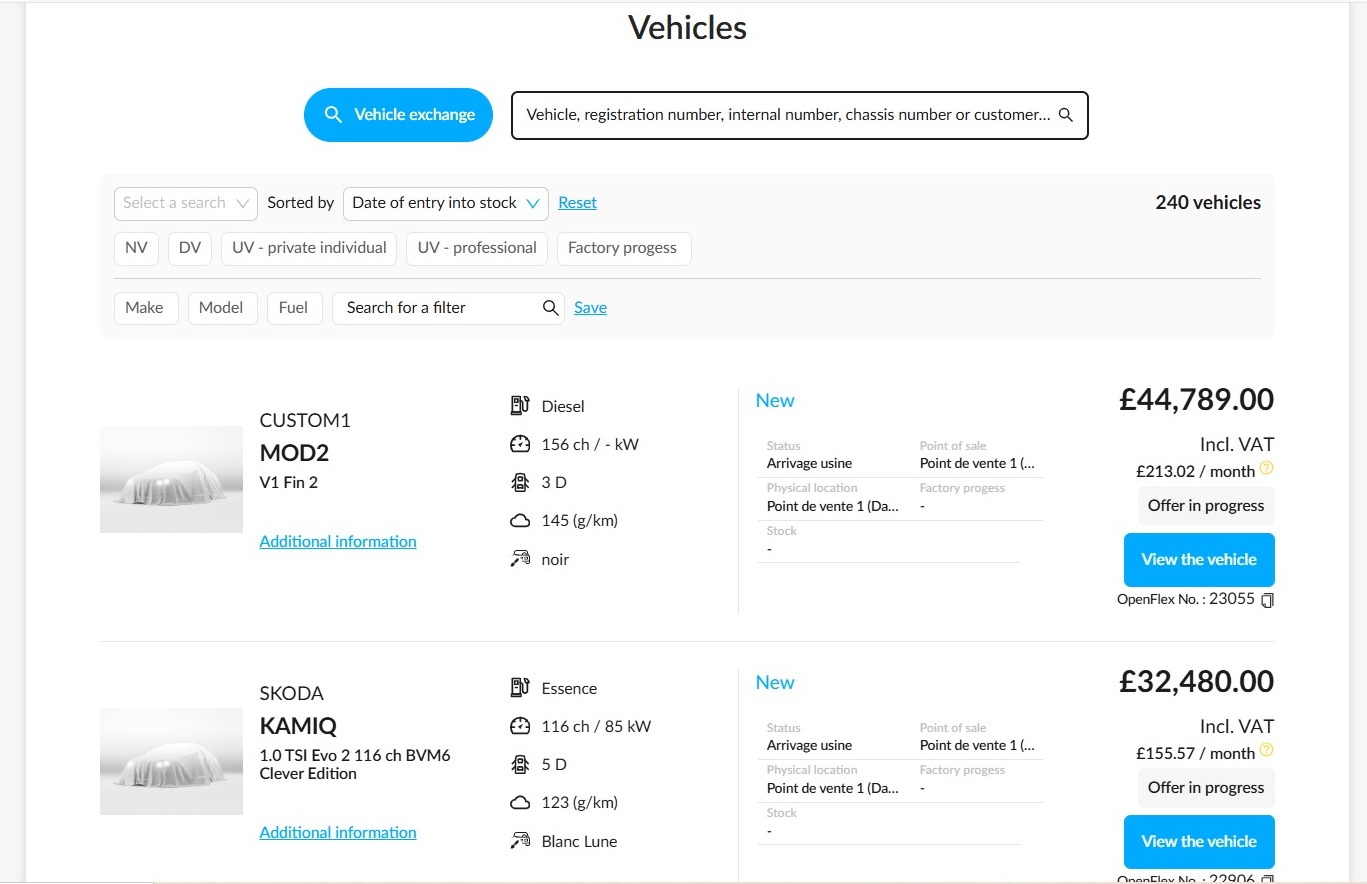
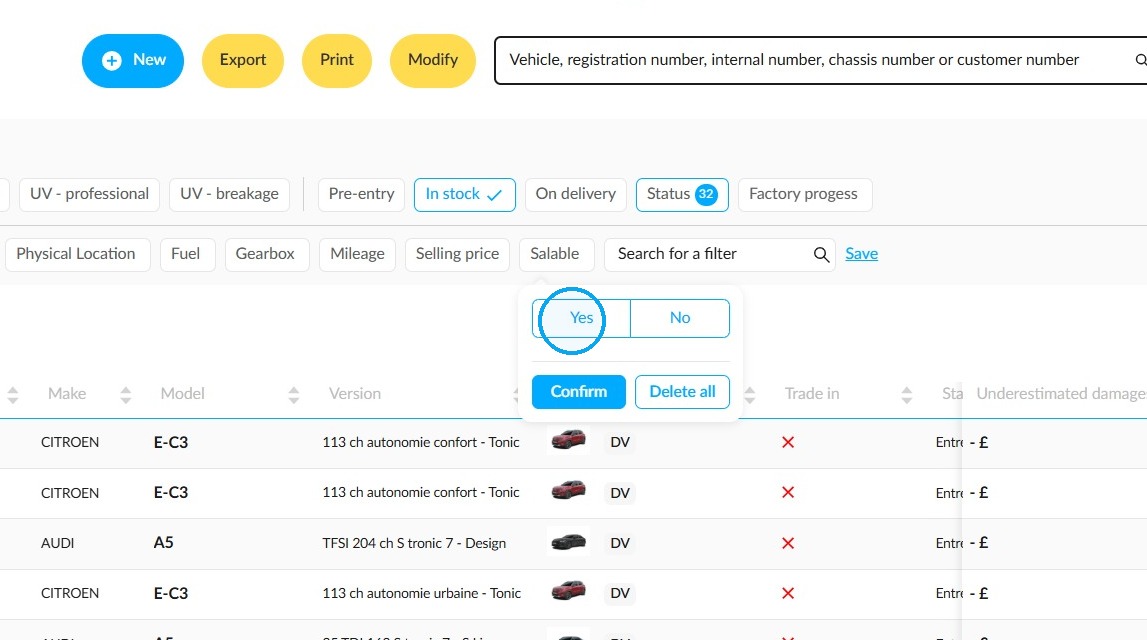
The 'Salable' filter allows you to identify vehicles that are eligible for sale directly in the stock list. Search for it in the search bar and apply it.
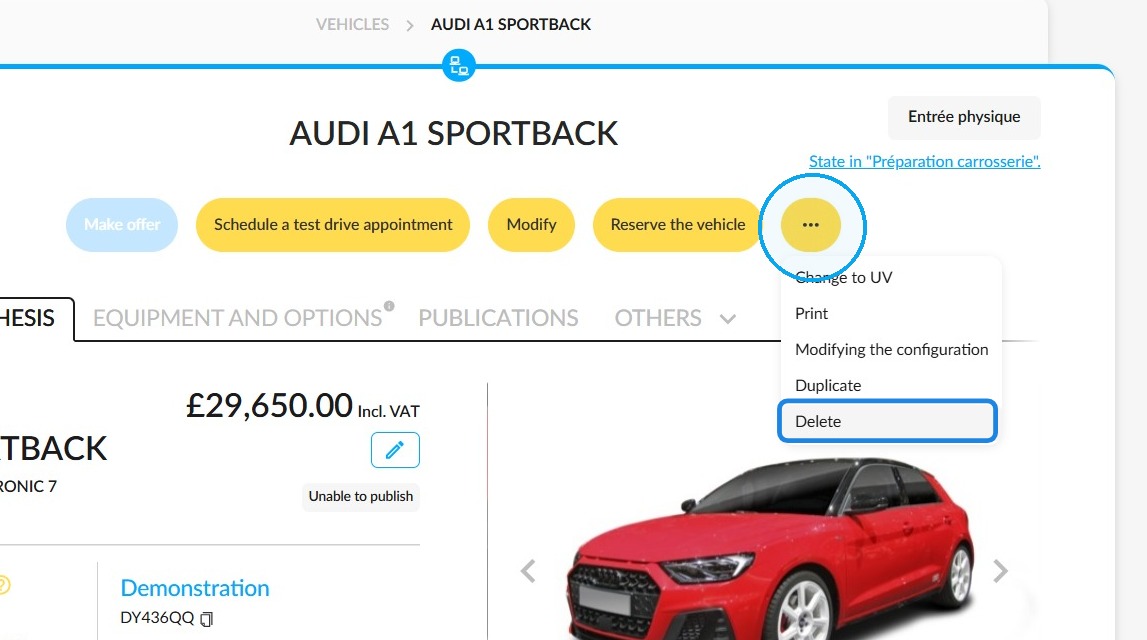
Vehicle not deleted
Firstly, the vehicle must not have been deleted before. Otherwise, it will be cancelled from offers and orders, and you will not be able to select it when creating an offer.
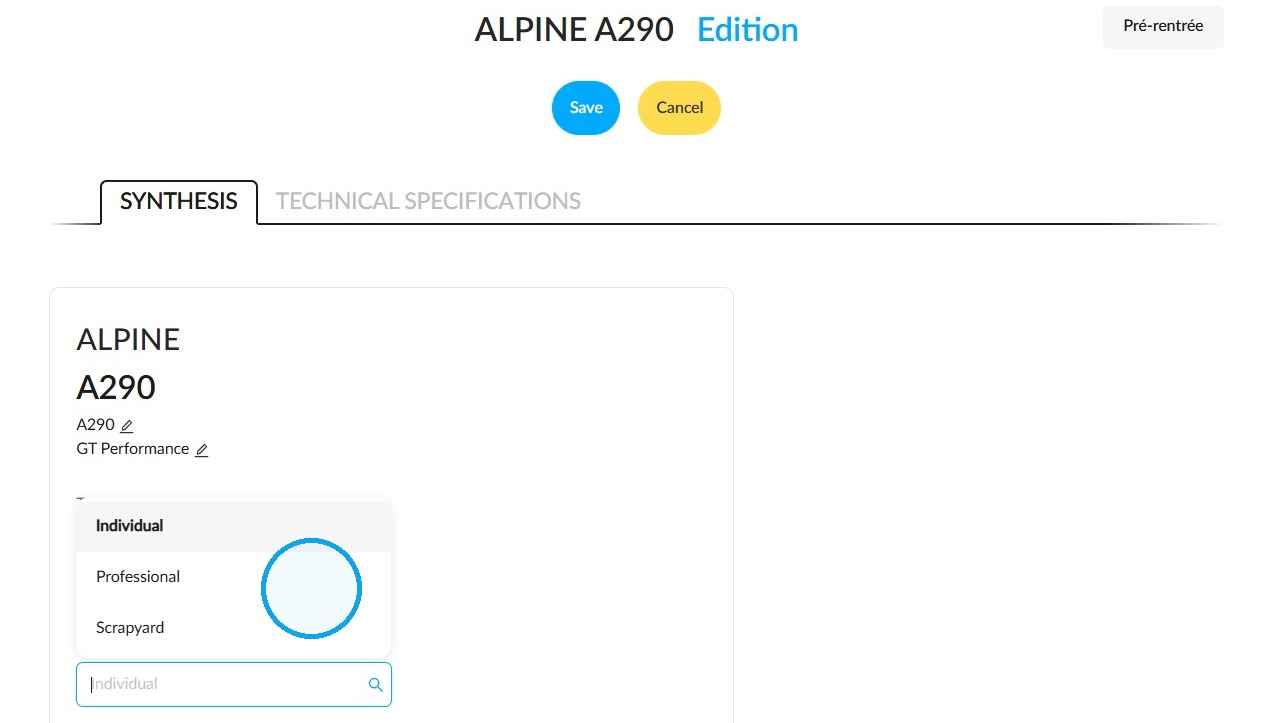
For individual or professional destinations, but not for breakages
The vehicle must be intended for an individual or automotive professional. Vehicles intended for scrapyards cannot be sold.
Setting the status at which a vehicle becomes eligible for sale
The vehicle’s status within its lifecycle also has an impact. The vehicle must have reached the status set as "Vehicles can be sold from" in the lifecycle configuration. This is configured in the "Overall lifecycle process" section of the "Vehicles" module configuration.
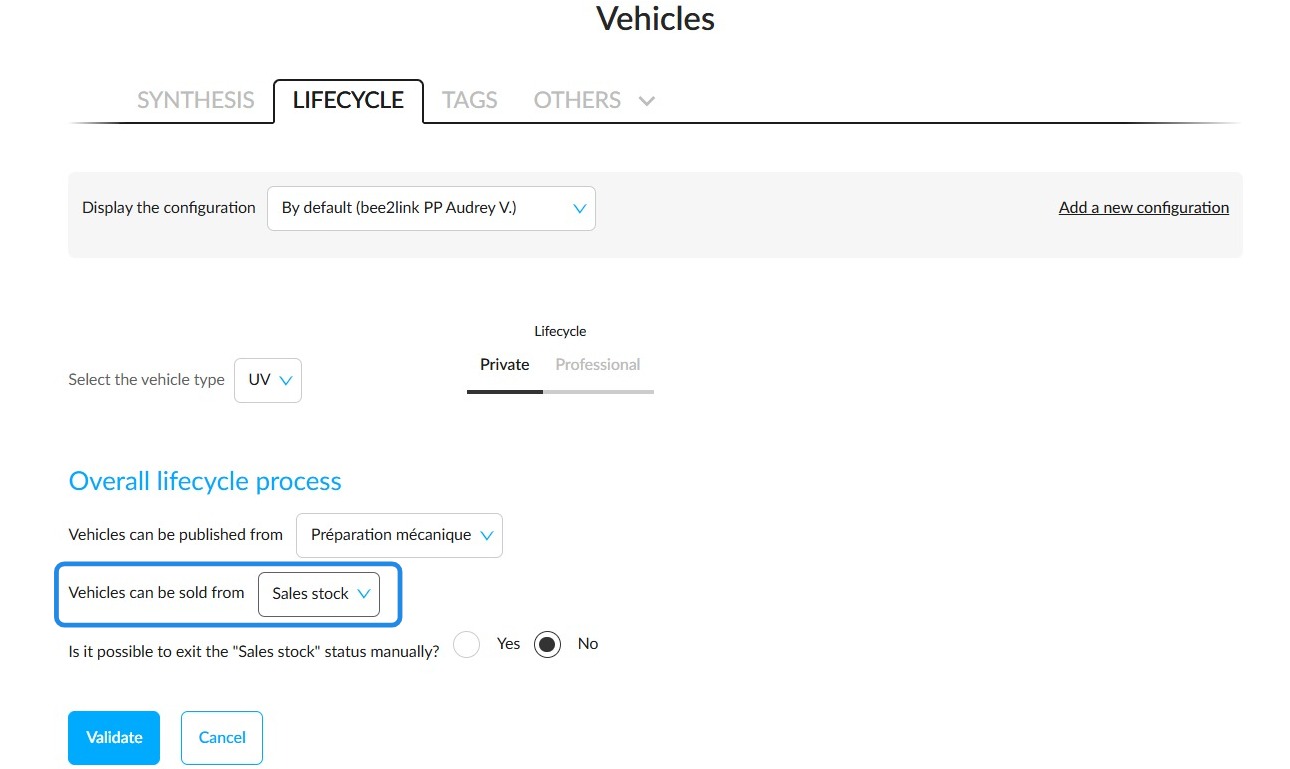
This setting is shown in the caption that goes with the lifecycle.
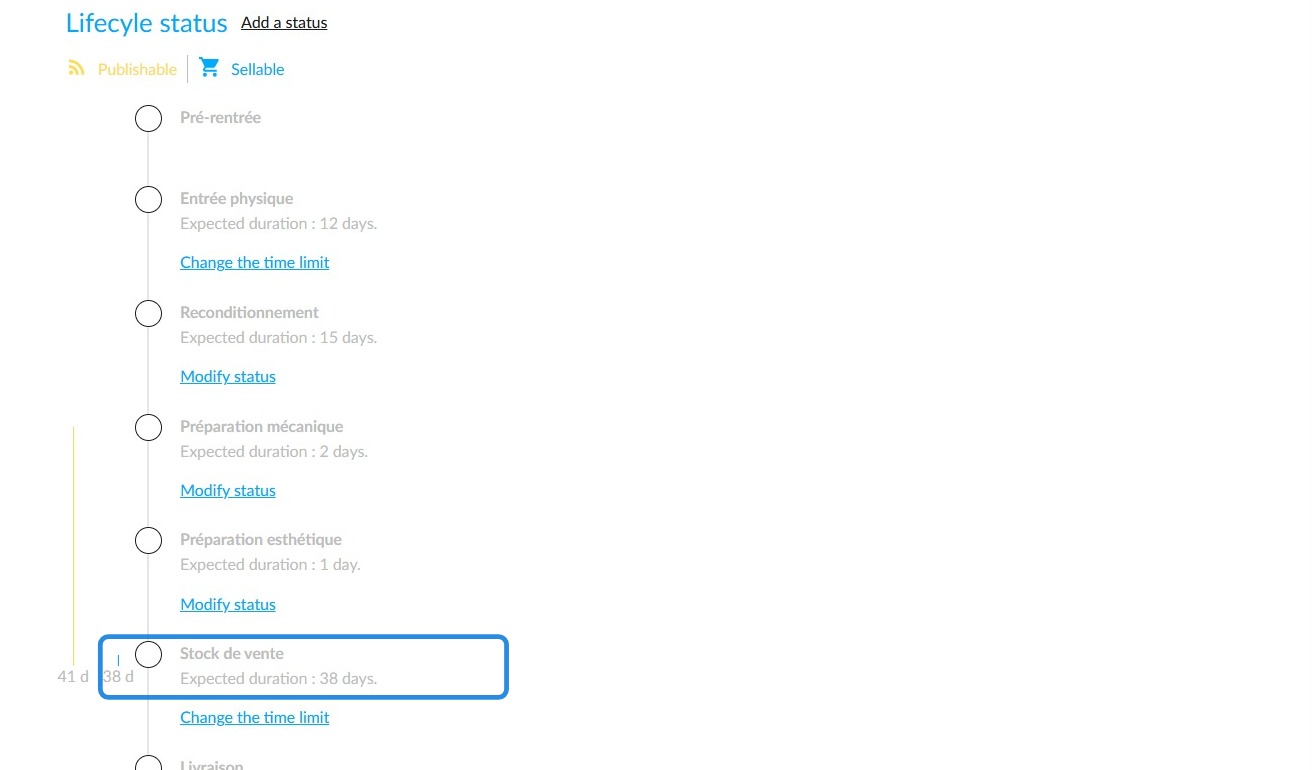
Furthermore, you can make a vehicle available for sale before the status established in the configuration. To achieve this, you must authorise the sale before the vehicle enters stock.
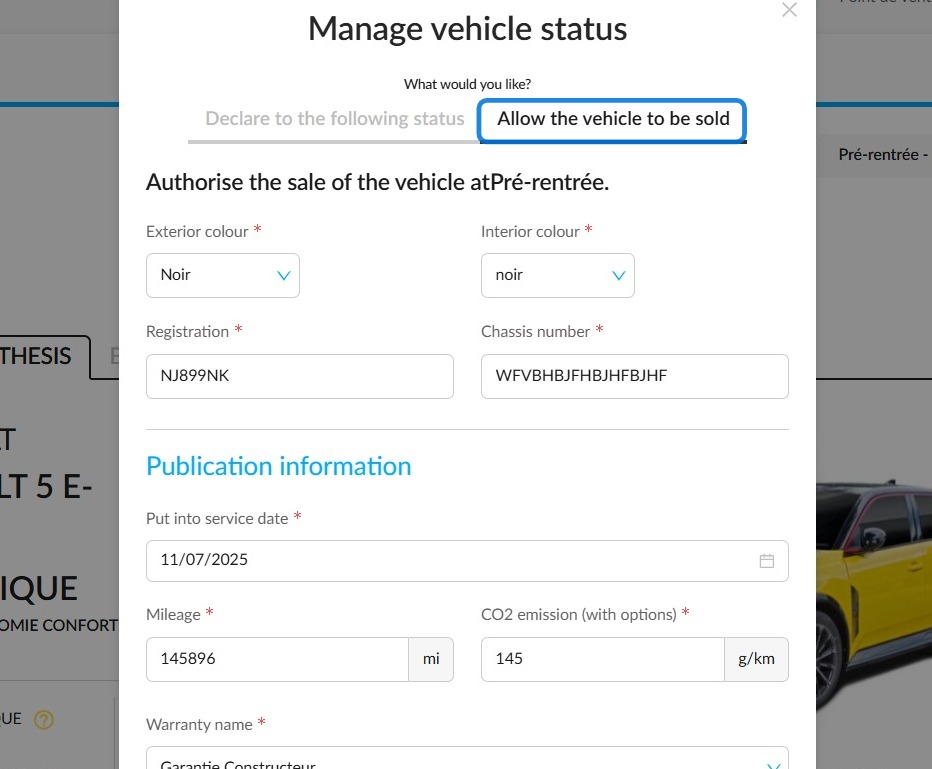
Required fields have been completed
In order for this vehicle to be available as an option when making an offer, you must complete some compulsory fields in the vehicle record.
Identification
• Chassis number
• Registration number
• Internal number
Specifications
• Destination
• Origin (used vehicle)
• Exterior colour
• Interior colour
Sales details
• Date added to stock
• Mileage
• Date first registered
• CO₂
• Warranty
• Selling price
No unlimited bookings or bookings for a single customer
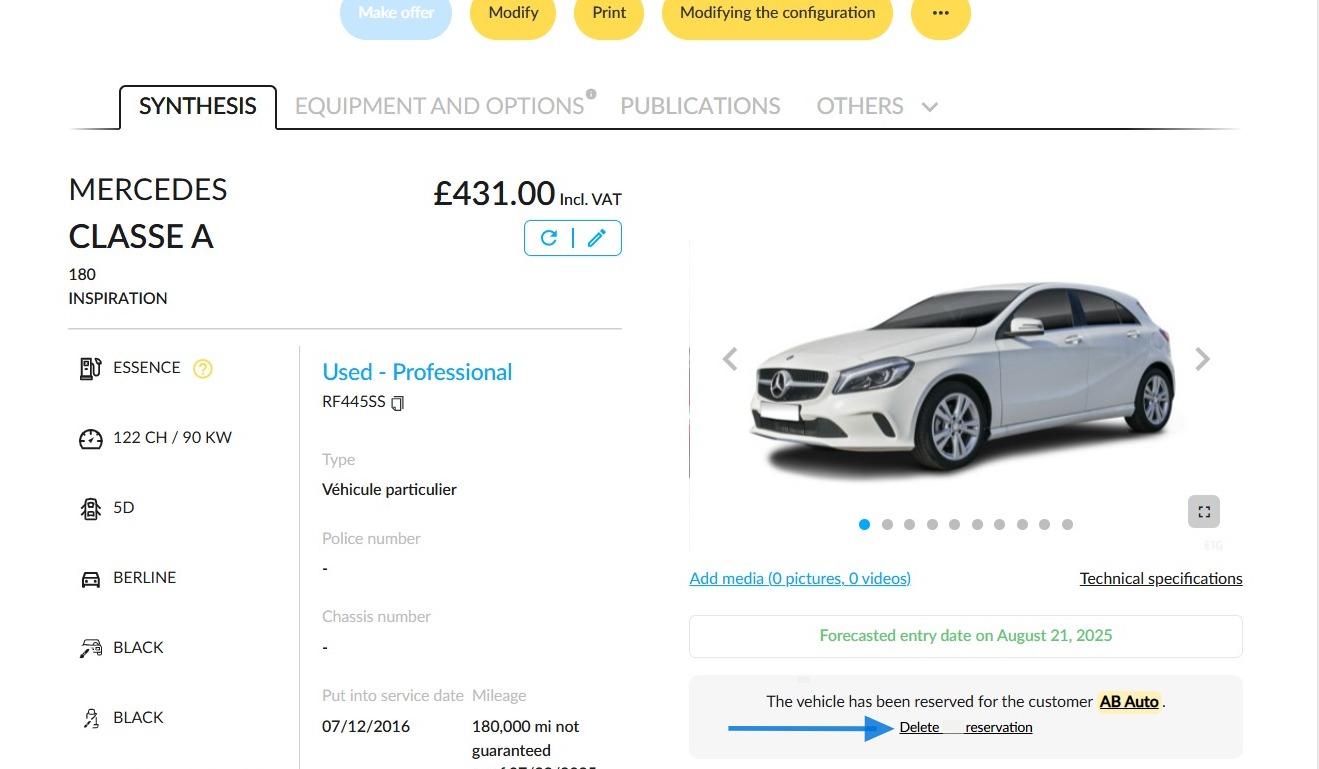
The vehicle must not be reserved; neither for an indefinite period of time that ties it up, nor by a customer. You will find the booked vehicles in the stock list:
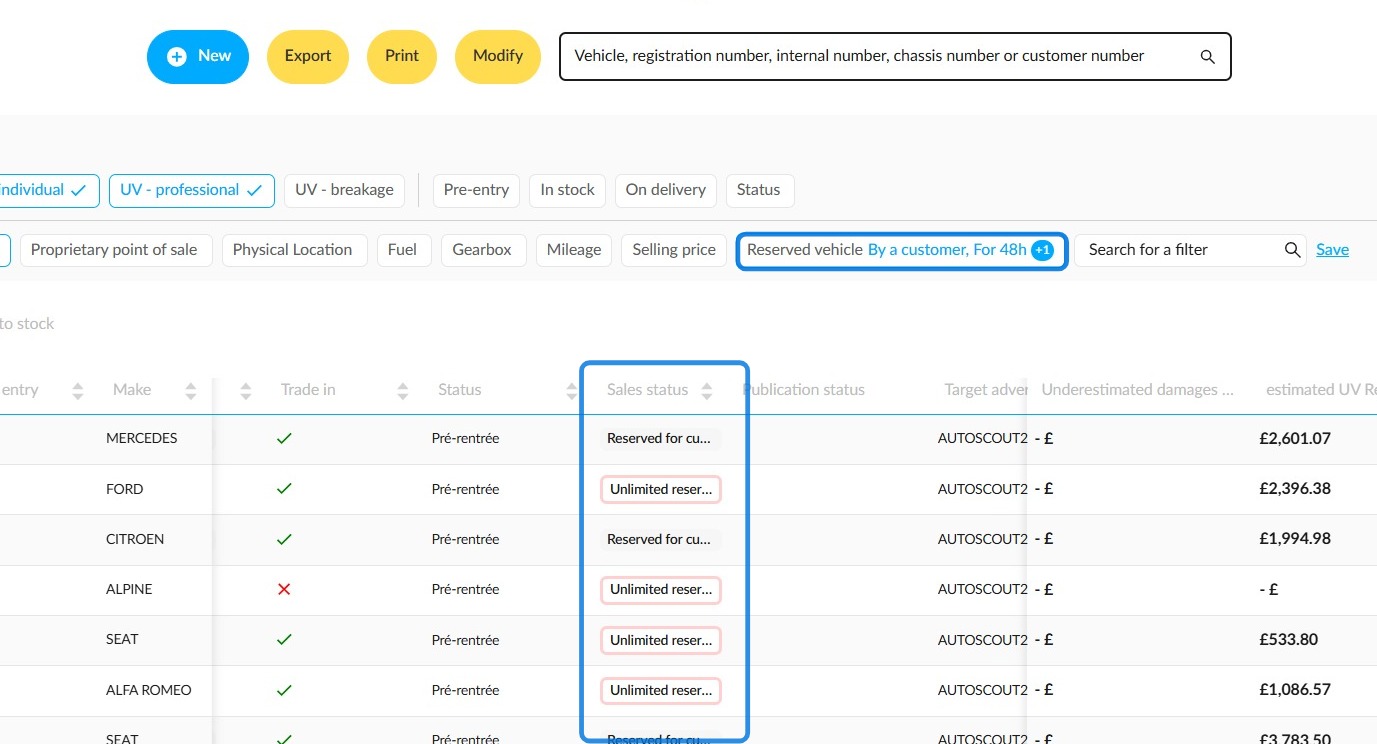
To delete a booking, click the 'Delete reservation' button on the vehicle record.
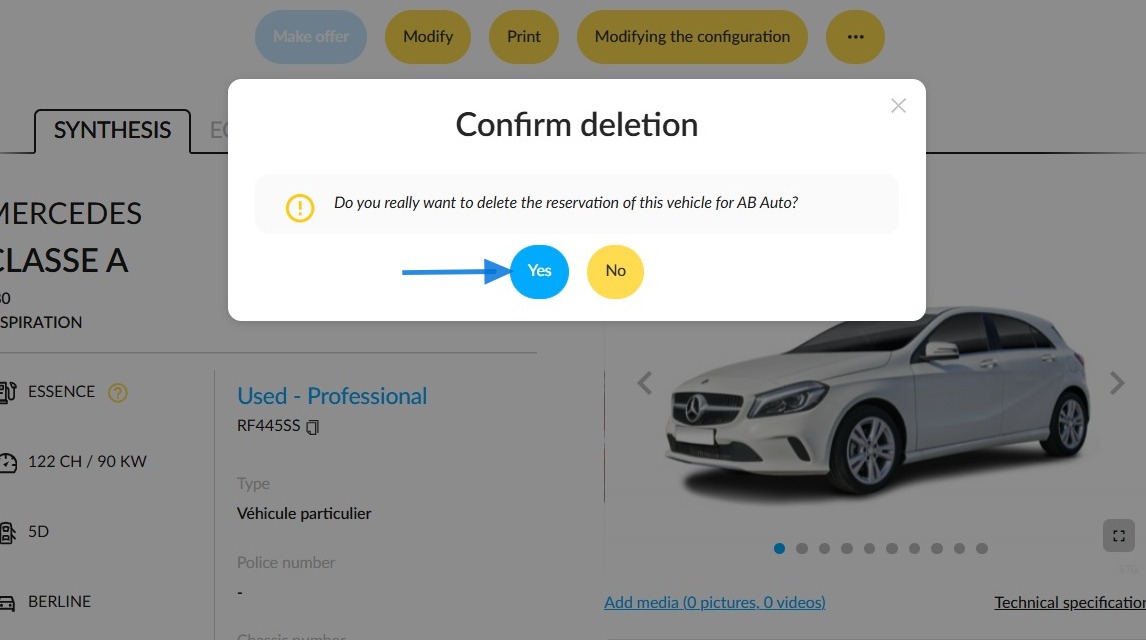
You will be asked to confirm the deletion.
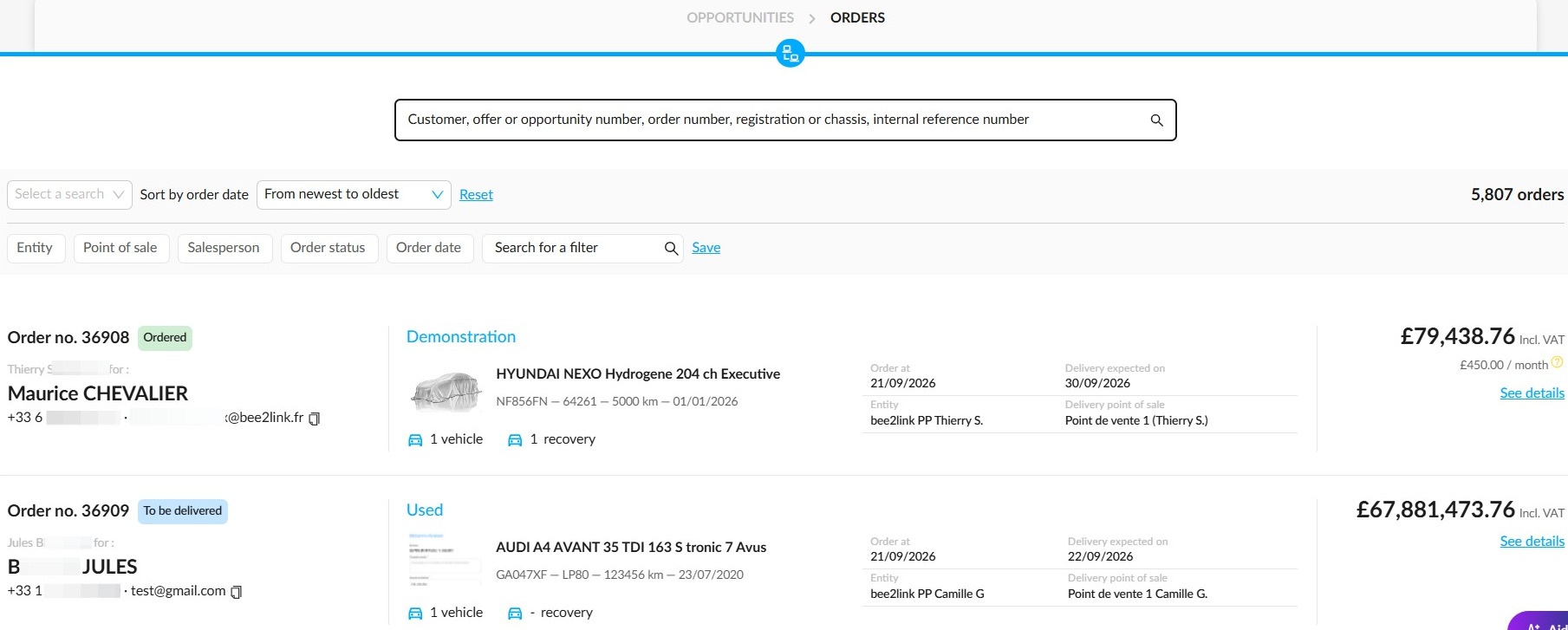
The vehicle must not be subject to an order
The vehicle must not be subject to an order. You can find all your orders in the "Opportunities" menu or in the "Orders" submenu.
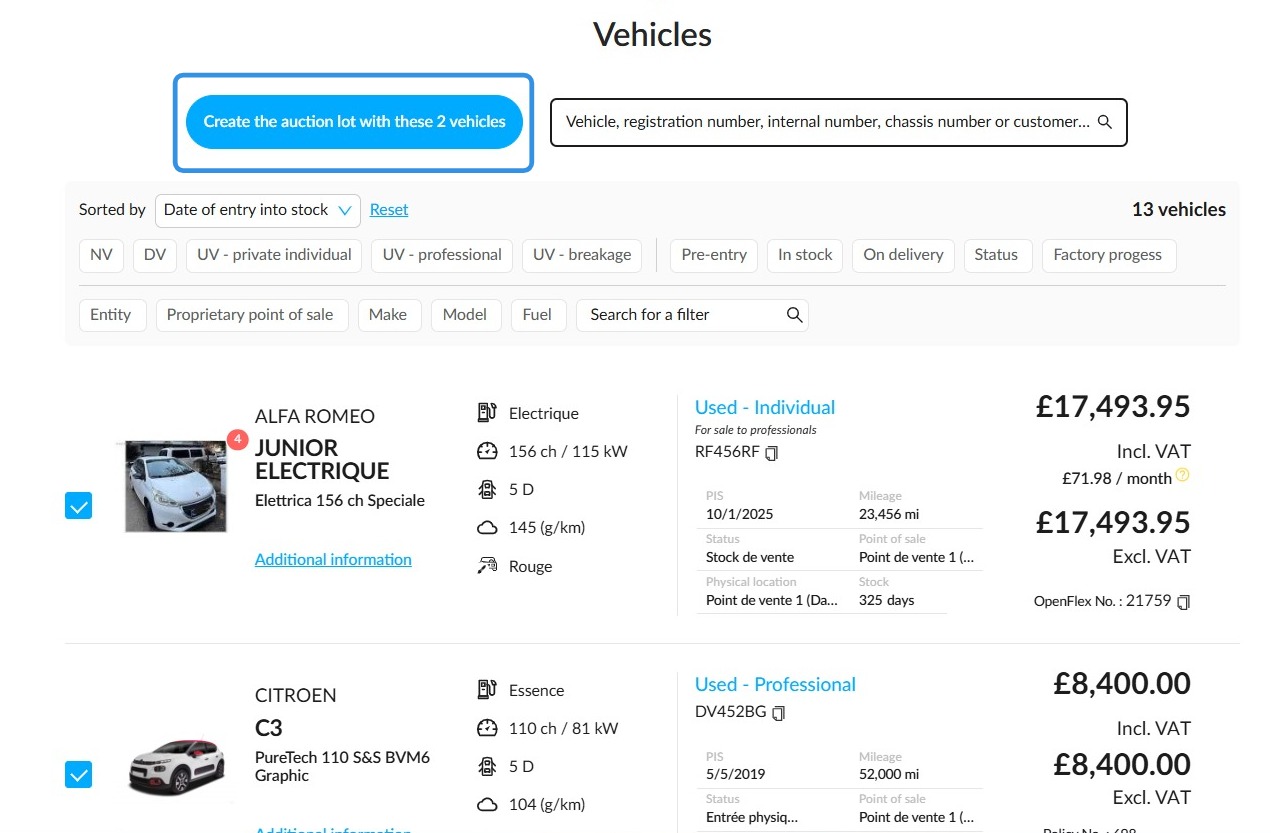
The vehicle must not be part of a lot being auctioned
The vehicle must not be part of a lot that is being auctioned.
Comments
0 comments
Article is closed for comments.