
Find out how the software can suggest vehicles similar to the NV you are configuring for a customer. This allows you to suggest alternatives that may interest them.
Tool overview
A tool is available to facilitate the sale of catalogue NVs and the disposal of vehicle stock.
It enables the platform to detect the vehicles which are similar to the new vehicle configured. In this way, clients will get alternative choices available on the short term.
It is a button labelled 'X Similar vehicle(s)'.
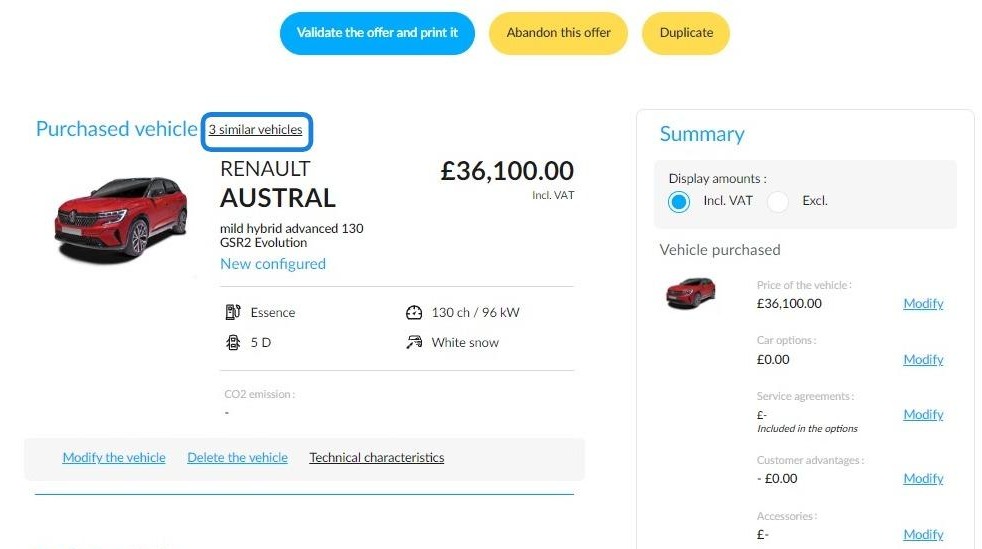
This button will automatically appear if:
- You have finalised the configuration of a NV,
- Similar NVs, DVs, UVs are identified.
Click on it to access the comparison. It will be displayed in a window labelled "Compare with stock vehicles".
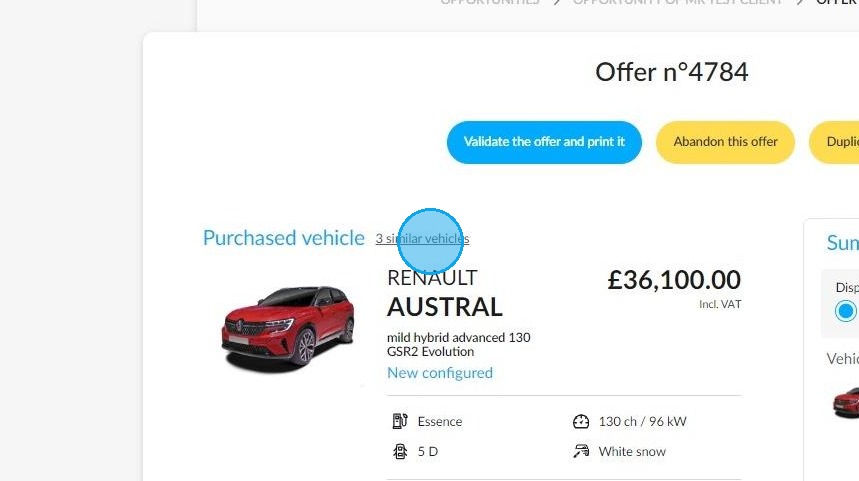
Accessing the comparison tool and how it works
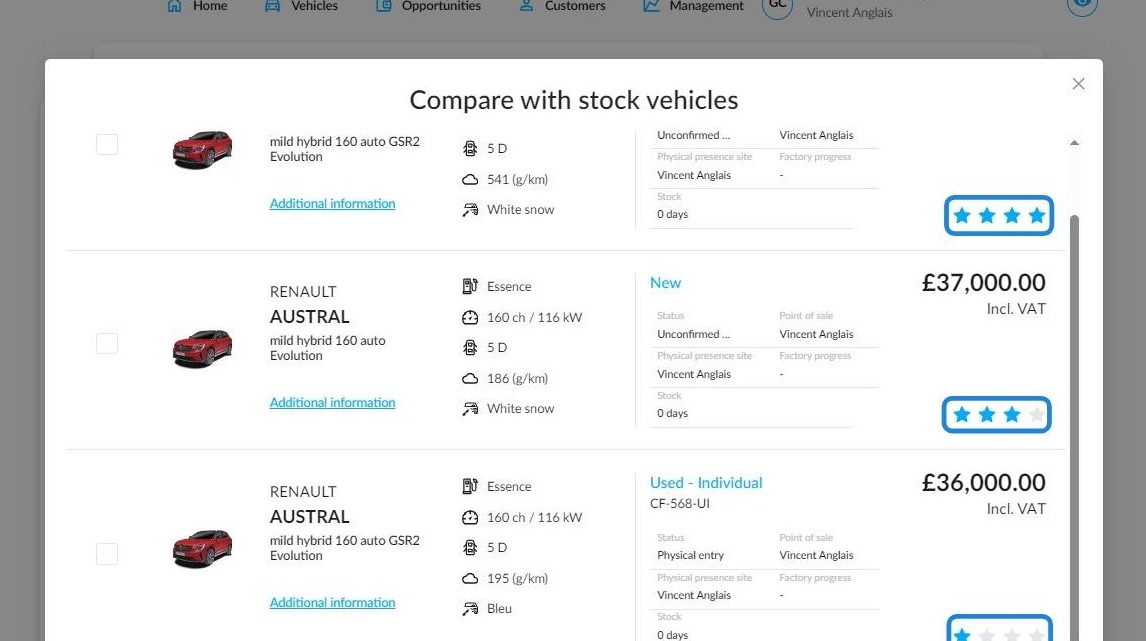
To simplify the comparison, several similarity levels illustrated by stars,"Average similarity","Great similarity","Perfect similarity" are available.
They are determined on the basis of various criteria:
- brand,
- model,
- body (excluding the number of doors),
- finish,
- energy,
- gearbox,
- power,
- the difference in selling price (which must be between €1 and €2,000 to be included in the comparison).
If all these conditions are fulfilled, the similarity will be regarded as perfect.
Select the vehicle you want to compare in detail by ticking the box next to it on the left-hand side of the image.
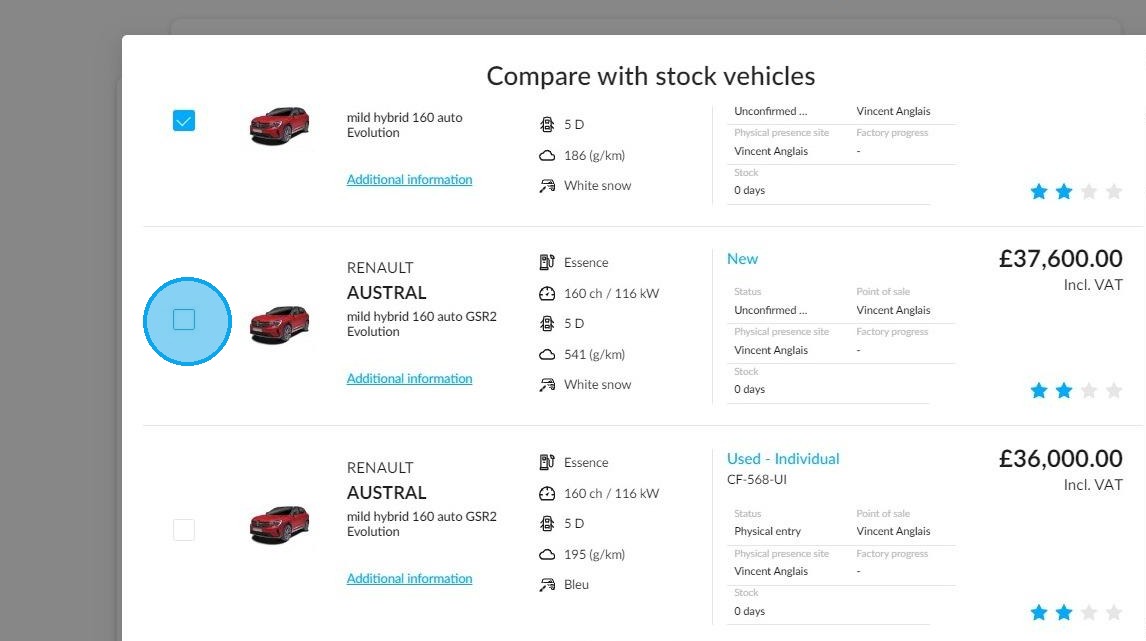
After completing the selection, please click on 'Compare', which you can find at the bottom of the window.
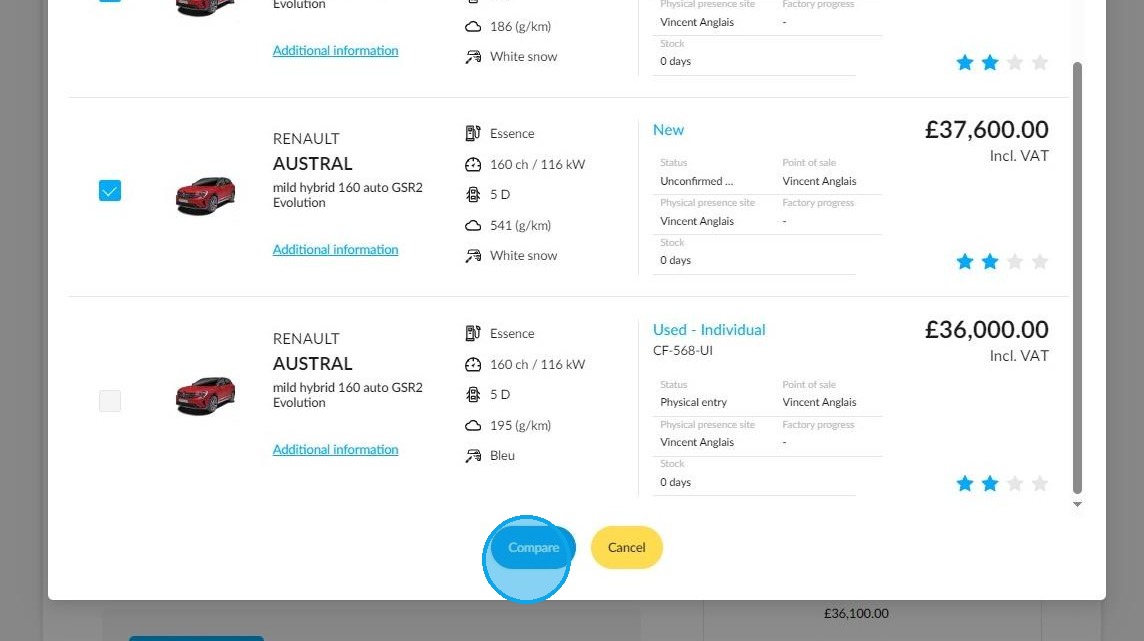
Vehicle comparison
A new screen titled "Compare with stock vehicles" will then appear, providing a comprehensive comparison of similar vehicles.
The 'Make offer' button enables you to propose a business transaction directly, without having to start the process again from the beginning. You can also make an offer on a different vehicle to the one configured on this page.
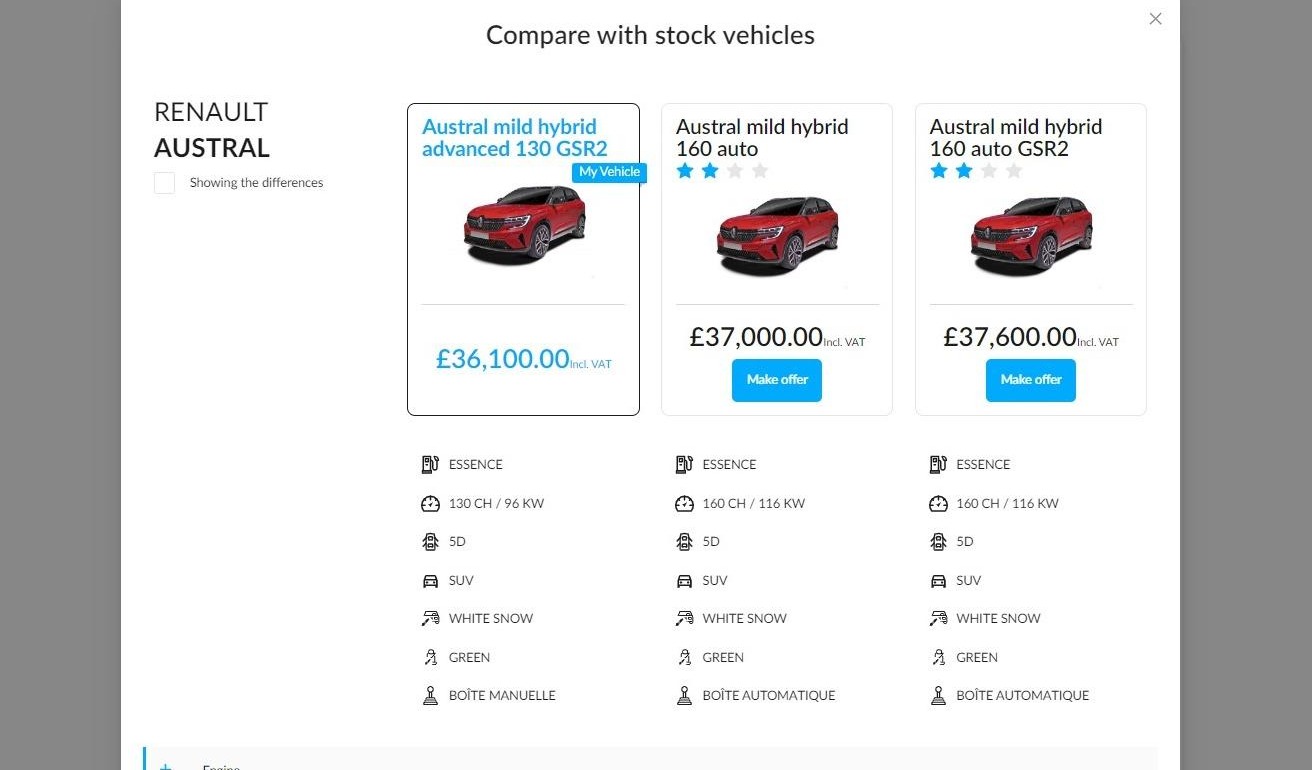
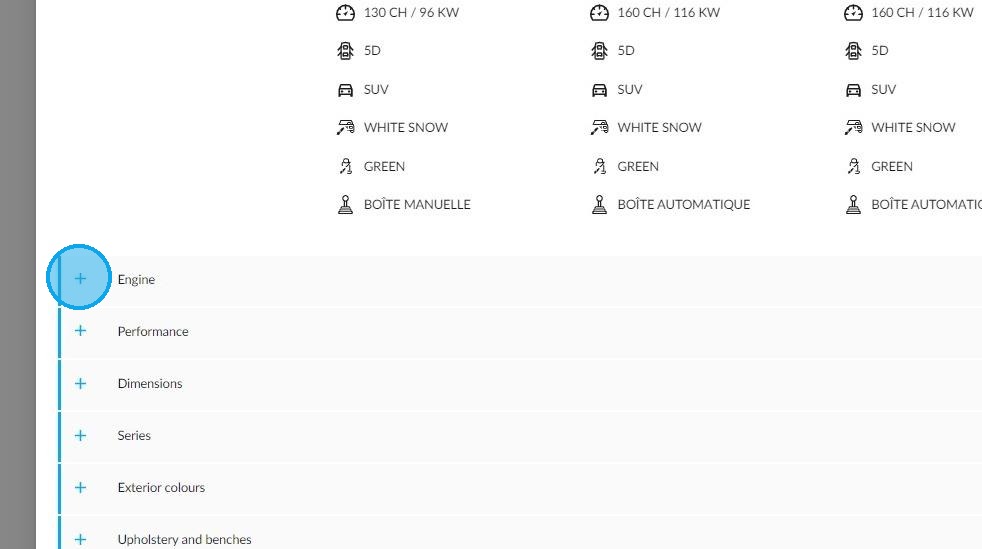
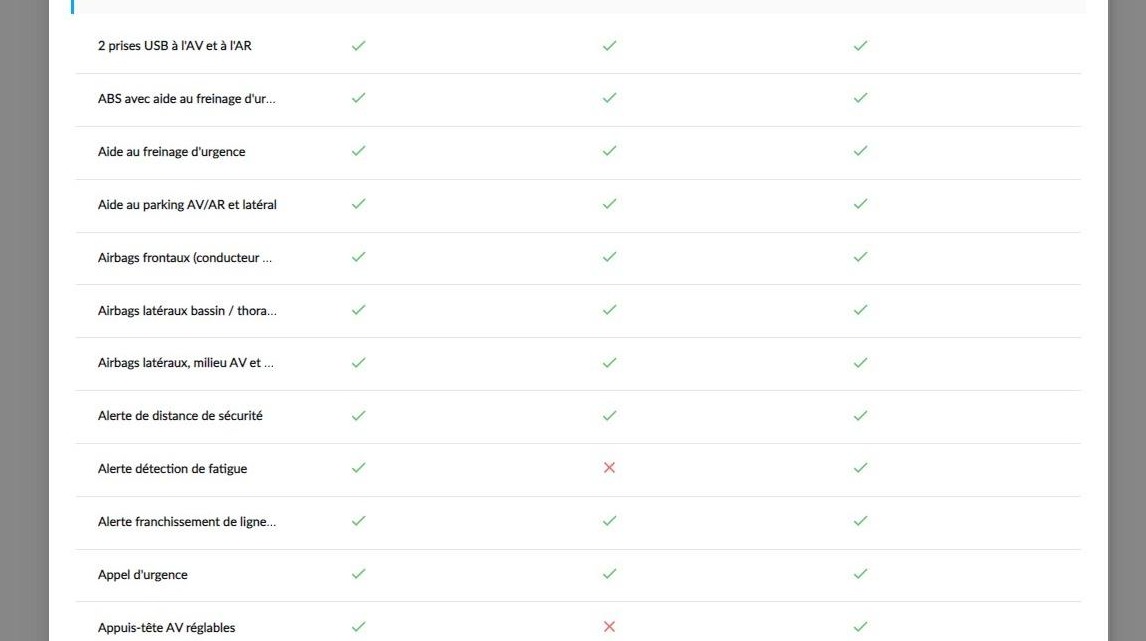
Click on the + in order to display all the characteristics of the desired category. Open the various drop-down menus at your disposal to view the features and the equipment of the vehicles that you analyse.
These items will be included:
-engine type
-specifications
-dimensions,
-serials,
-exterior colours
-upholsteries.
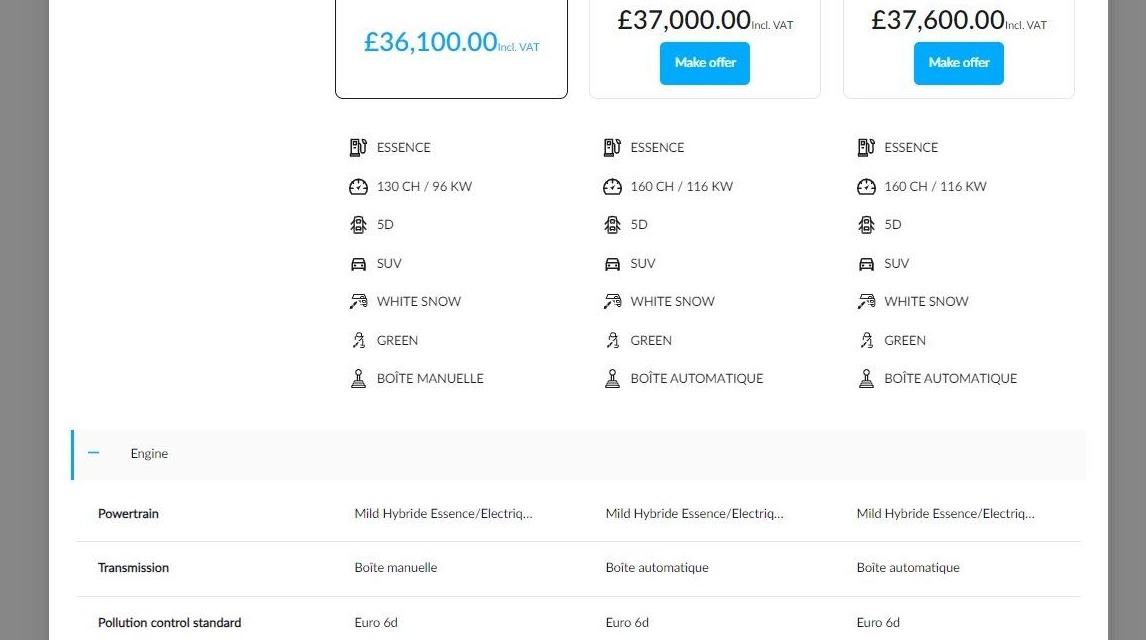
Example of comparison of engines and specifications:
When viewing the drop-down menus listing packages, options and equipment, green ticks will indicate that an item is fitted to a vehicle. Red crosses will indicate that an item is not fitted. This will make it easier to get an overview.
Comments
0 comments
Article is closed for comments.