
This guide explains how to create an offer in OpenFlex, either by selecting an existing sales opportunity or by creating a new one.
Starting from an existing opportunity.
Go to the opportunities.
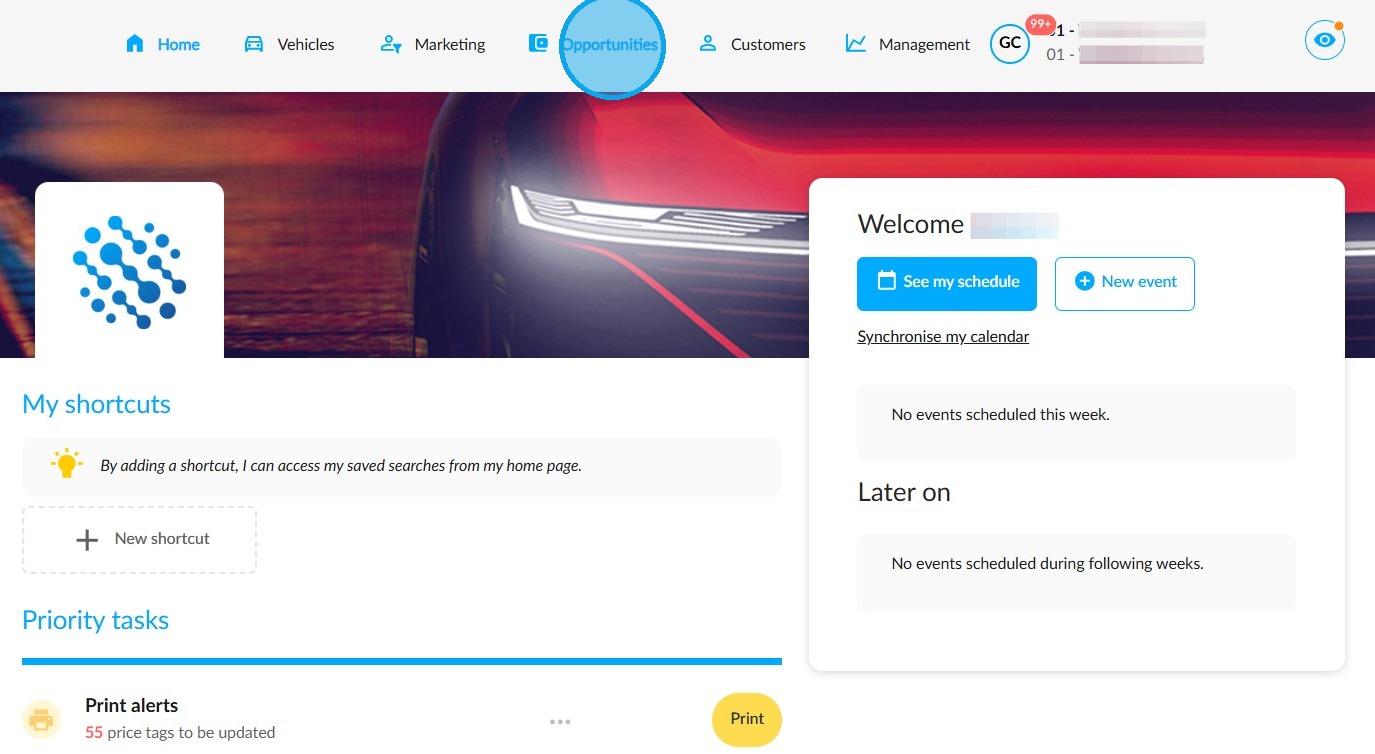
Select the one that is relevant.
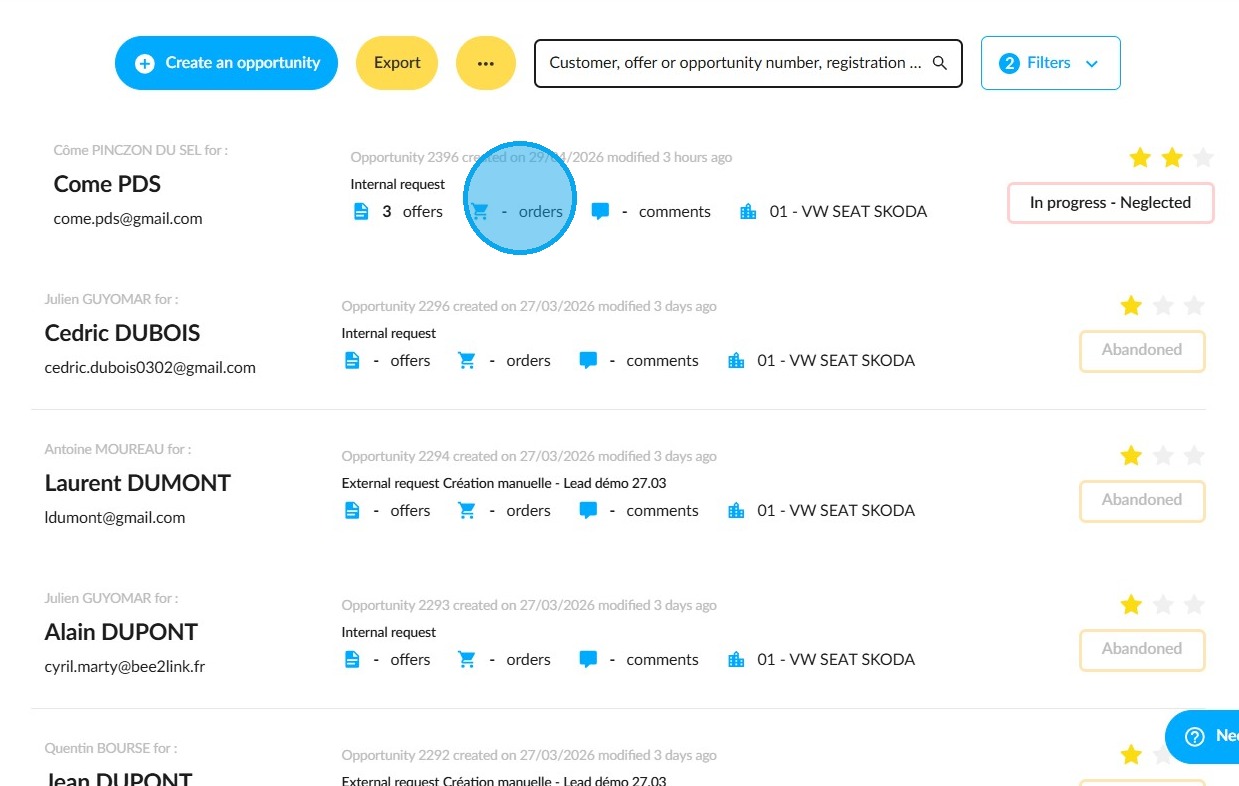
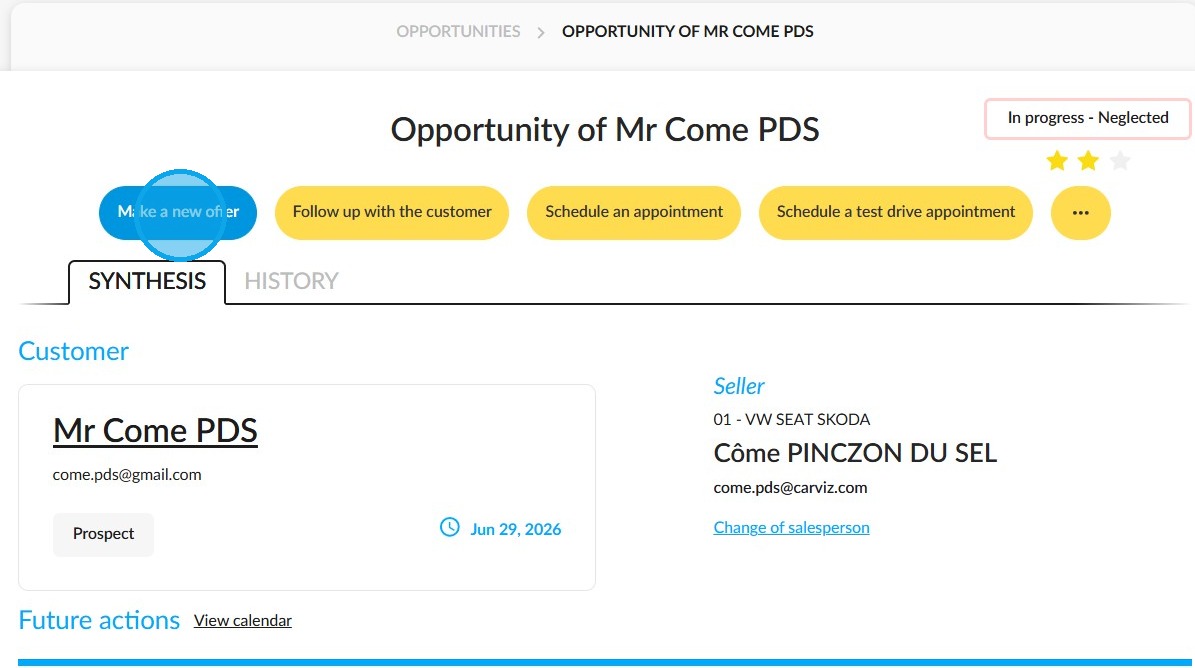
Click on "Make a new offer".
Either click on "Configure a new vehicle" to start from scratch or on "Choose a vehicle in stock" if you want to offer a pre-configured vehicle.
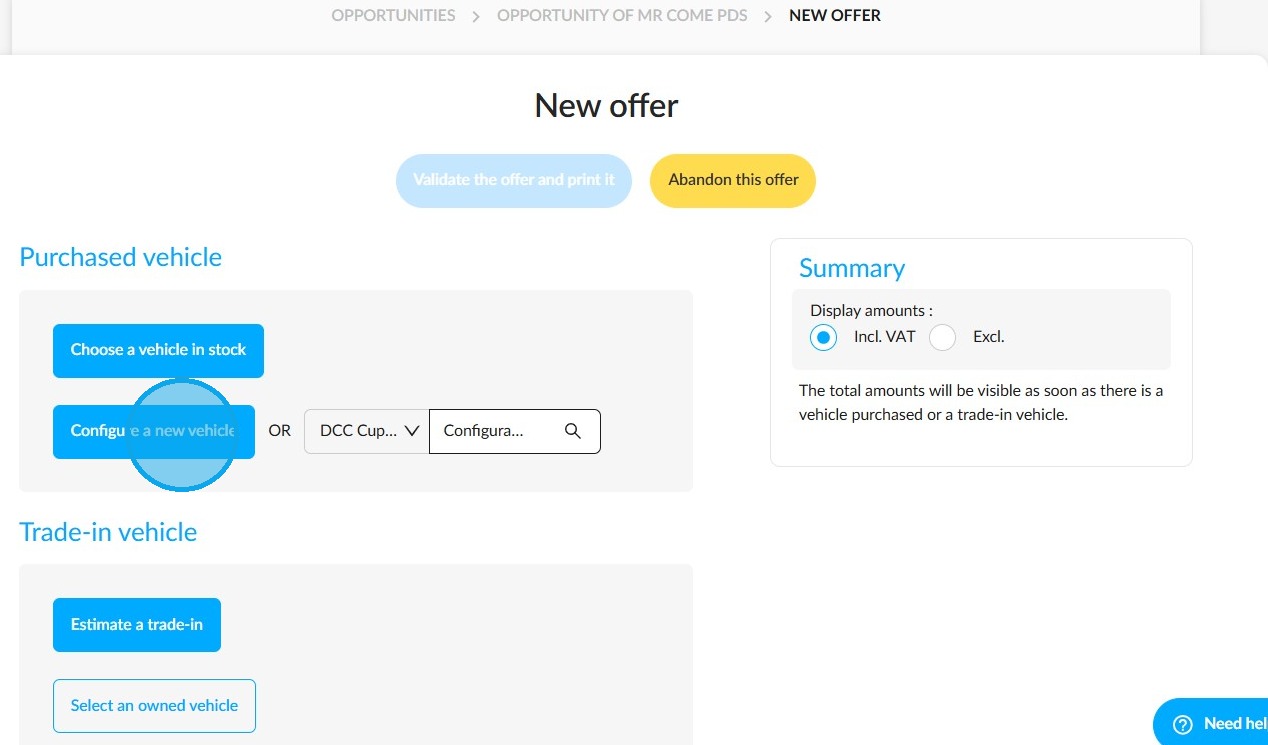
Creating a new opportunity
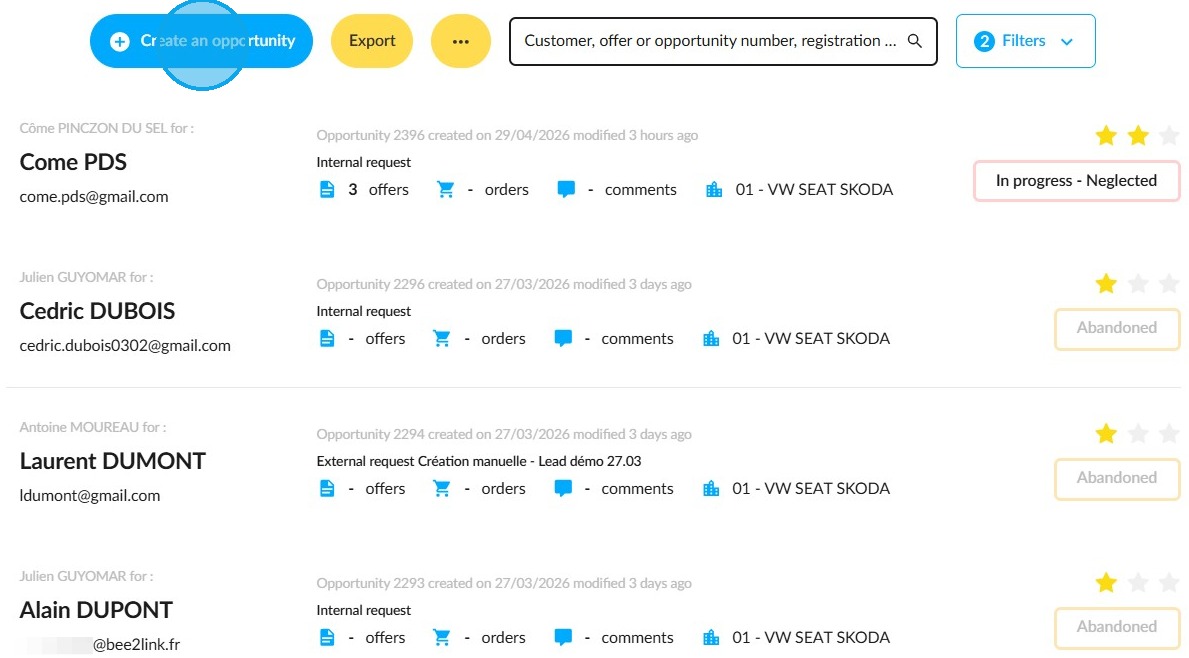
To create a new business opportunity with a customer, go to Opportunities and click "Create an opportunity".
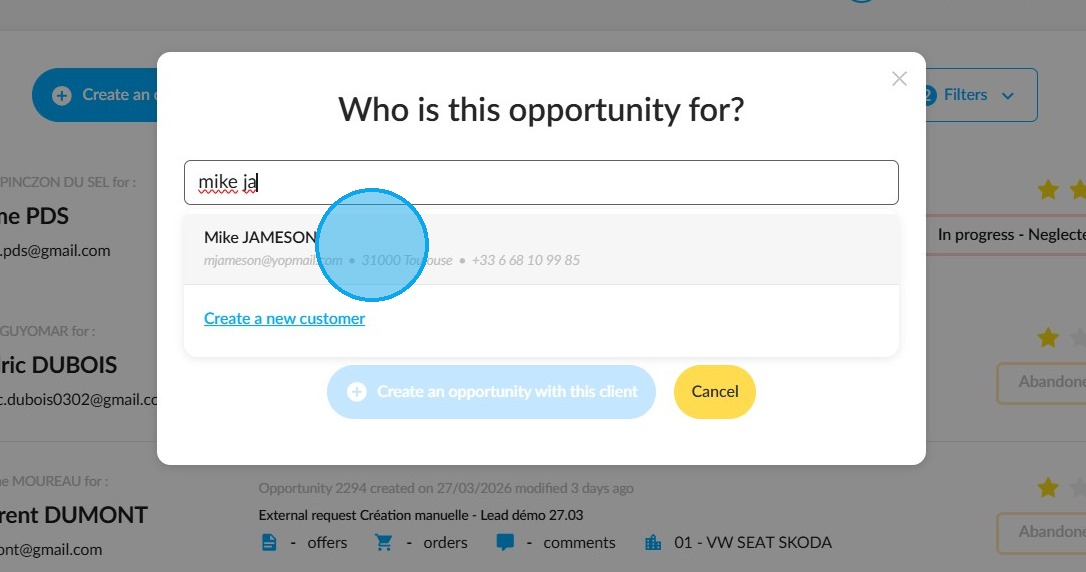
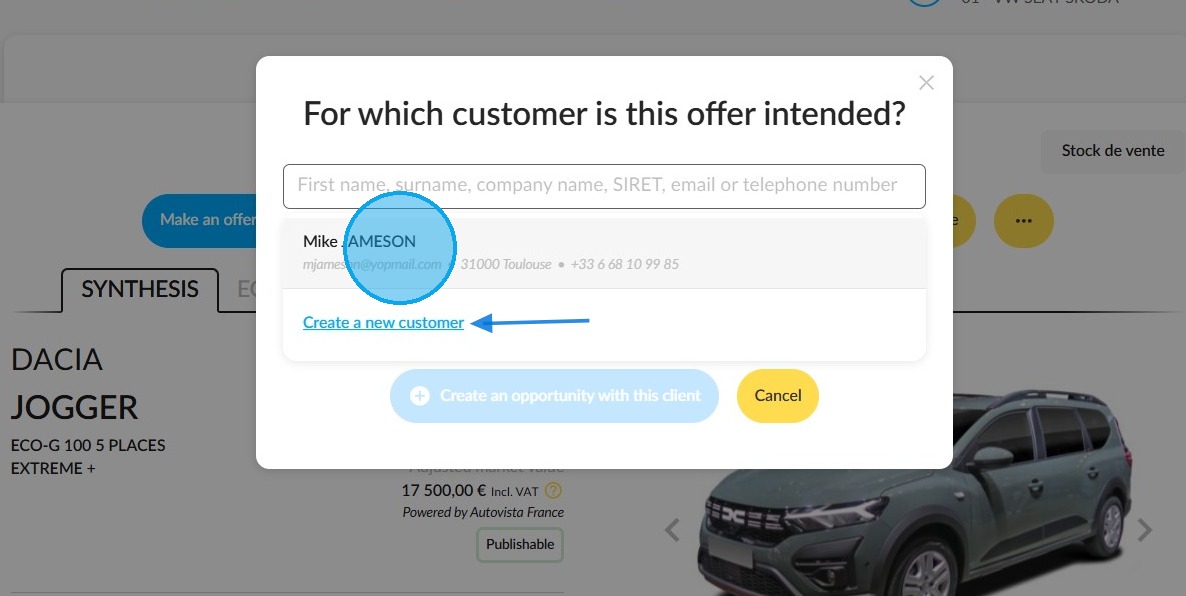
Select the customer for whom this opportunity is intended in the search bar, or click on the "Create a new customer" button and fill in the form to create a new customer.
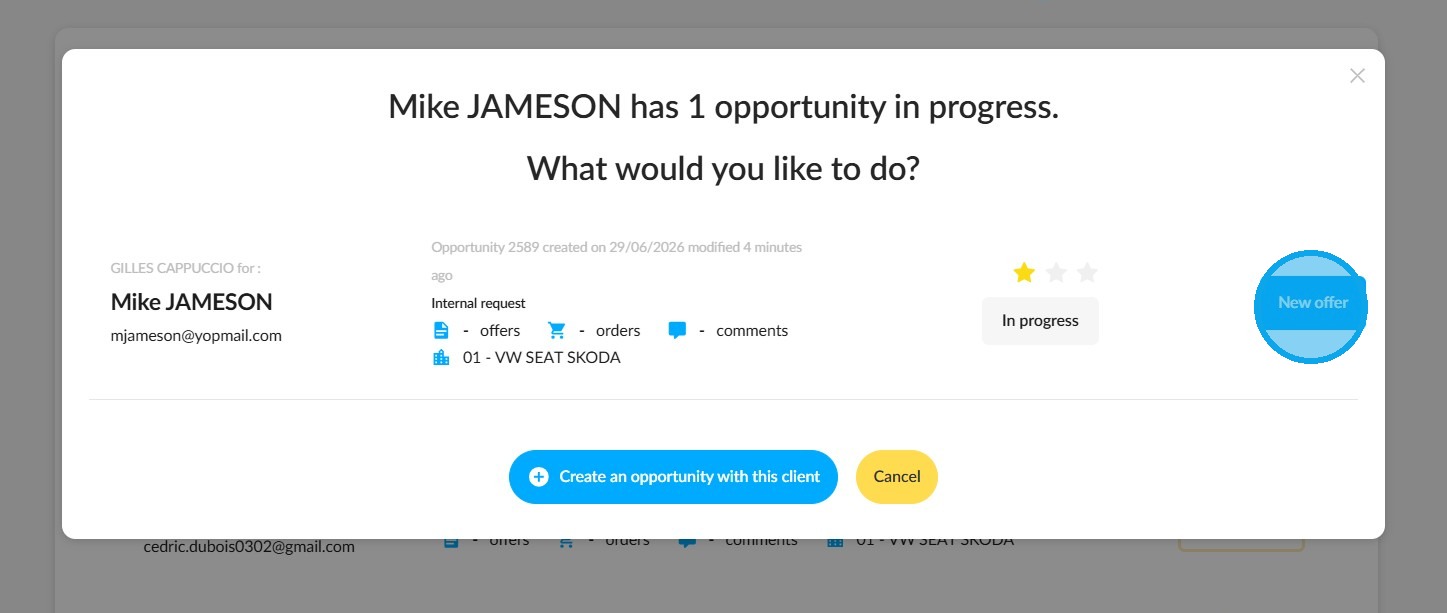
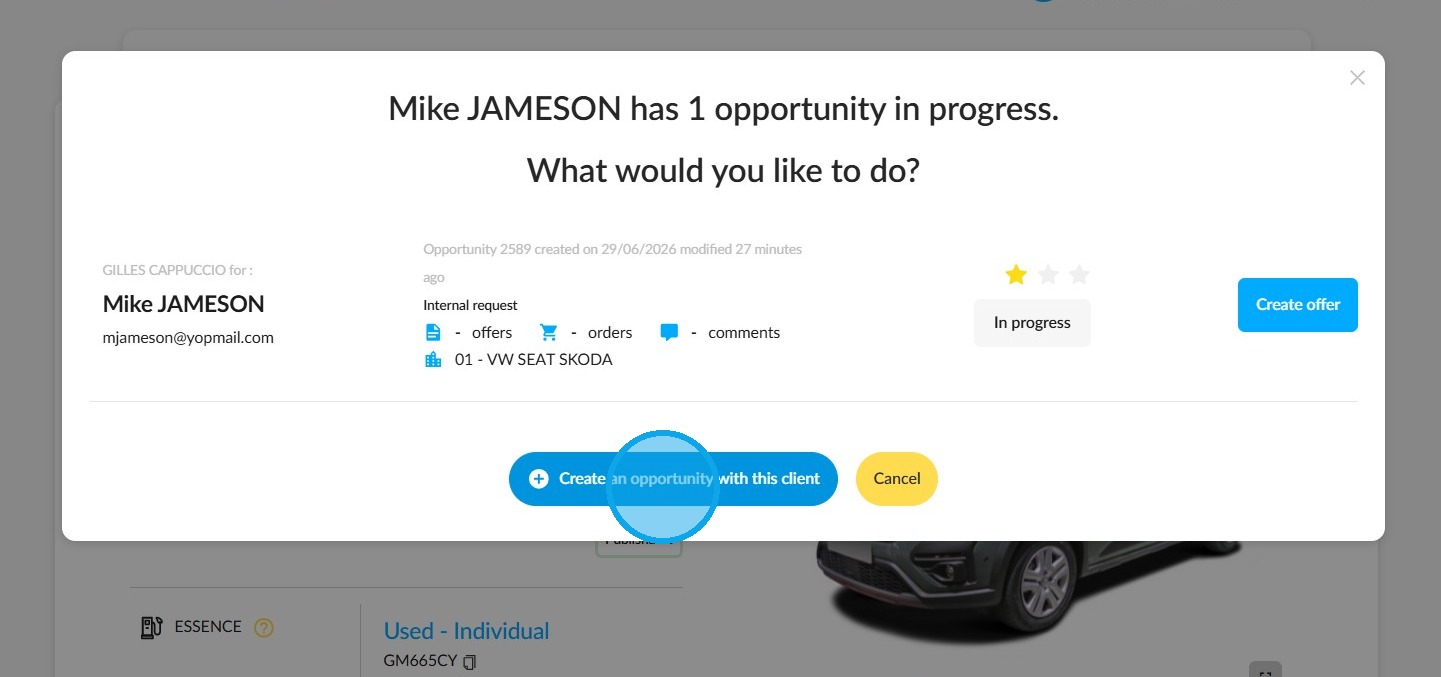
In the window, either click on "New offer" or, if you want to start an opportunity from scratch, click on "Create an opportunity with this customer".
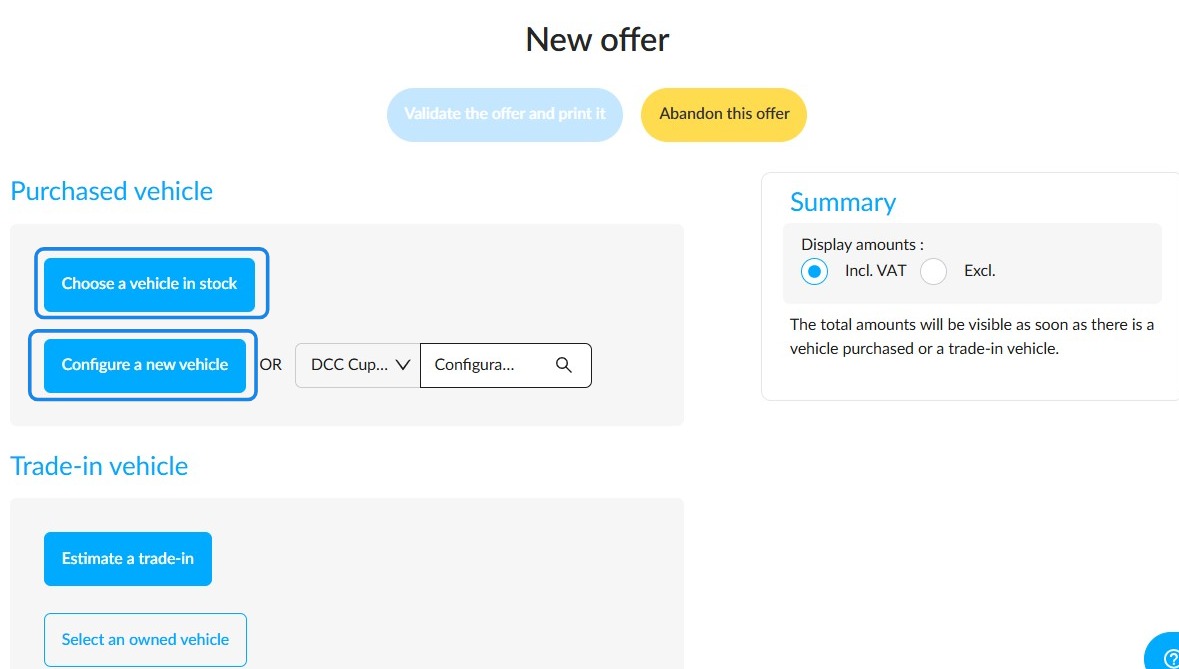
Click either ‘Configure a new vehicle’ or ‘Choose a vehicle from stock’ to avoid having to configure one.
Starting from the record of a vehicle at an advanced stage in its lifecycle, ready for sale
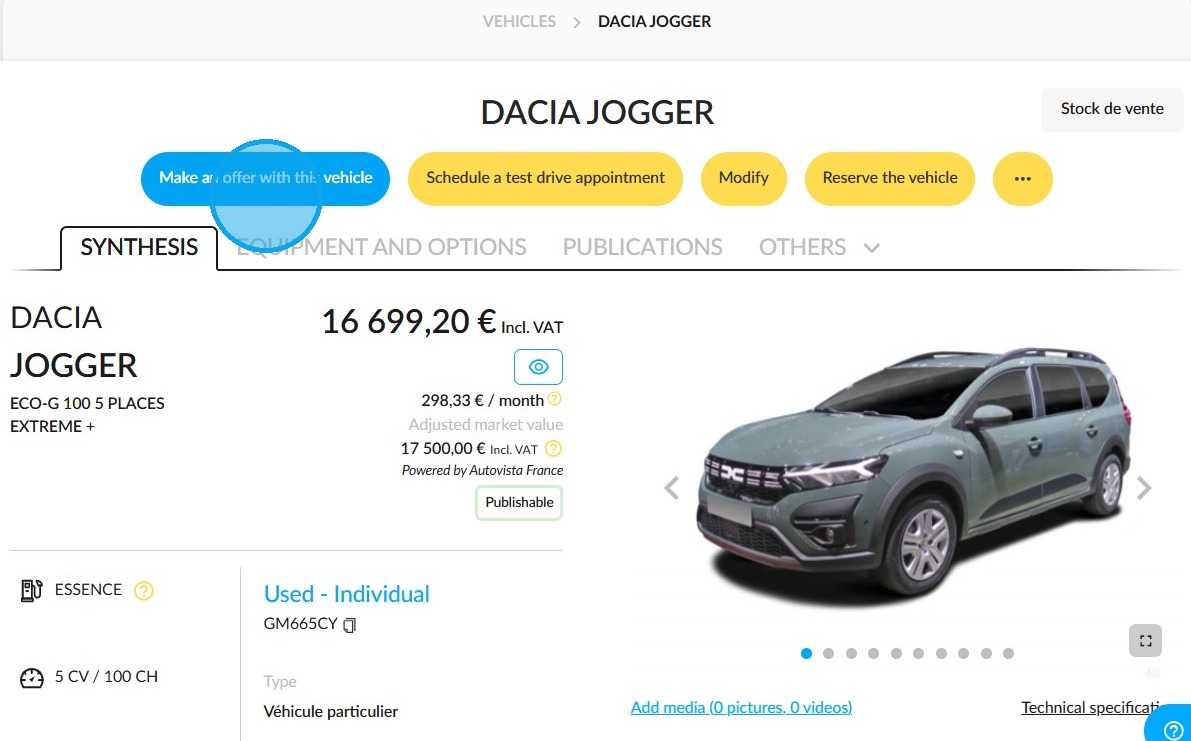
To make an offer on a vehicle, click the 'Make an offer with this vehicle' button at the top left of the vehicle record page.
As shown previously, either type the customer name into the search bar or click the relevant button to create a new customer.
To start an opportunity from scratch, click on 'Create an opportunity with this client'. To include this offer in an existing opportunity, click on 'Create the offer'.
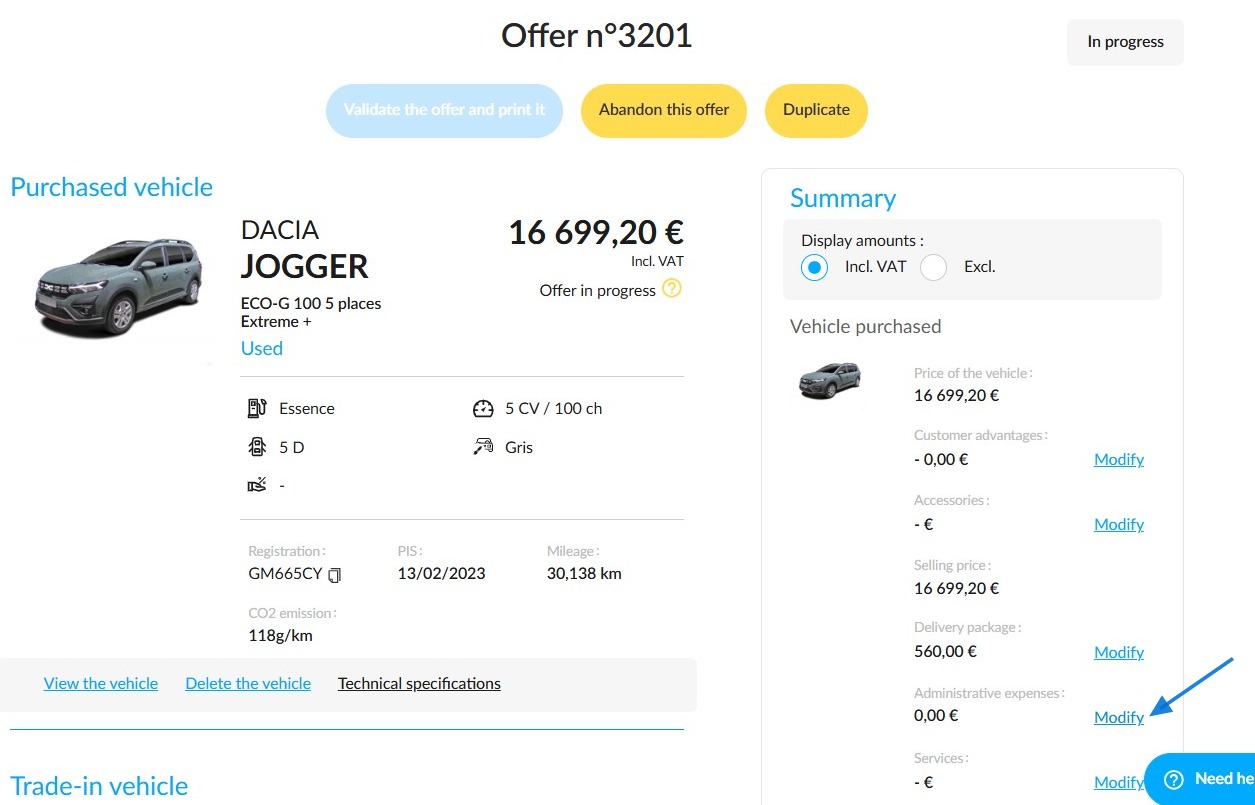
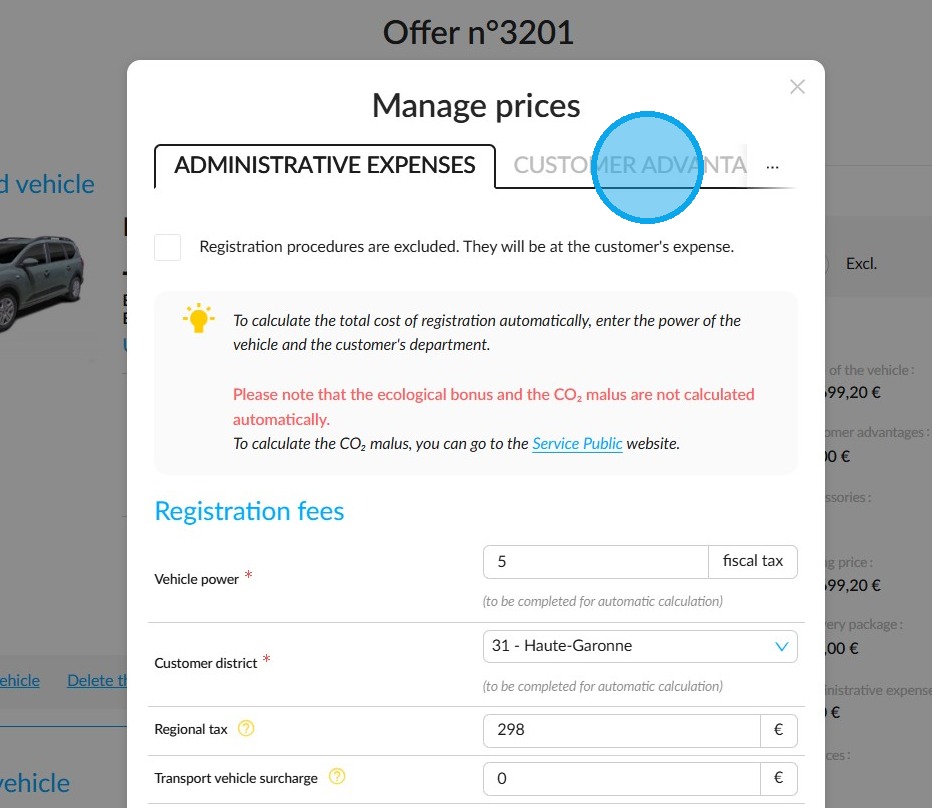
To enter the administrative fees, click on 'Modify' in the offer summary, next to 'Administrative expenses'.
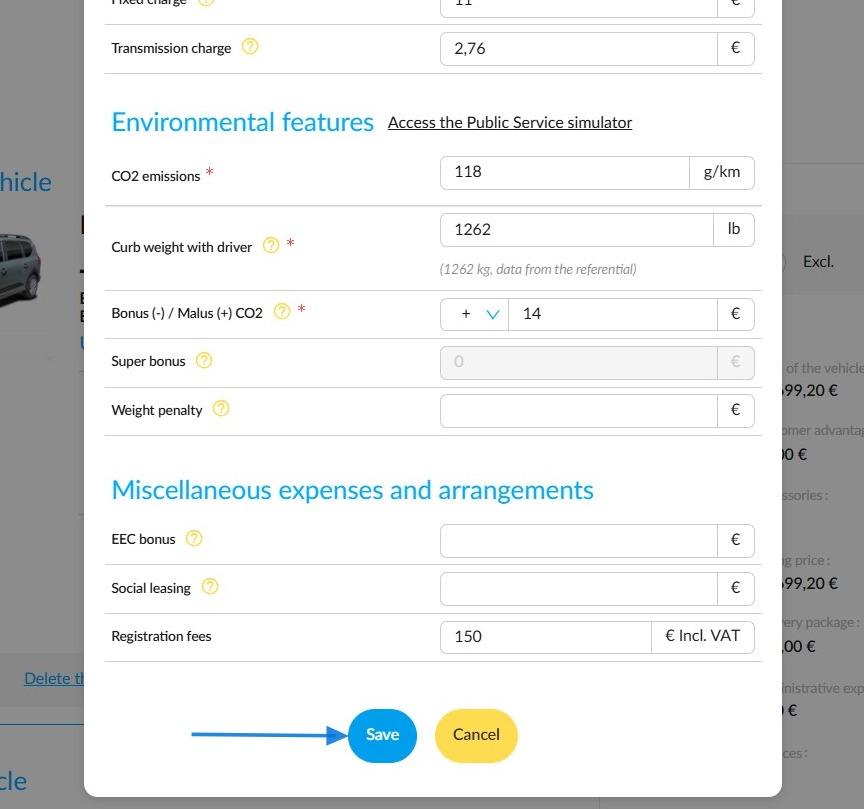
Fill in all the compulsory fields.
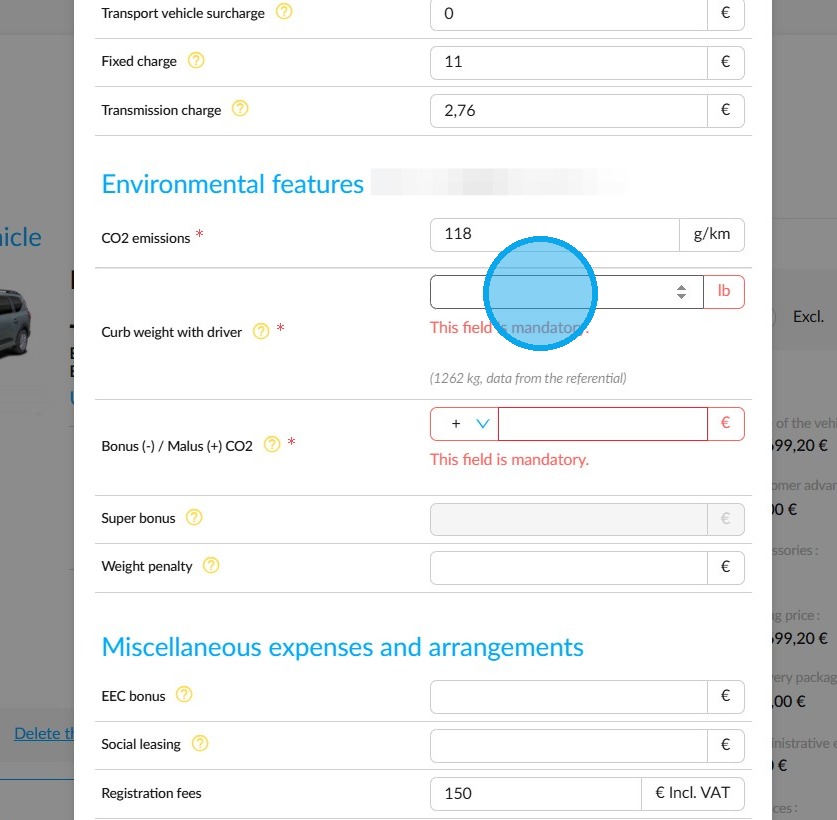
If necessary, include any discounts in the "Customer Advantages" tab.
Finally, click on "Save".
To conclude, click on "Validate the offer and print it".
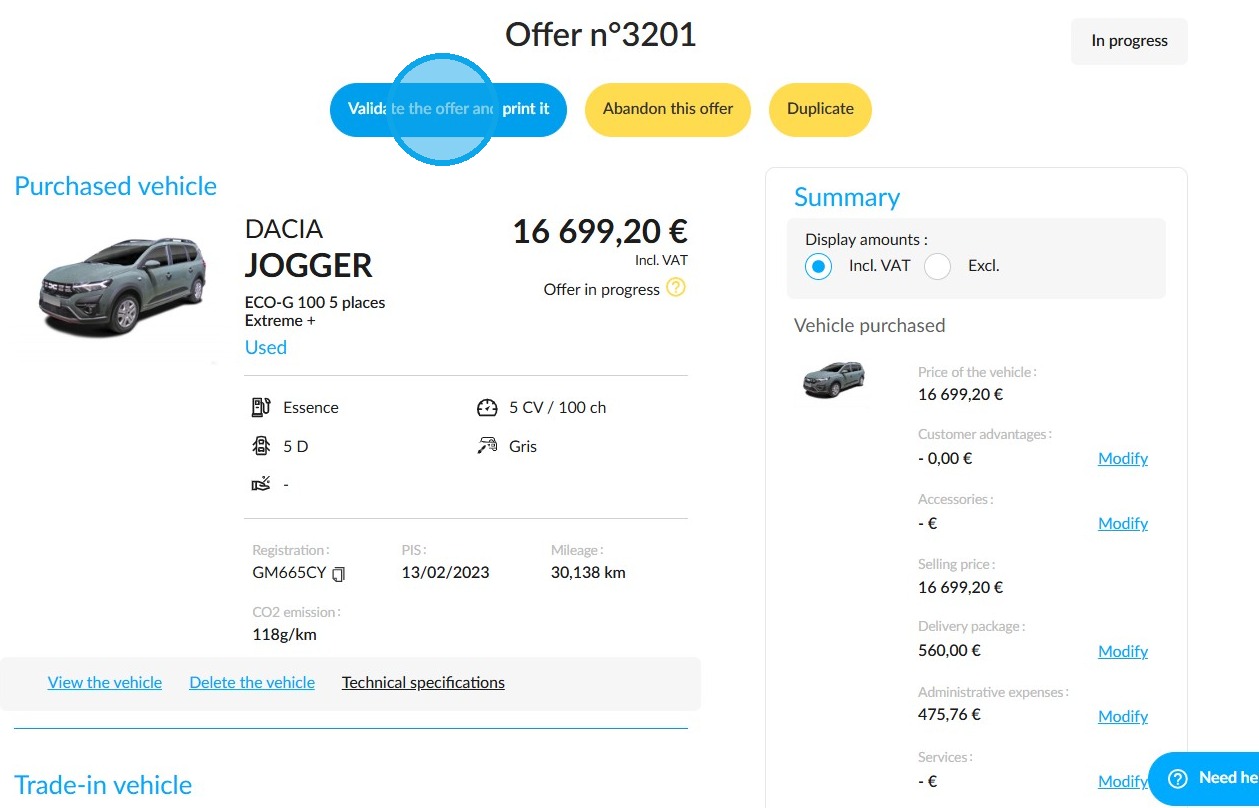
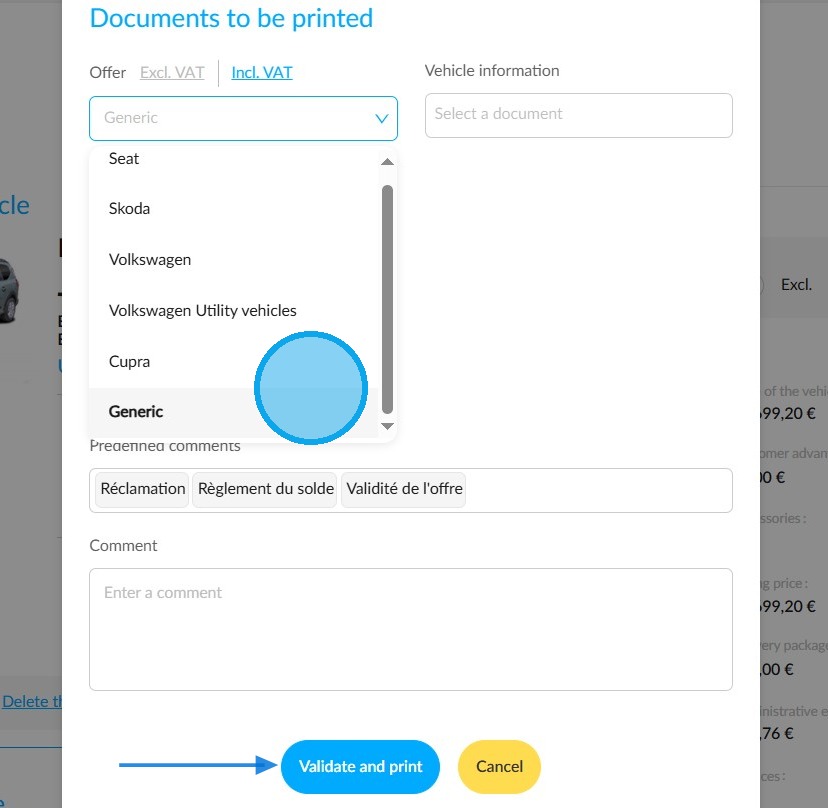
Use the drop-down menus at the bottom of the page to select the documents you want to print, then click 'Validate and print'.
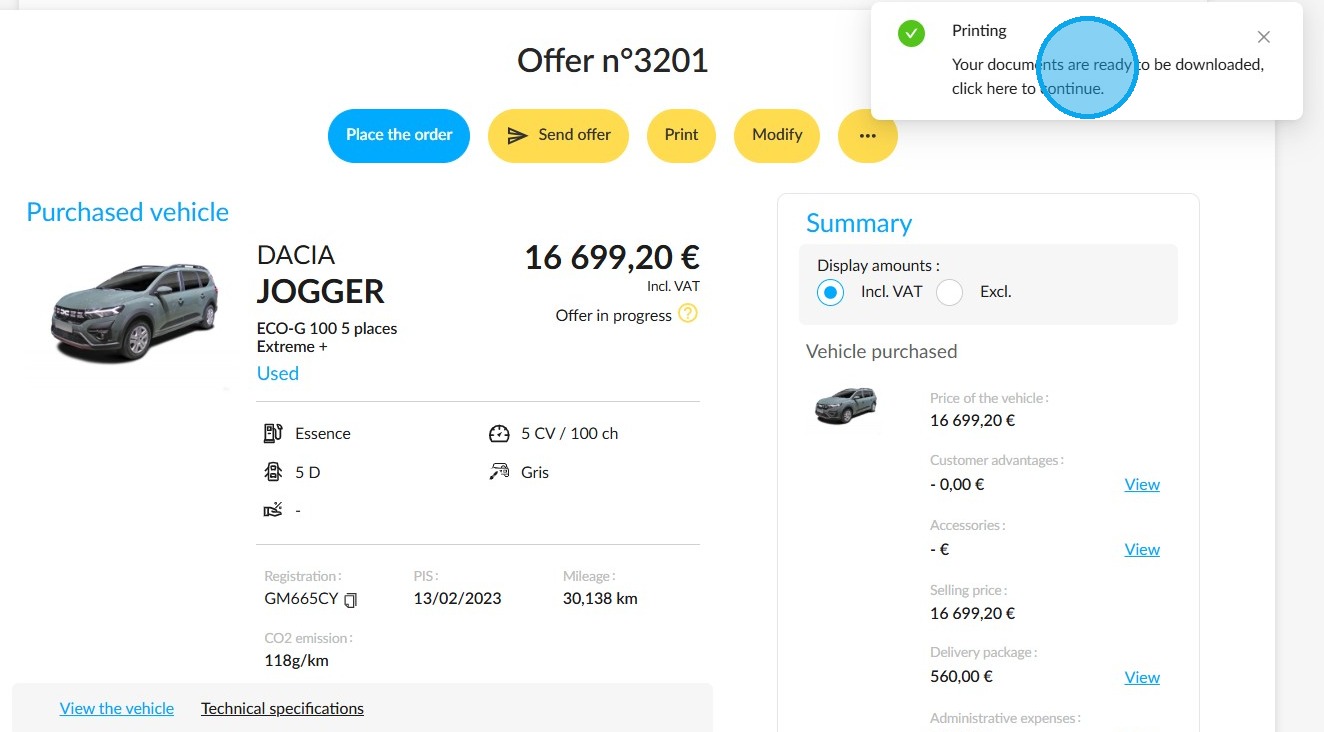
Click on the notification in the top right-hand corner of the screen to display and download the offer.
Starting from a customer’s record
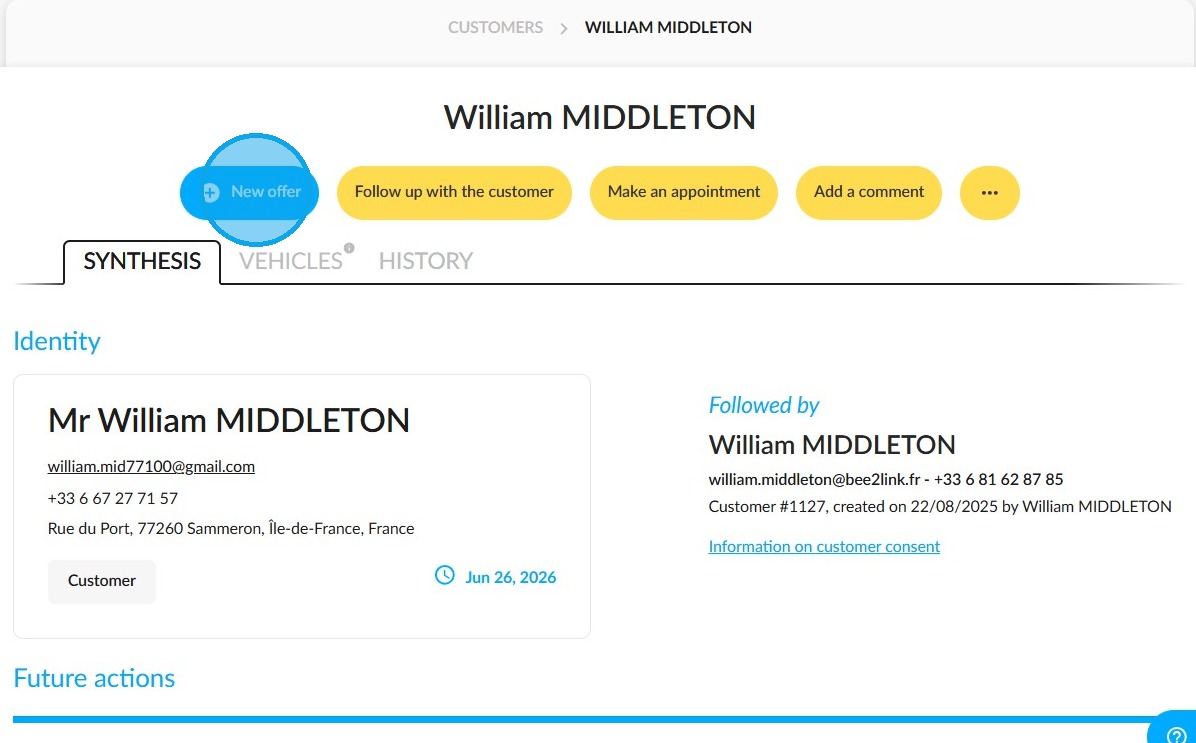
You can just as easily make an offer from a customer’s record within your entity. To do so, click on "New offer" at the top of the page. The process is the same as that shown above.
Comments
0 comments
Article is closed for comments.