
Please read the following document in order to find out how to duplicate a saved search to keep searches always at hand and re-use them in various circumstances.
1. To make a search available in various situations, you can duplicate it once it has been saved. This means you won't have to configure it from scratch each time.
To make this work, the first step is to click on 'Modify search'.
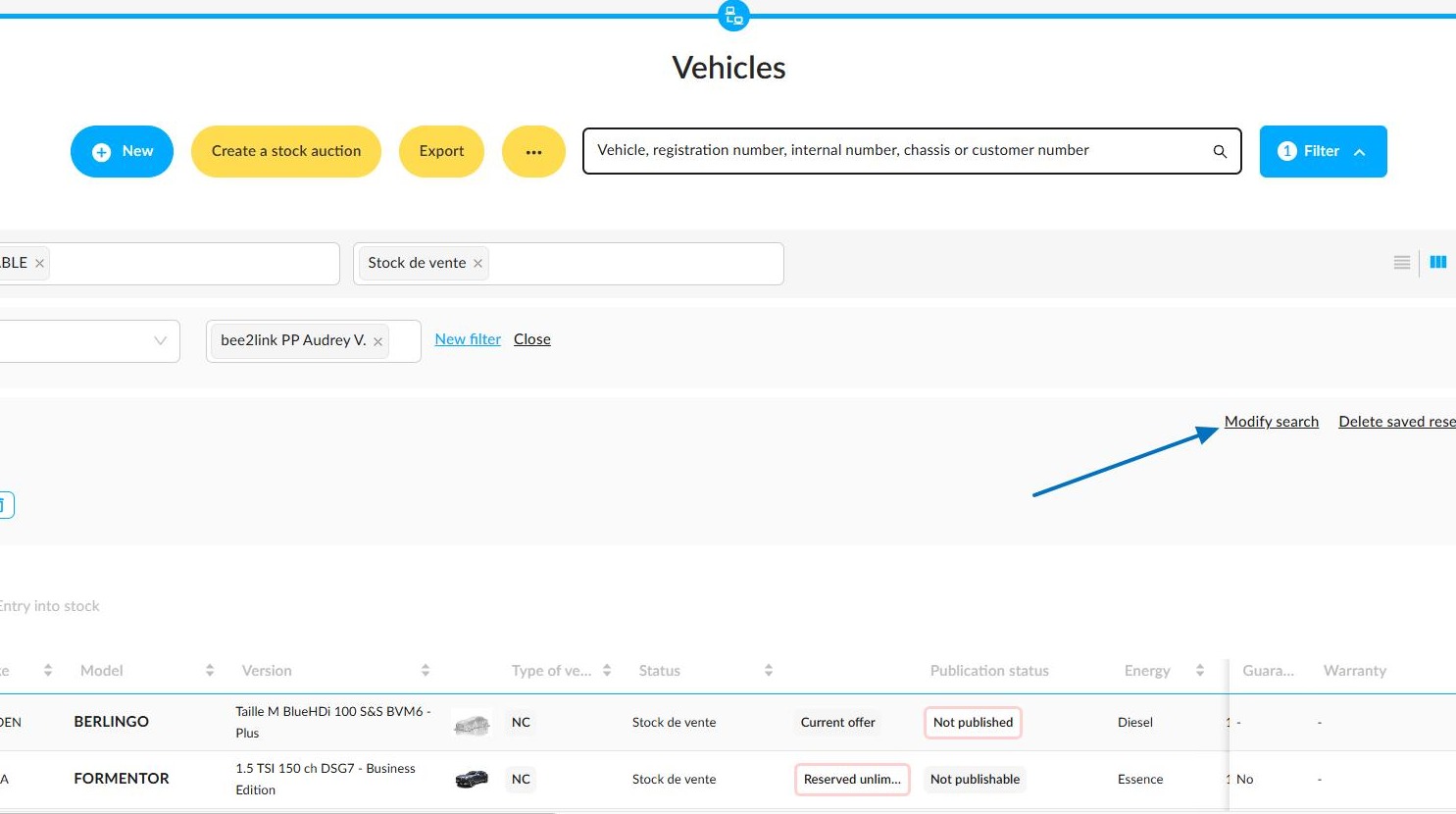
2. A window titled "Editing a a saved search" will open, giving you a range of options. You can duplicate a search and adapt it to various requirements and contexts.
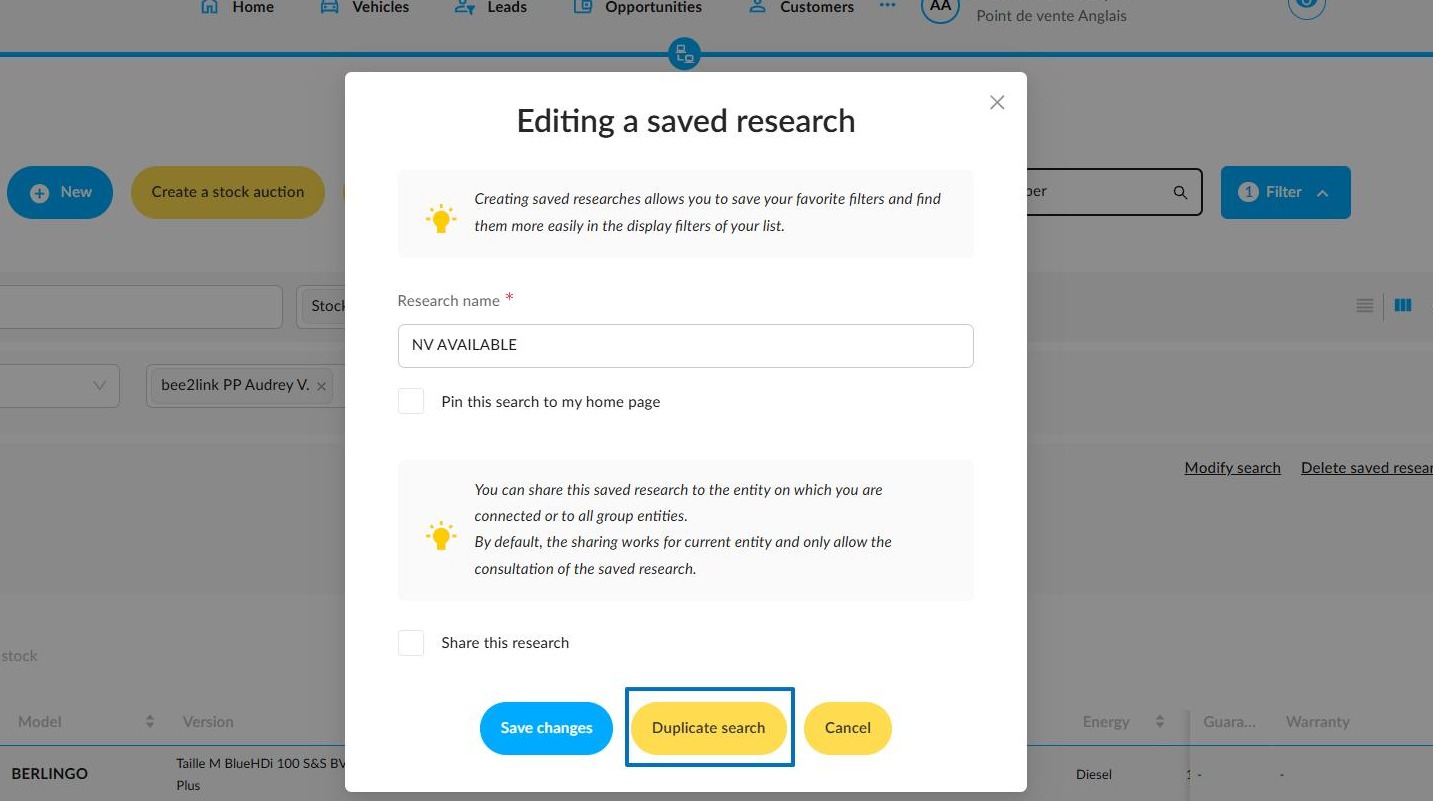
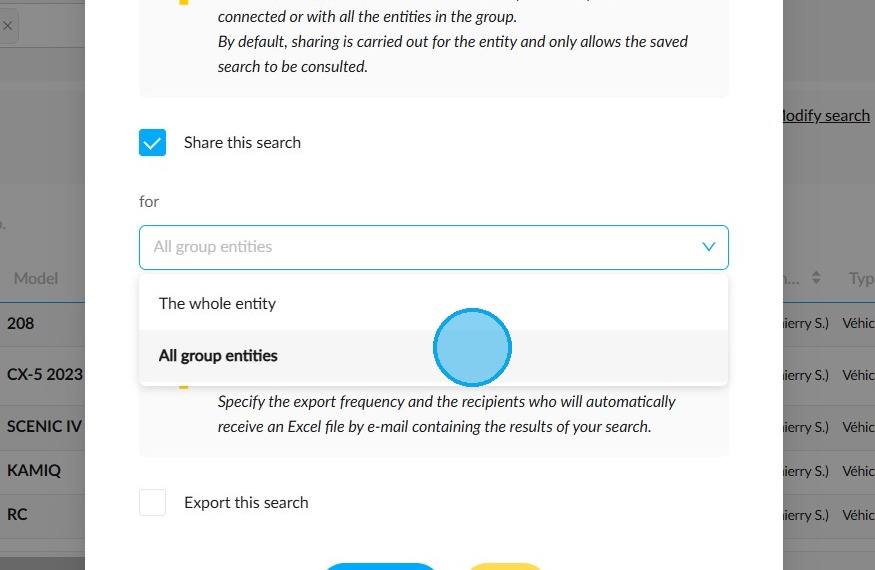
3. The new search, generated from the initial search, can be shared before being saved, if you wish.
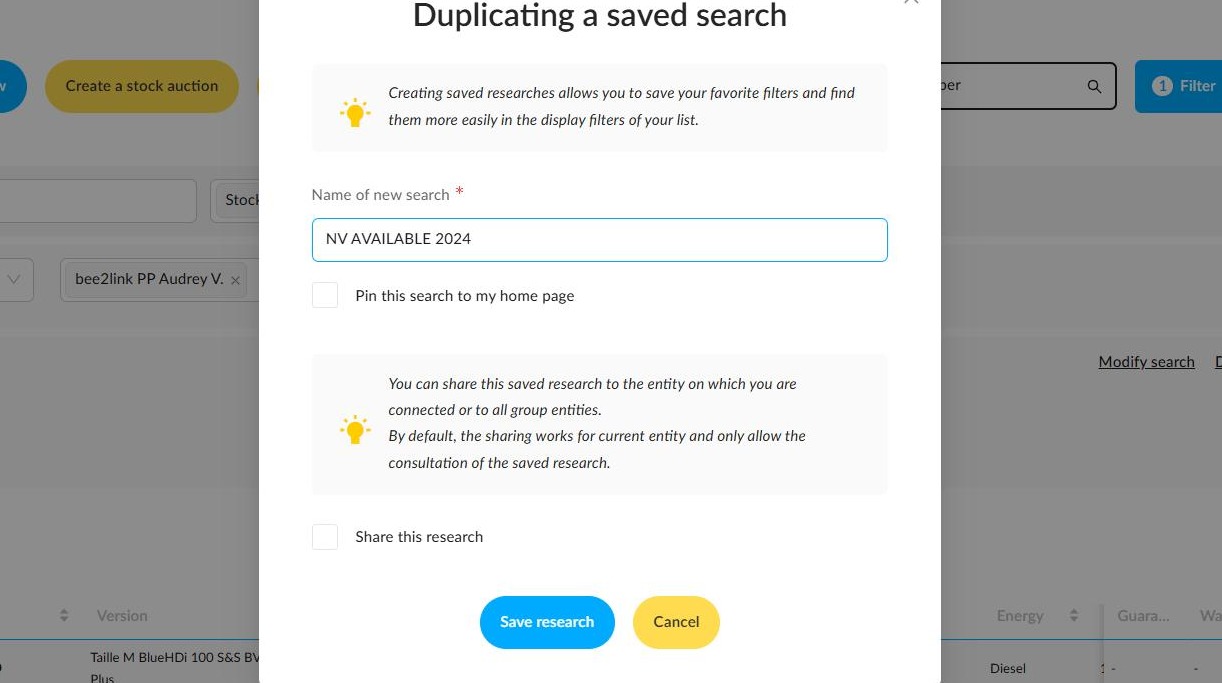
4. This can be done by ticking the 'Share this search' box in the duplication or modification window.
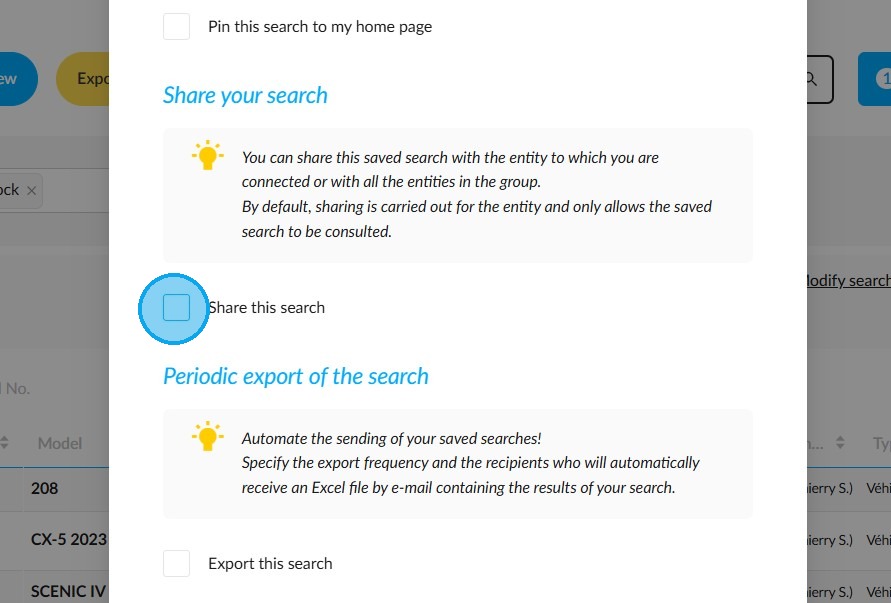
5. You may share it either with all your entity, or with all the entities which make up the group.
Comments
0 comments
Article is closed for comments.