
Search by VIN to easily find multiple vehicles in stock.
1. In the "Vehicles" module, use the "VIN" filter to search for multiple vehicles at once.
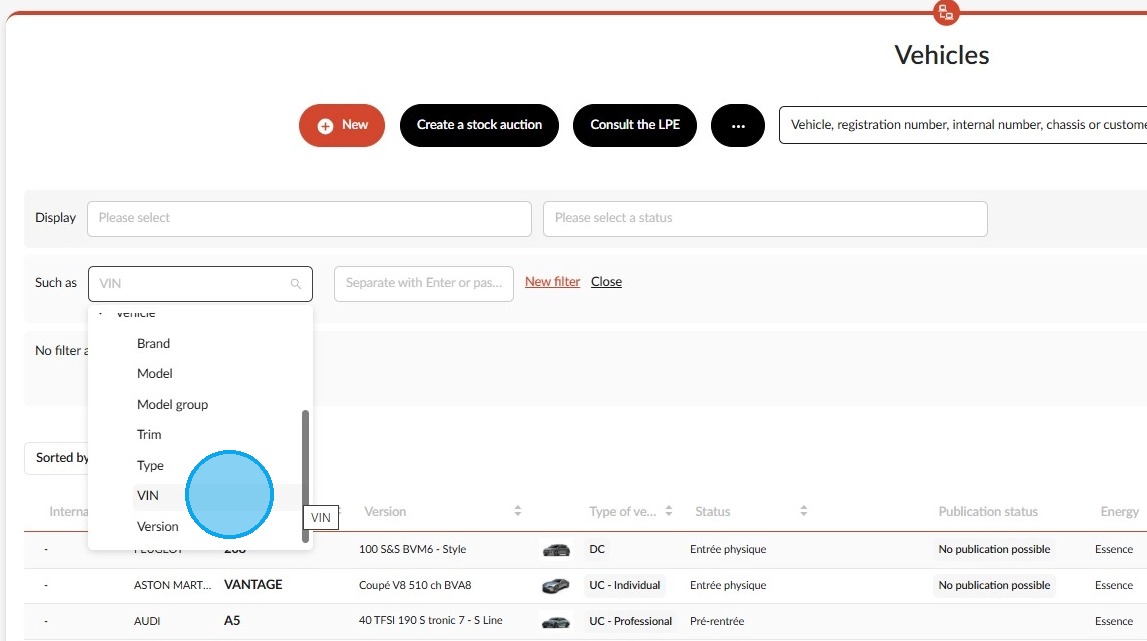
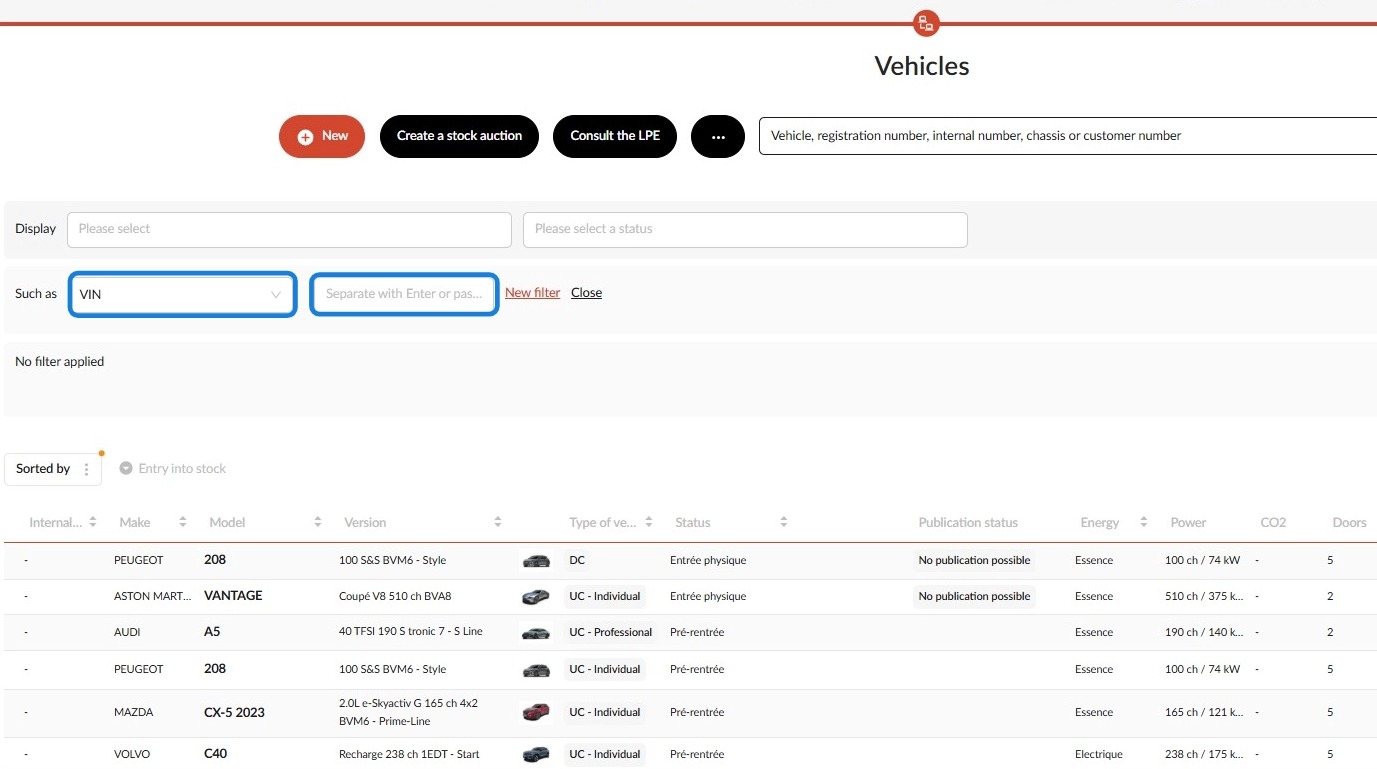
2. You can use it to enter multiple VIN numbers one after the other.
-If you enter the numbers manually, press the ‘Enter’ key to separate them.
-If you choose to copy and paste the VIN numbers you require from a source outside of OpenFlex, they will be separated automatically.
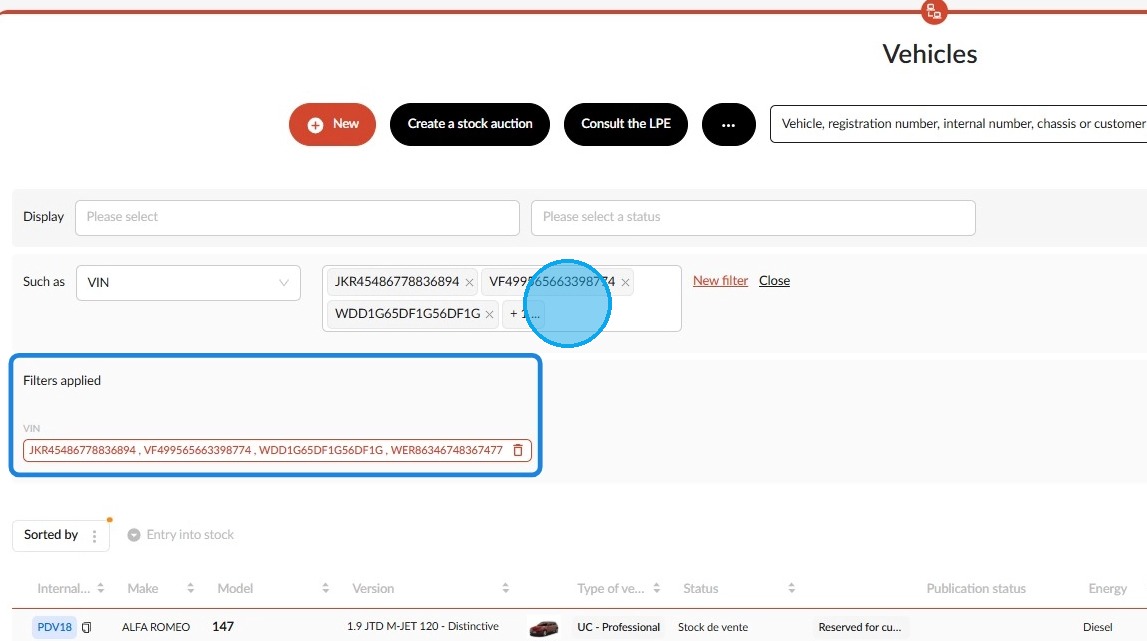
3. Example: Chassis numbers are transferred from an external source to OpenFlex for searching. They will all appear in the applied filters.
Comments
0 comments
Article is closed for comments.