
This tutorial explains how to configure a new vehicle using its VIN.
Prerequisites:
1. In the rights management of "Vehicles", in the "NV" tab, an OpenFlex administrator must have ticked the right "Enable VIN search for vehicles".
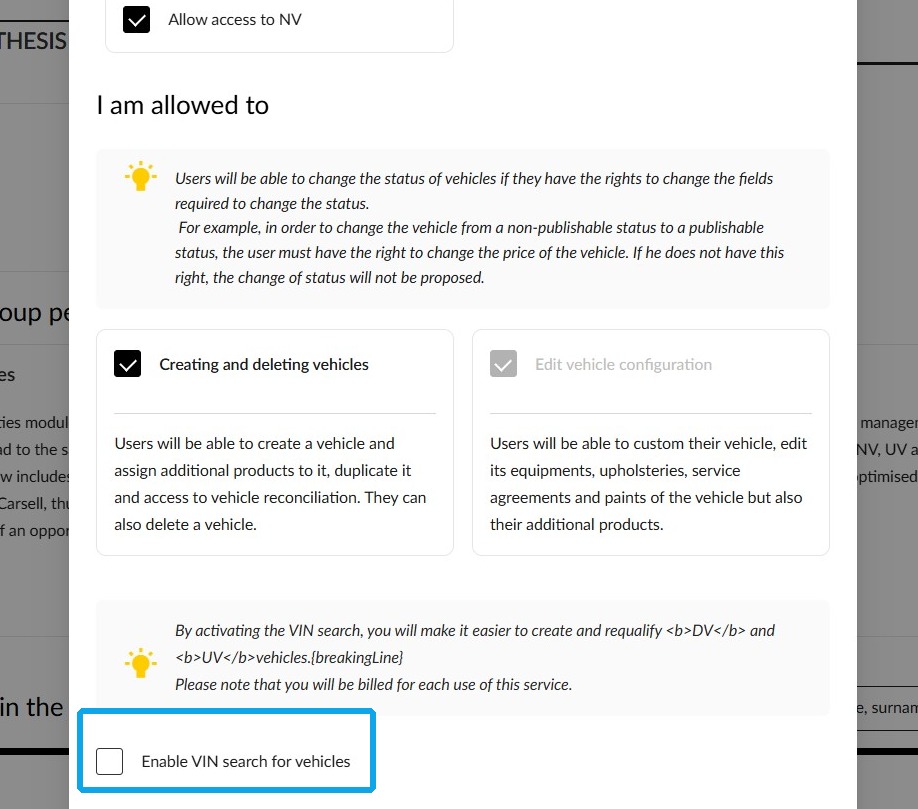
2. To benefit from this tool, make sure you have enabled the VIN search. This is an optional feature.
Path to accessing the configurator
3. Begin the process by going to the "Vehicles" module.
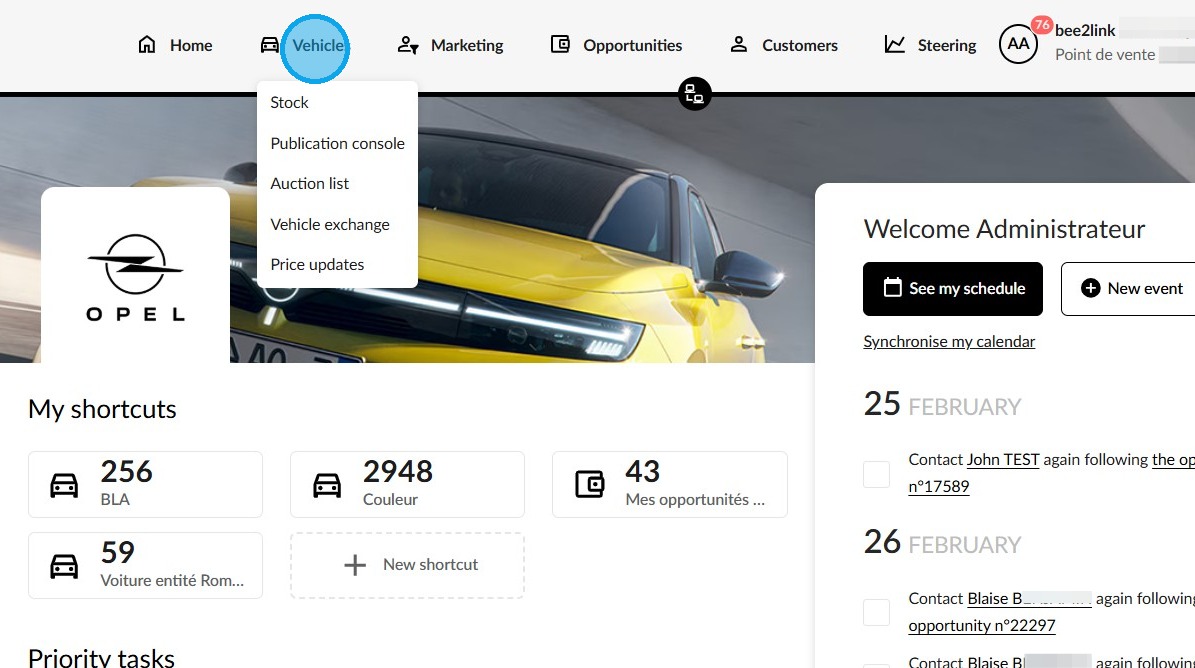
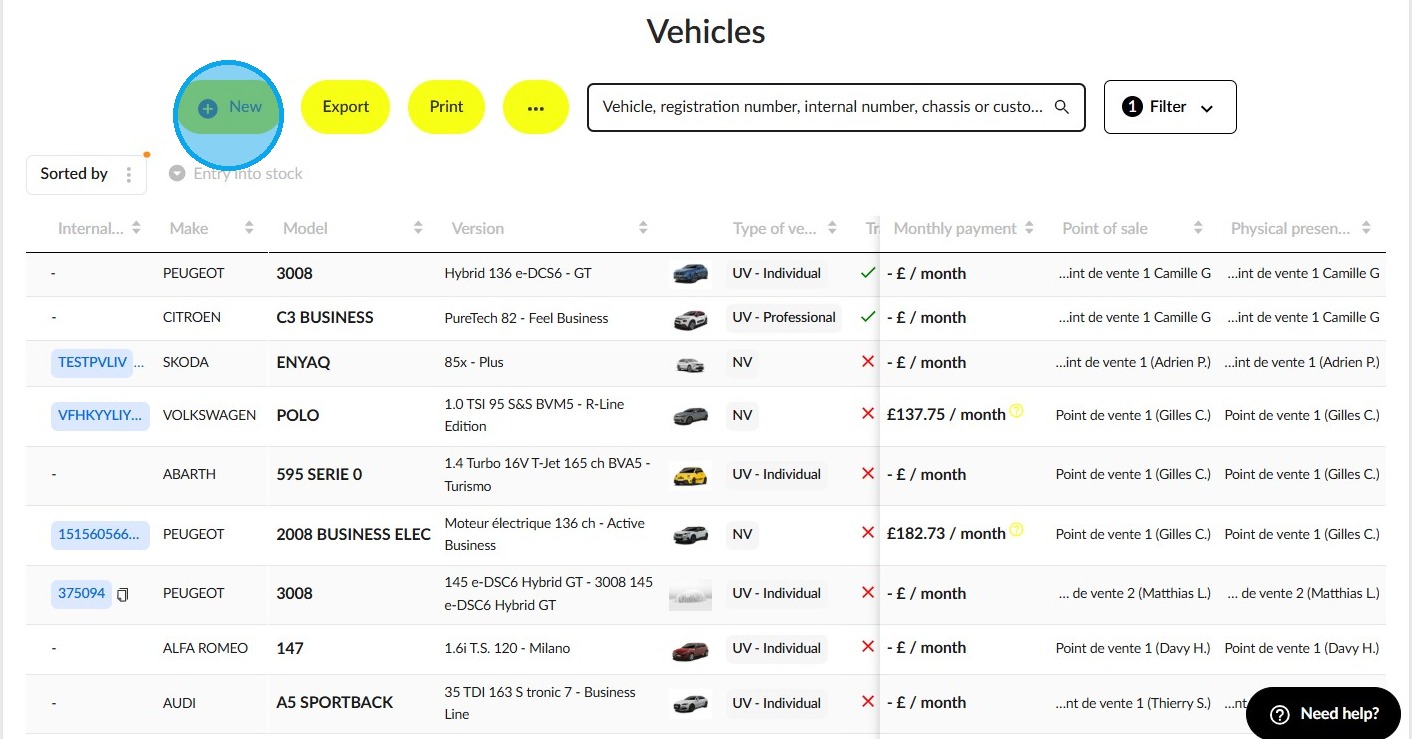
4. Click on "New".
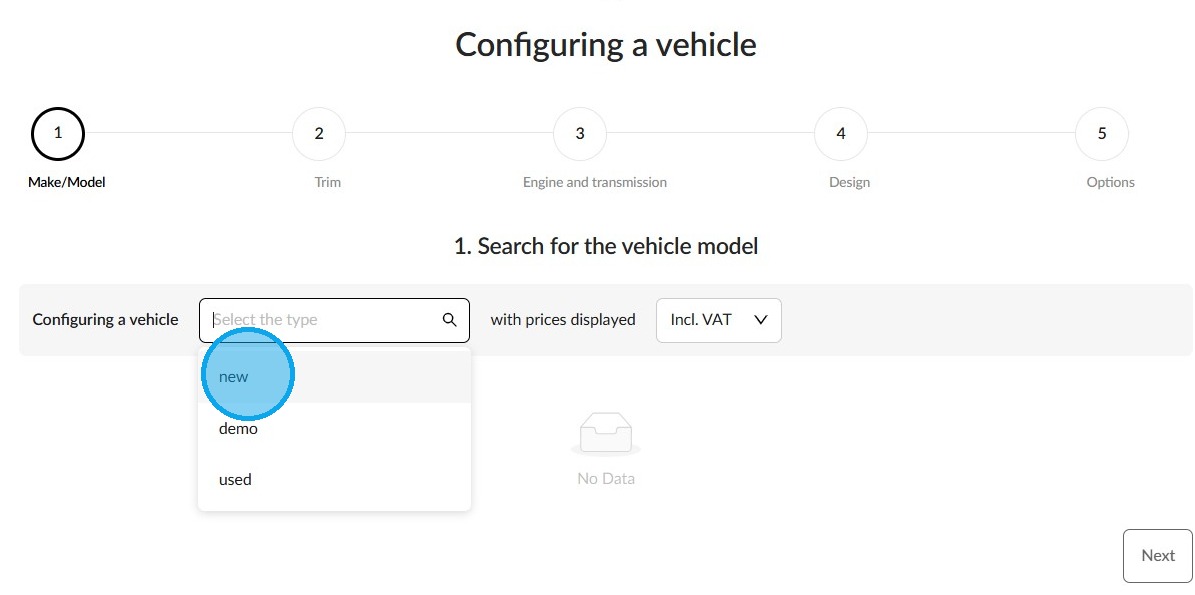
5. Select "new" among the various types.
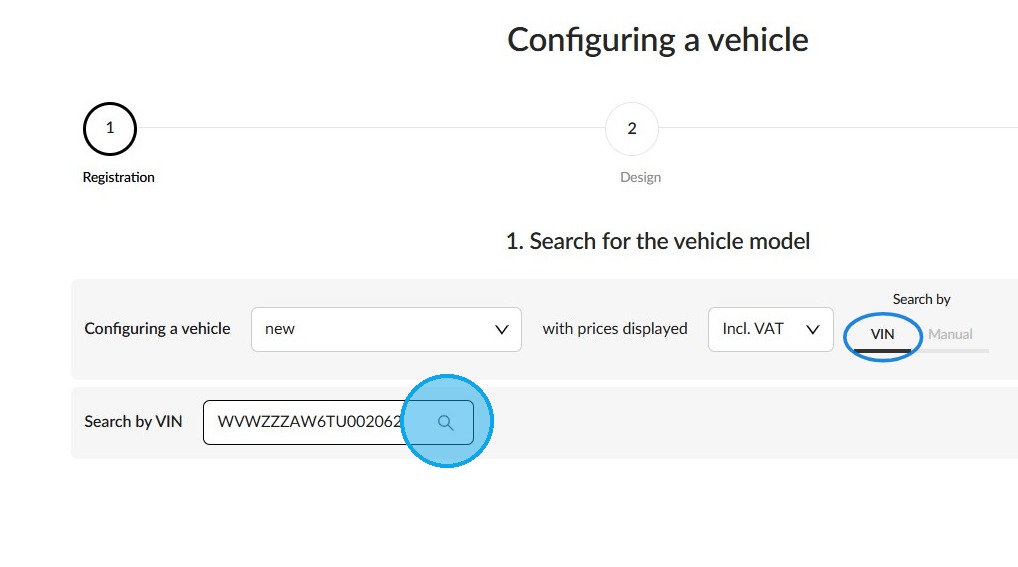
6. Go to the "Search by VIN" field in the VIN search area. Enter the VIN in the provided field and click the magnifying glass icon.
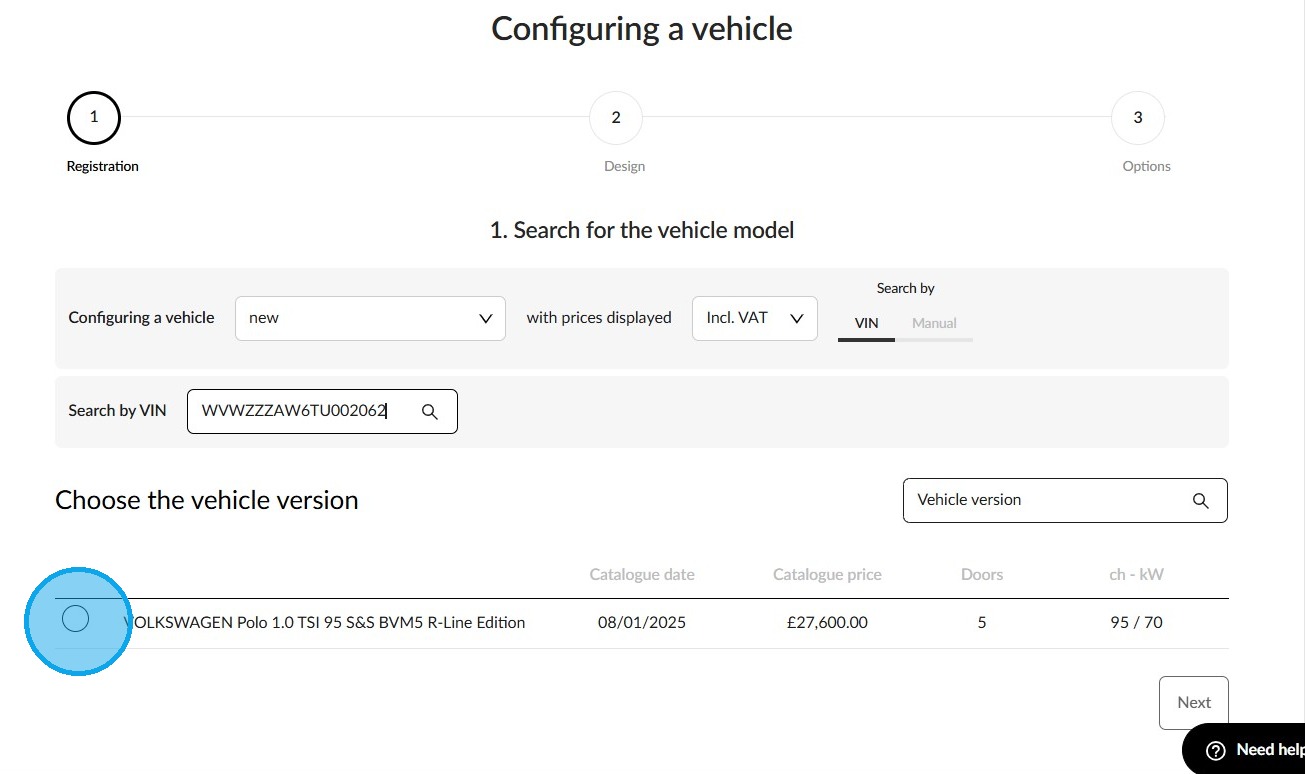
7. Next, select the version of the new vehicle.
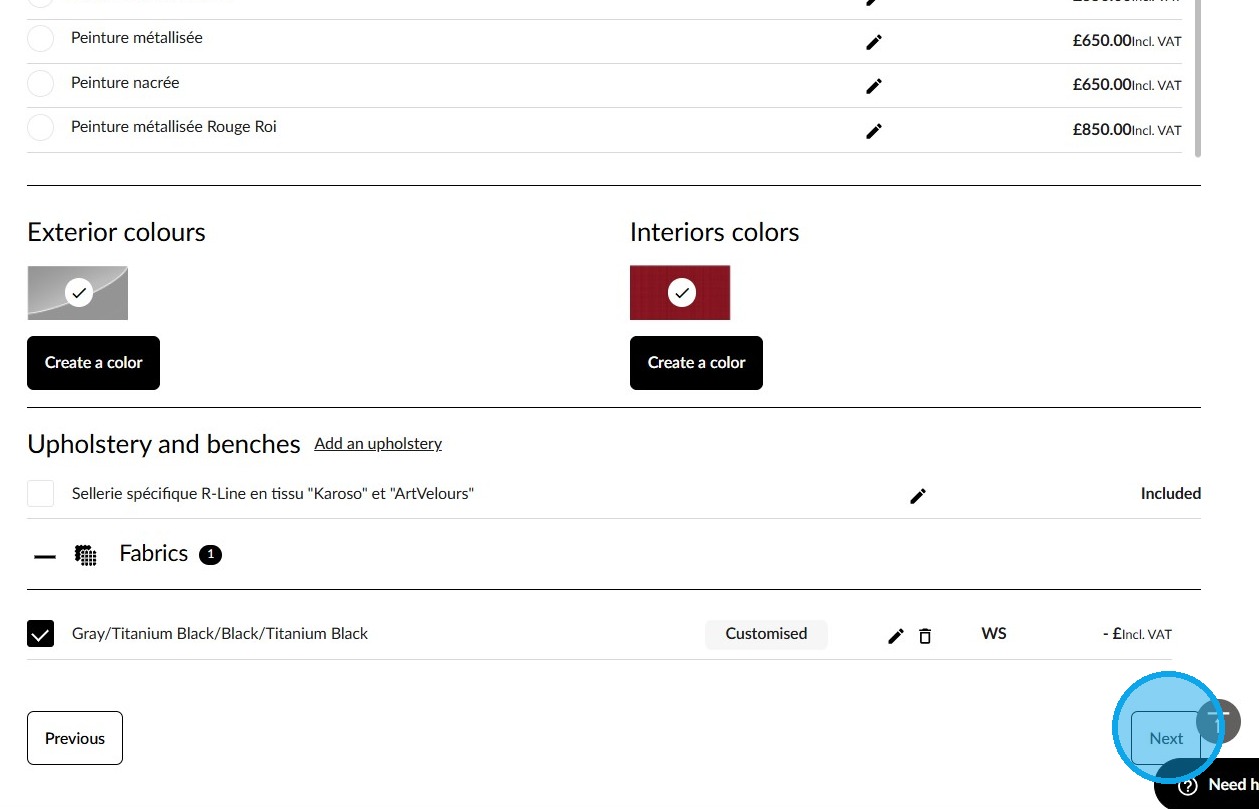
8. Configure its design, including creating the interior and exterior colours, and click "Next".
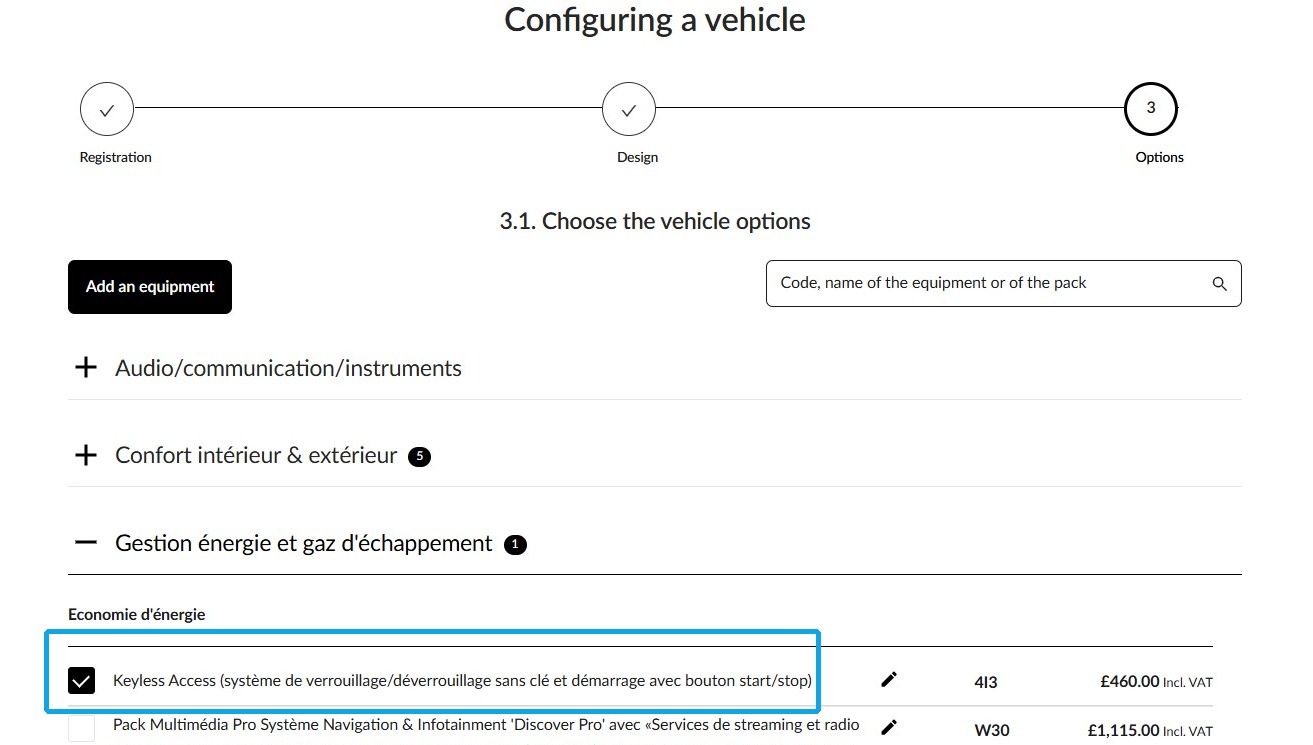
9. The system will automatically preselect the options and packages included on the vehicle.
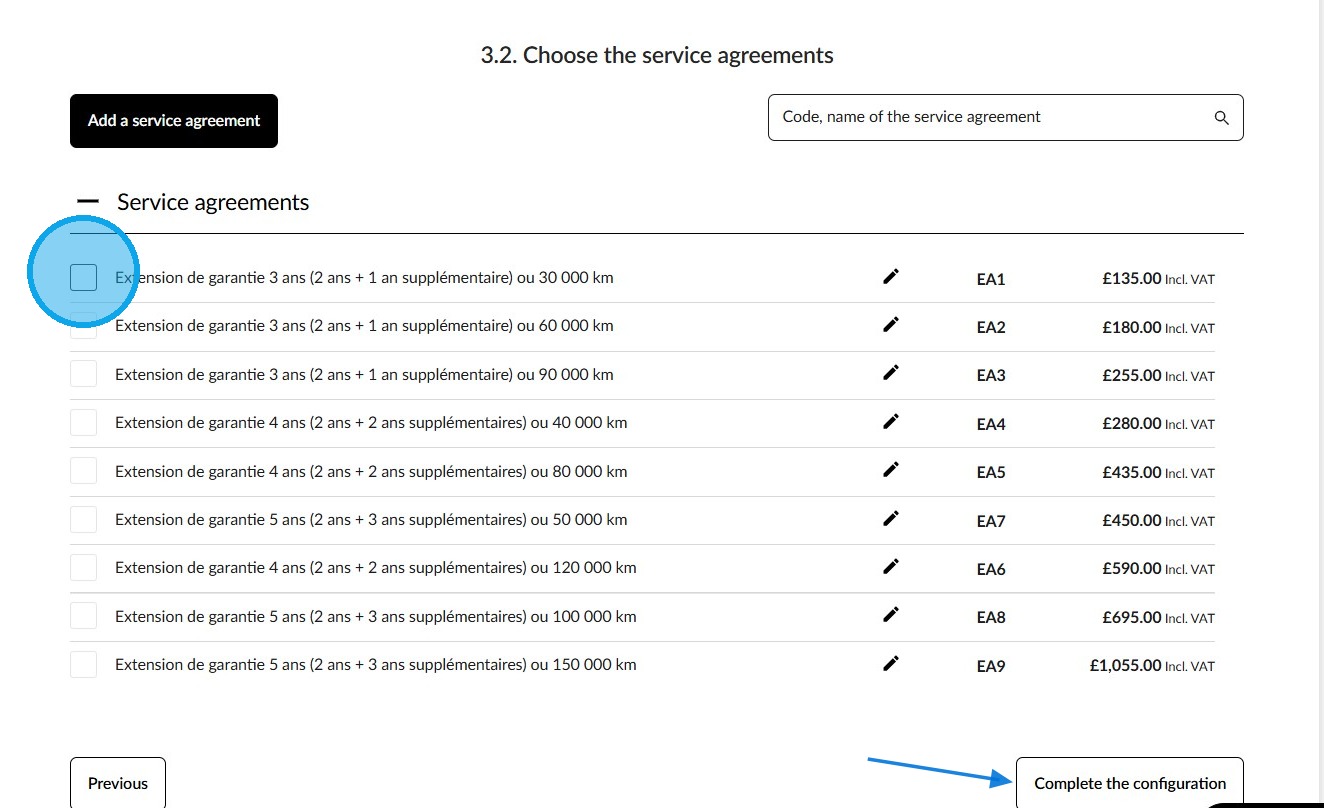
10. If needed, add a service contract and click on "Complete the configuration" at the bottom of the page.
Final data backup
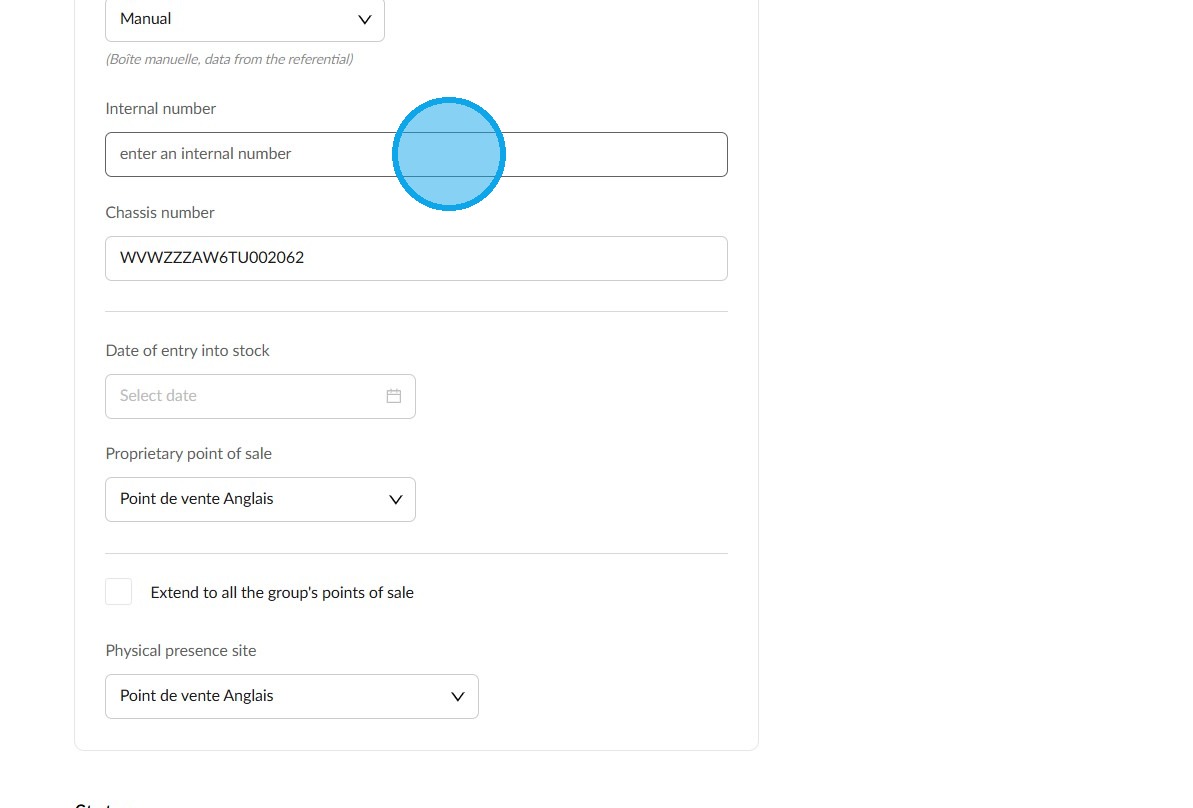
11. Complete the compulsory fields and, if you wish, the additional fields to enhance the vehicle file.
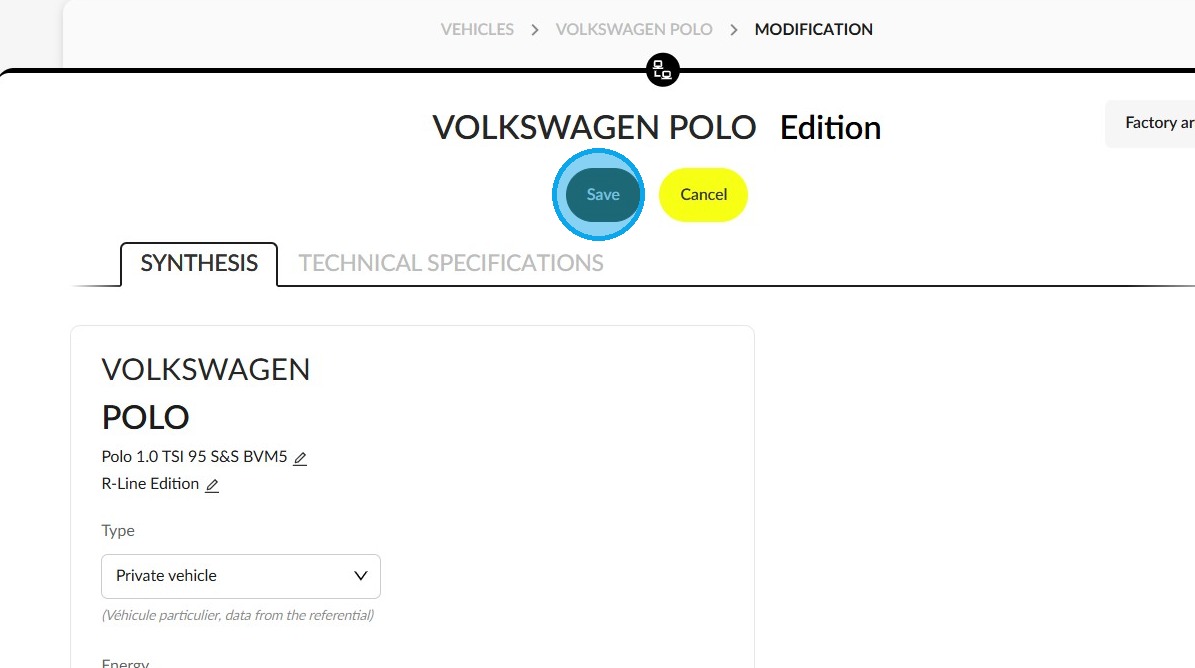
12. Finally, click on "Save" to complete the process.
Comments
0 comments
Article is closed for comments.