
This guide explains how to report that a vehicle has been delivered.
1) Access the delivery declaration
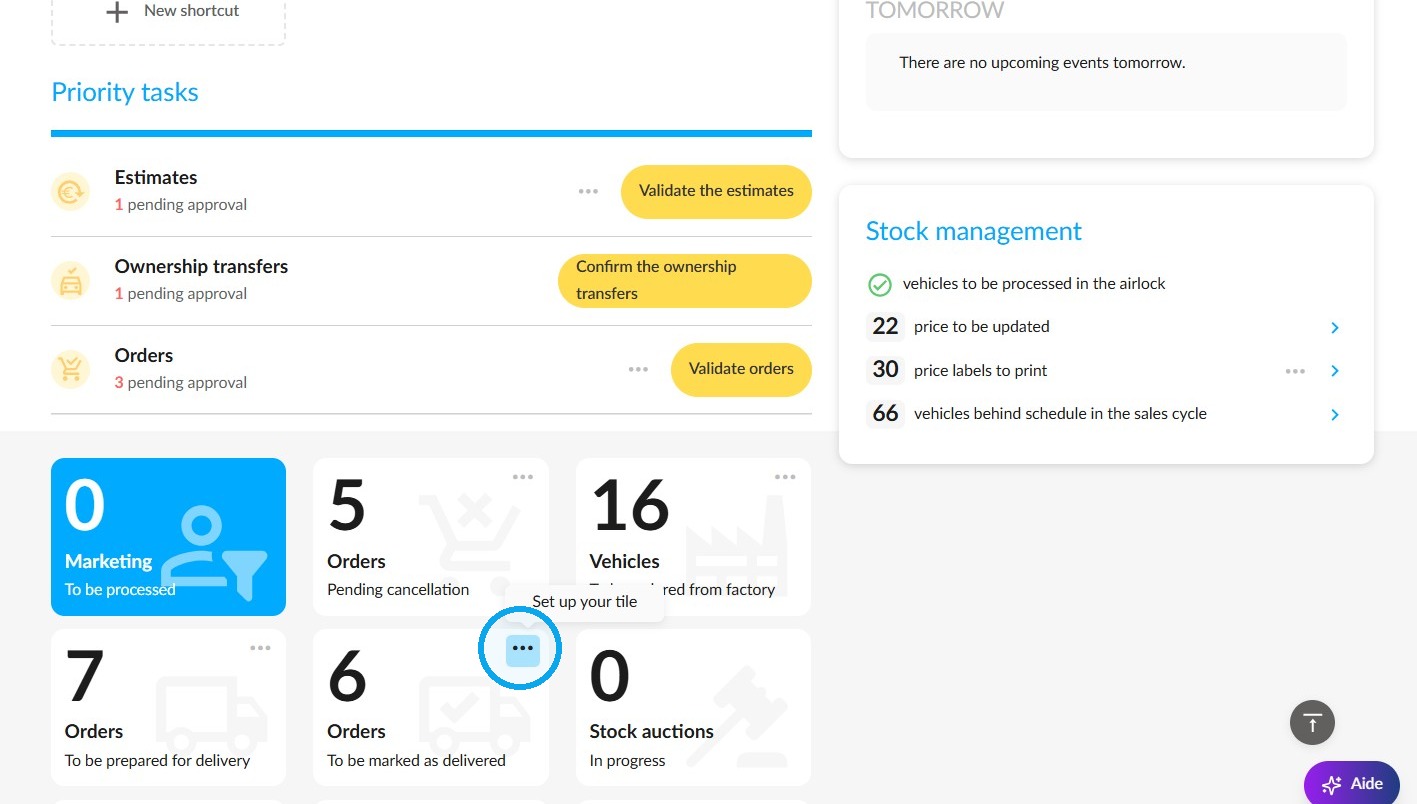
During the delivery phase of a vehicle, you can mark it as delivered via the 'Orders – To be marked as delivered' tile on the OpenFlex home page.
You can configure this setting so that you only receive delivery notifications for orders that interest you.
Click the '...' button to sort deliveries according to various criteria.
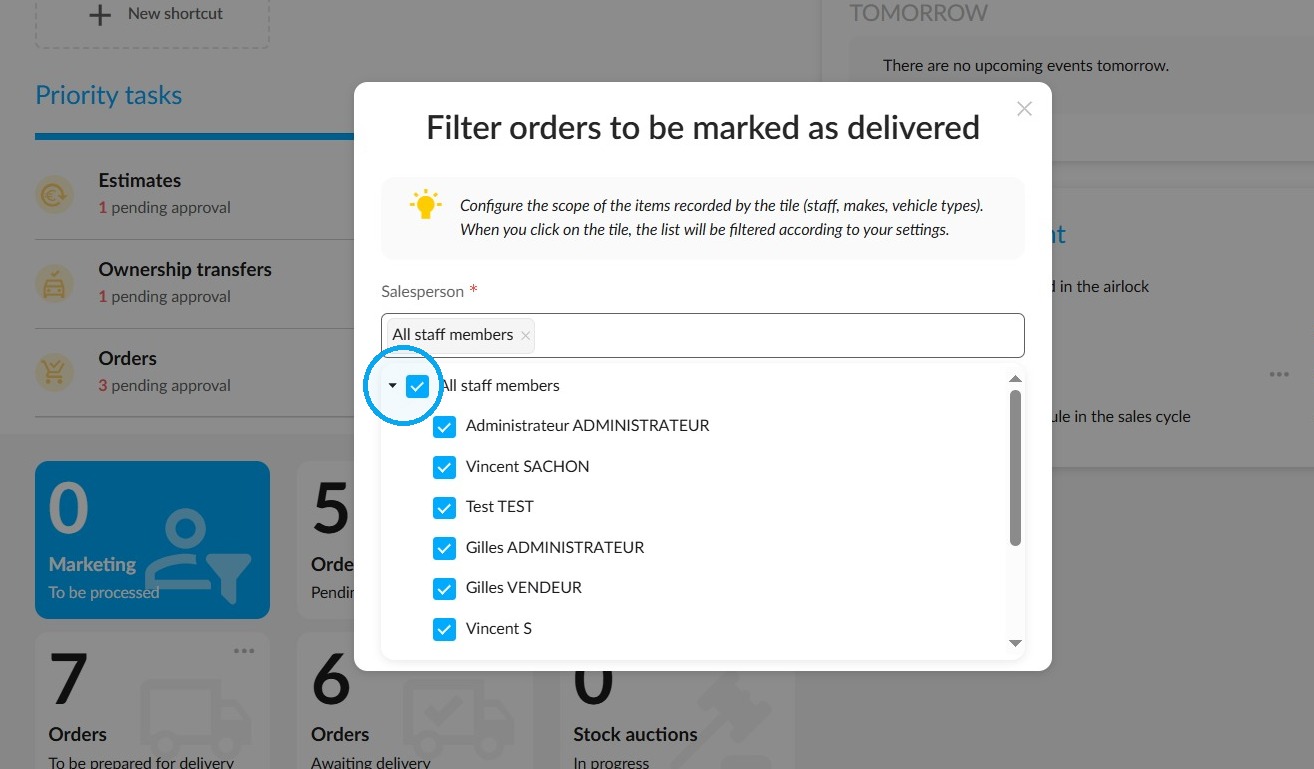
Firstly, you can sort by staff member. Select those assigned to you from the drop-down menu.
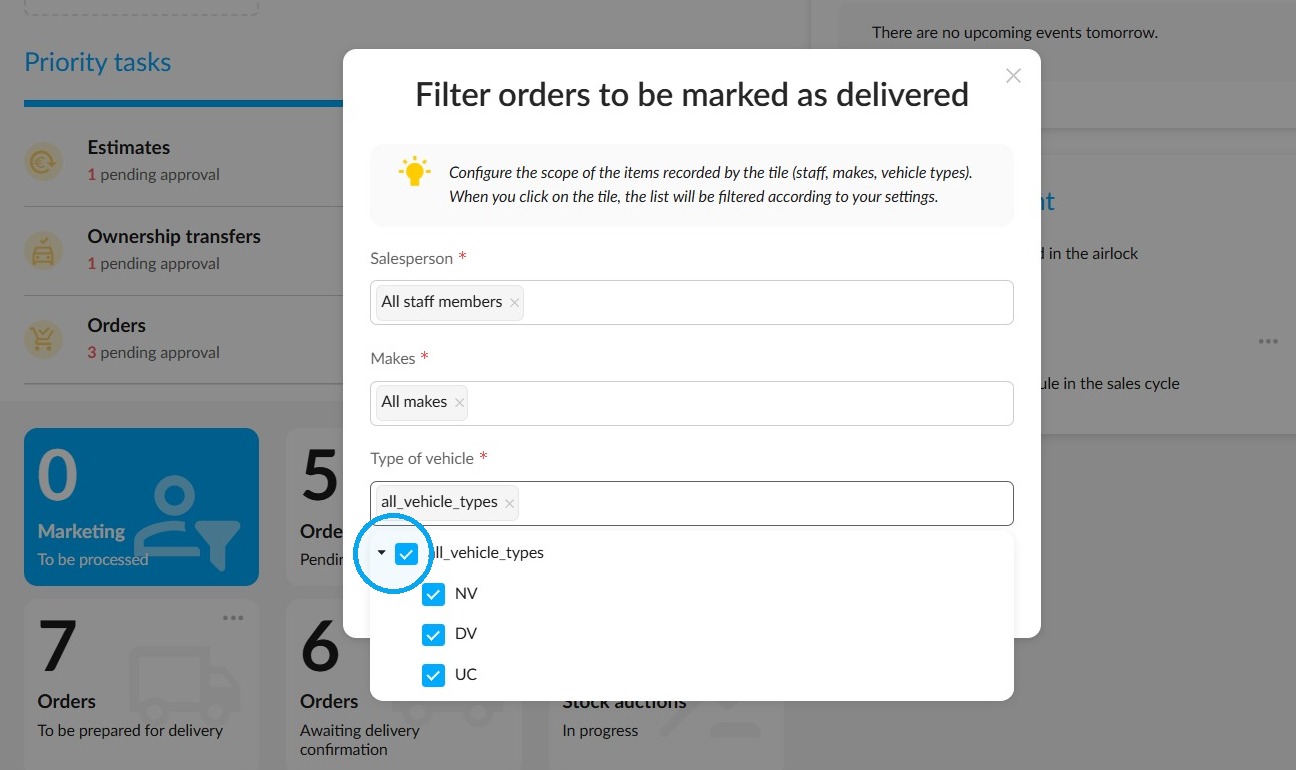
Do the same for the vehicle fleet in the 'Type of vehicle' drop-down menu.
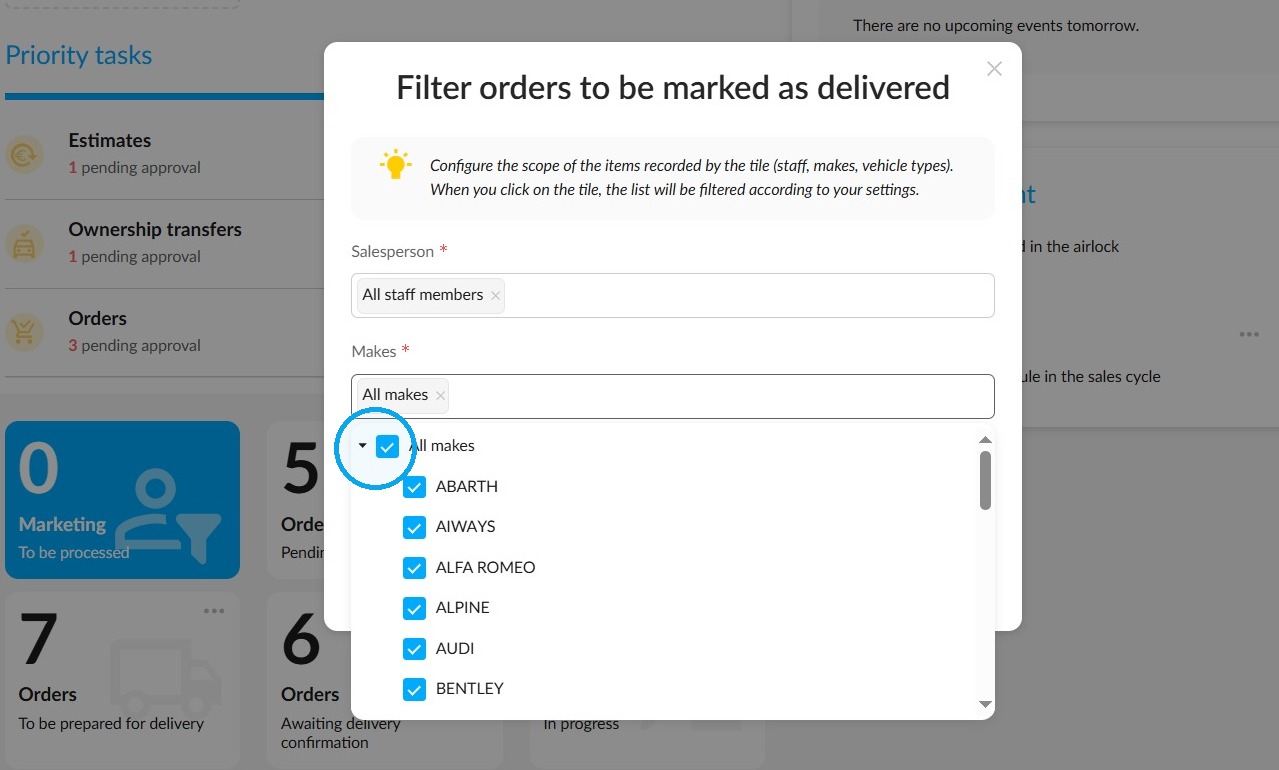
Finally, you can sort by make using the relevant drop-down menu. Click ‘Save’ at the bottom of the window.
2) Delivery schedule
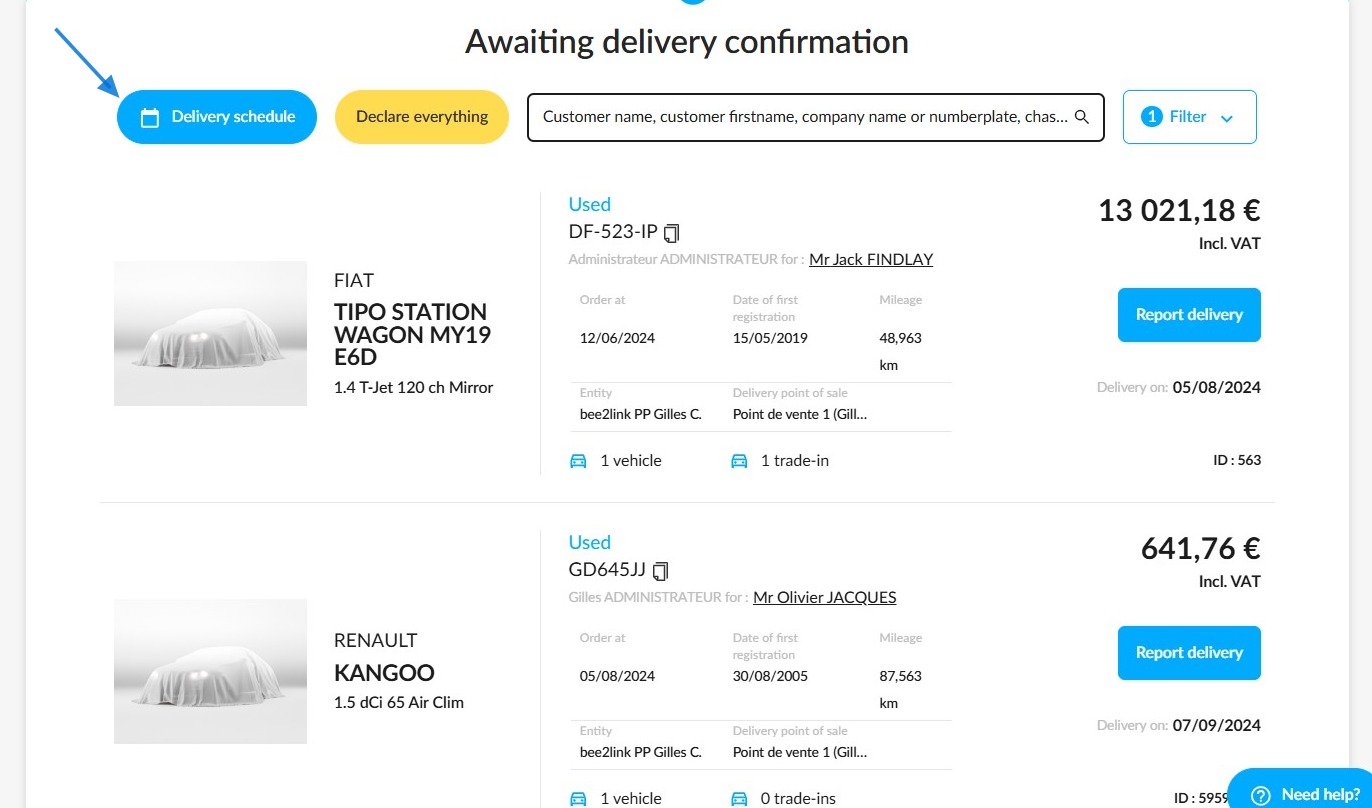
You will then be taken to the list of vehicles "Awaiting delivery confirmation". From there, you can view the schedules of the various staff members to see all scheduled delivery appointments by clicking on the "Delivery schedule" button.
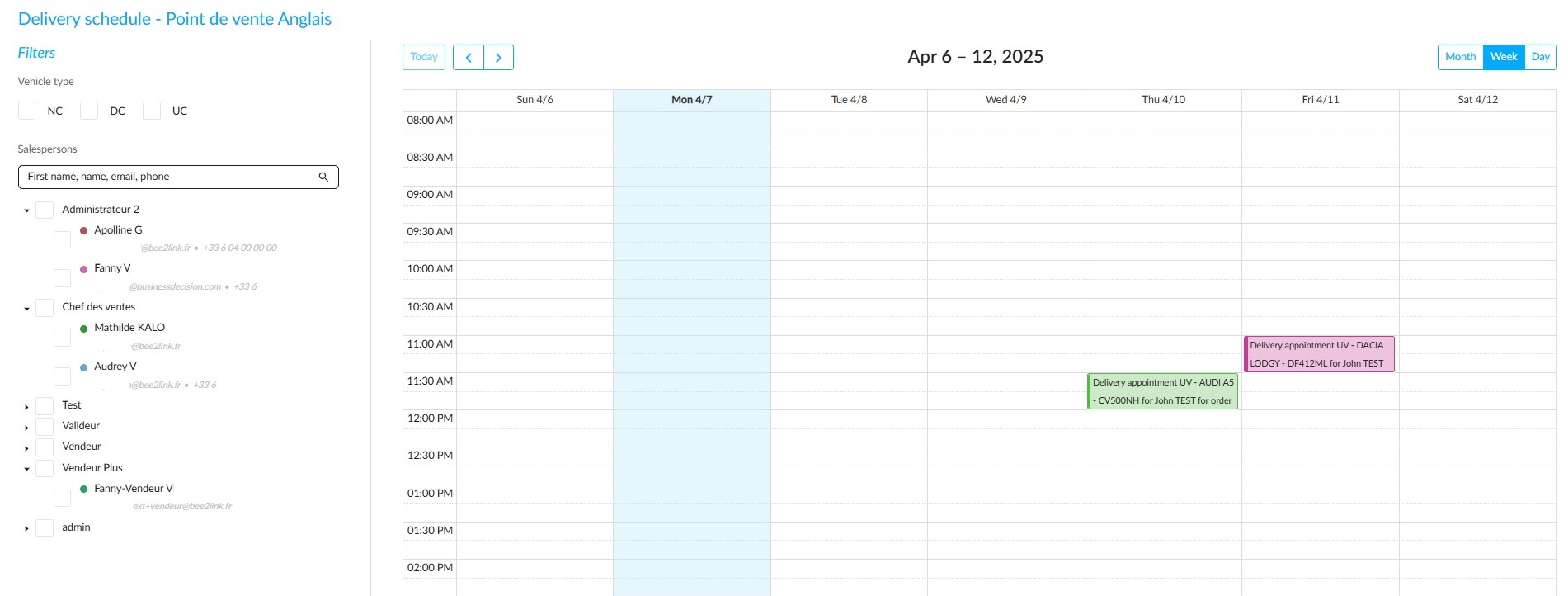
Example of a view of the schedule that is displayed when a user clicks on the "Delivery schedule" button.
By default, appointments are displayed by day and time for the current week.
A range of filters are available to narrow down the information:
- Type of vehicle delivered (new, used, or demo).
- Staff responsible for deliveries, sorted by user group (sales assistant, sales manager, secretary, etc.).
Once you have viewed the calendar, close it to return to the previous list by clicking on the "Close the calendar" button at the top left of the screen.
3) Report the delivery
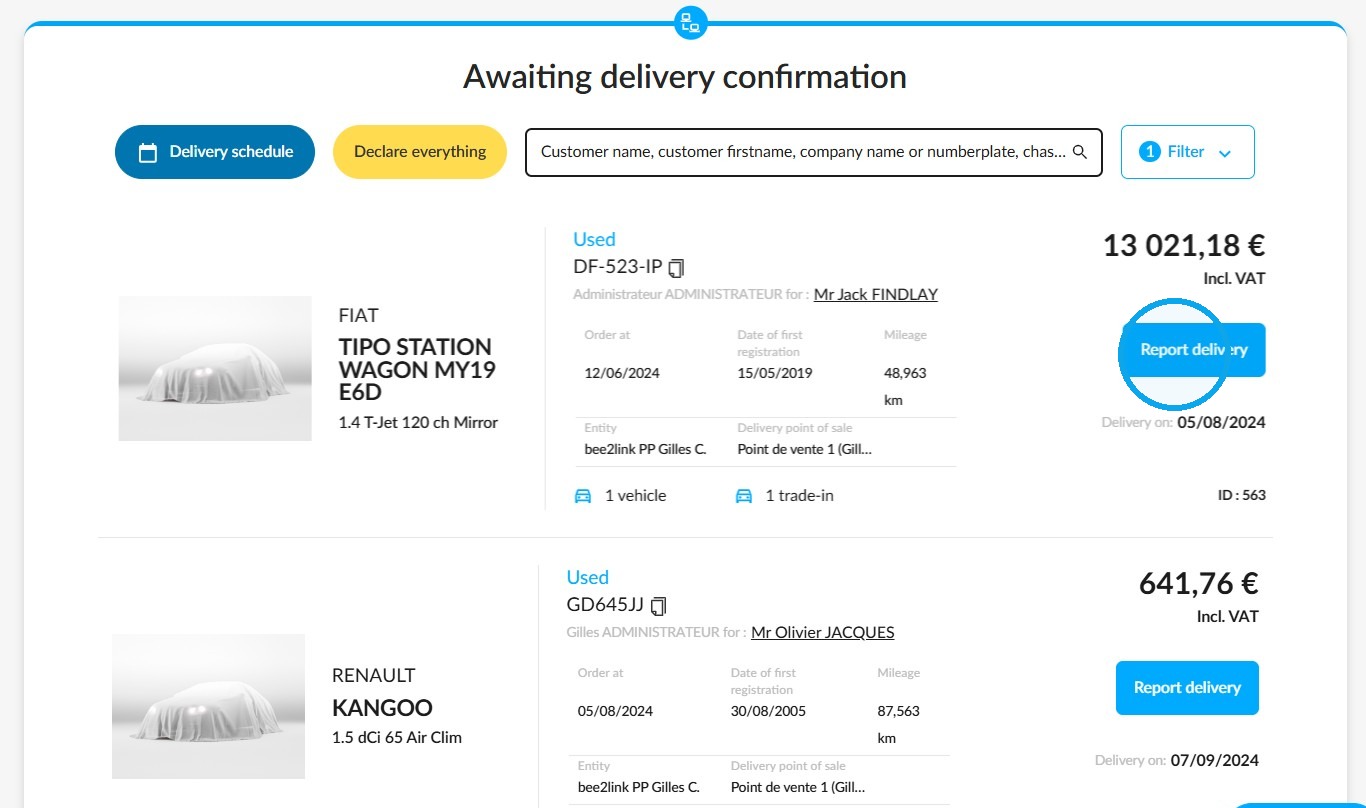
Once you have consulted the calendar, click on the "Report delivery" button for the vehicle of your choice.
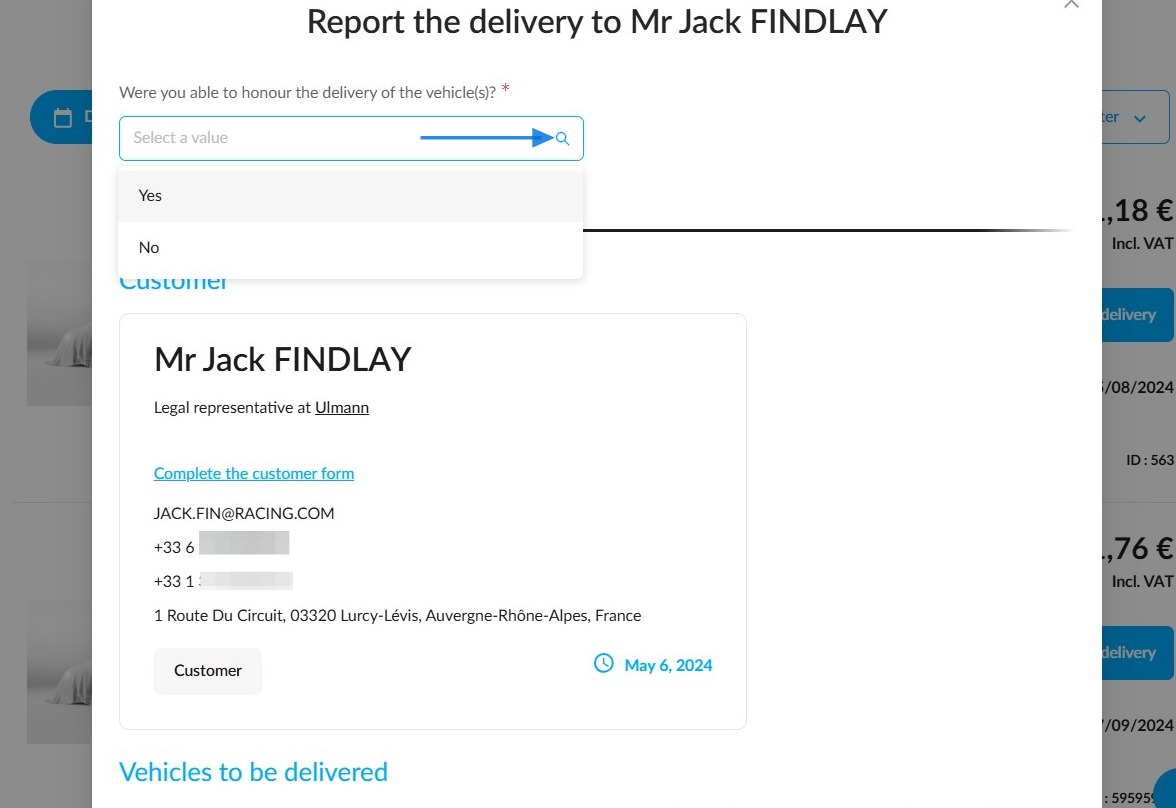
Indicate whether delivery was successful using the small drop-down menu at the top of the page.
For users who have subscribed to the "E-signature" option, and in the context of new vehicle deliveries only, the section entitled "Digital sales path" will allow them to choose whether or not to have administrative documents signed electronically, depending on their customer’s preference.
To this end, a tick box labelled "The customer does not want to sign the documents online" is provided so that they can indicate their preference.
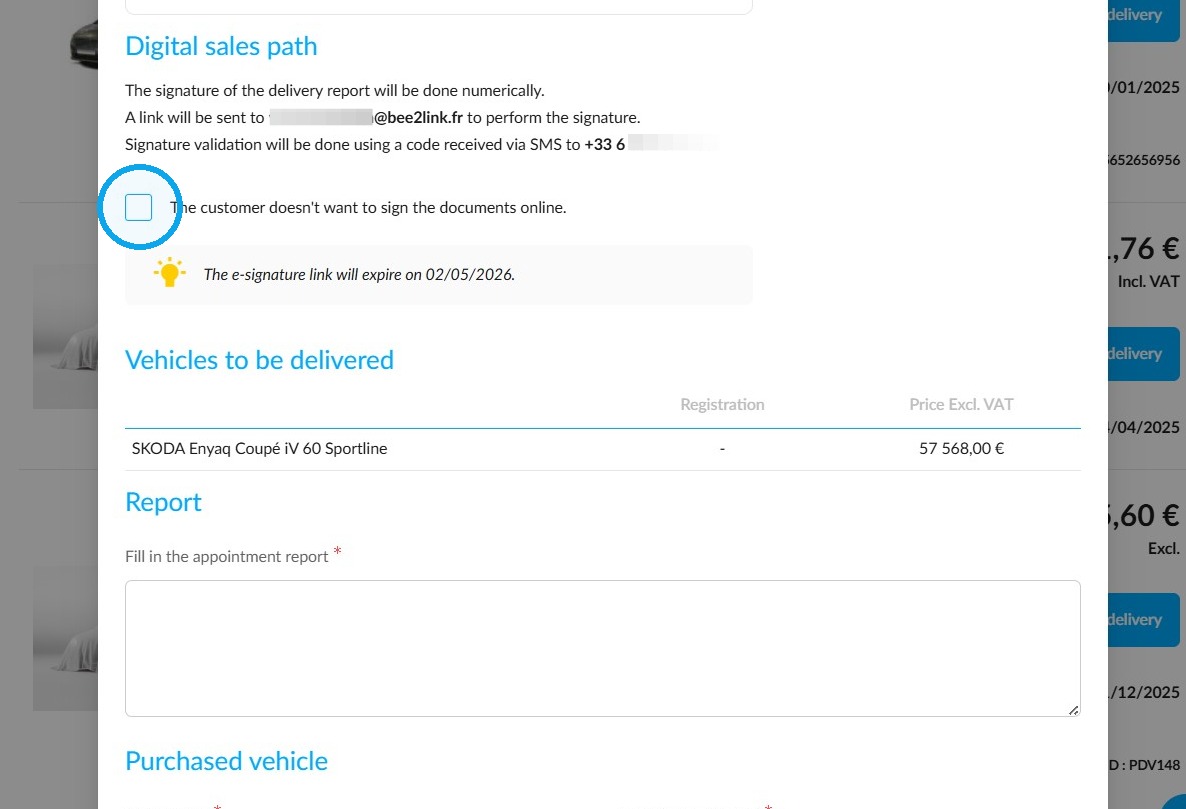
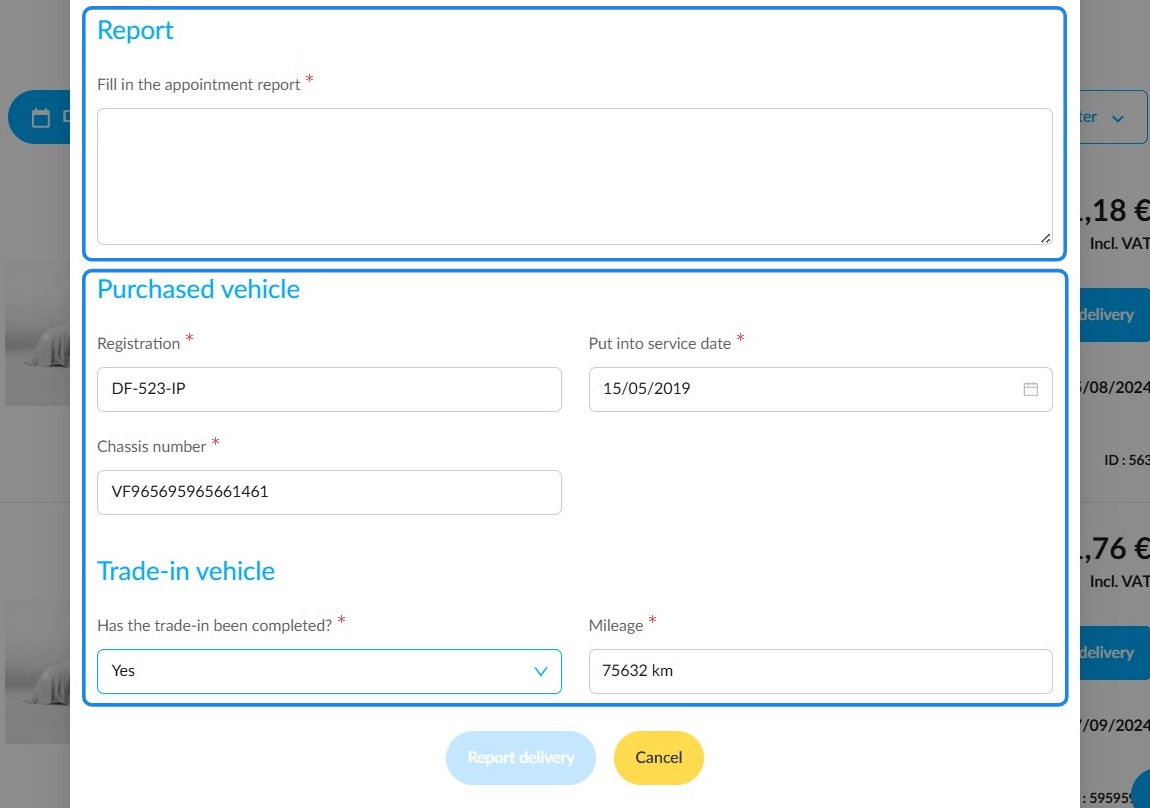
Then complete the delivery report and enter the vehicle details. Also specify whether the vehicle is a trade-in. If so, state the mileage. This is a compulsory formality.
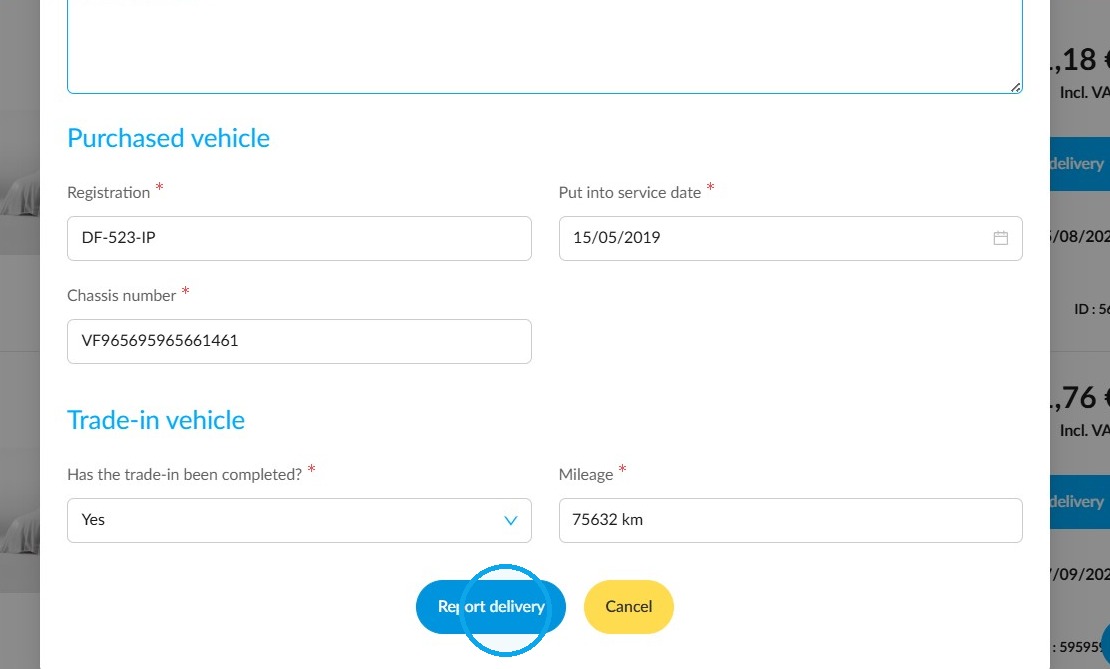
Click "Report delivery".
Comments
0 comments
Article is closed for comments.