
This guide outlines the steps for adding a logo for your organisation.
Prerequisite: You require administrator rights to customise your logo.
For greater flexibility, the platform administrator can customise the logo that appears on UV generic documents for their entity.
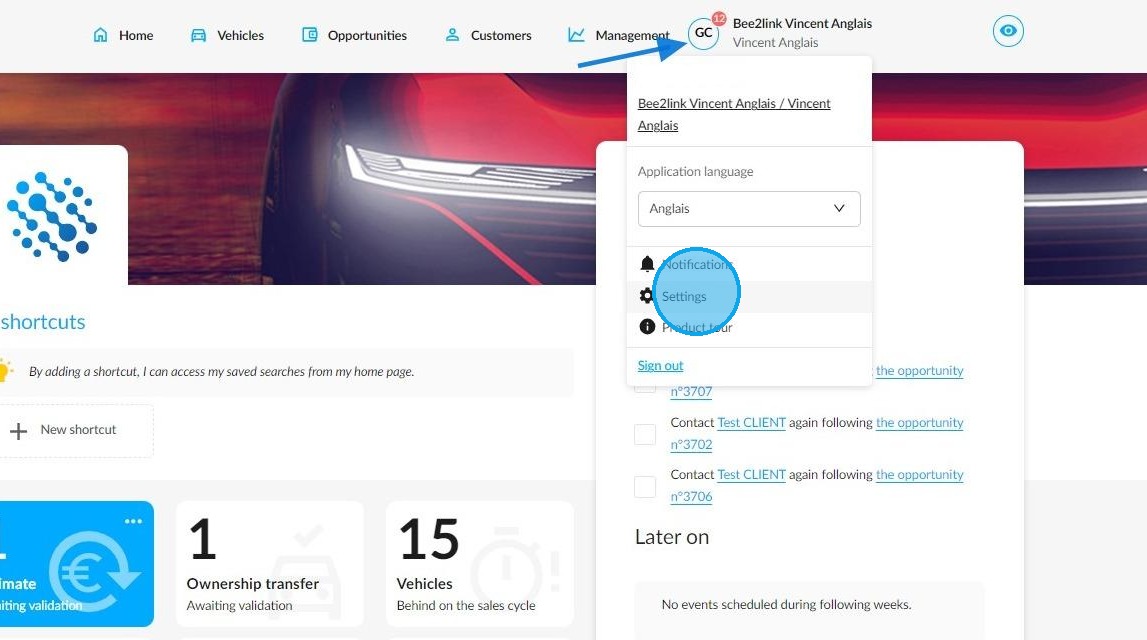
To do this, click on your initials and then select 'Settings'.
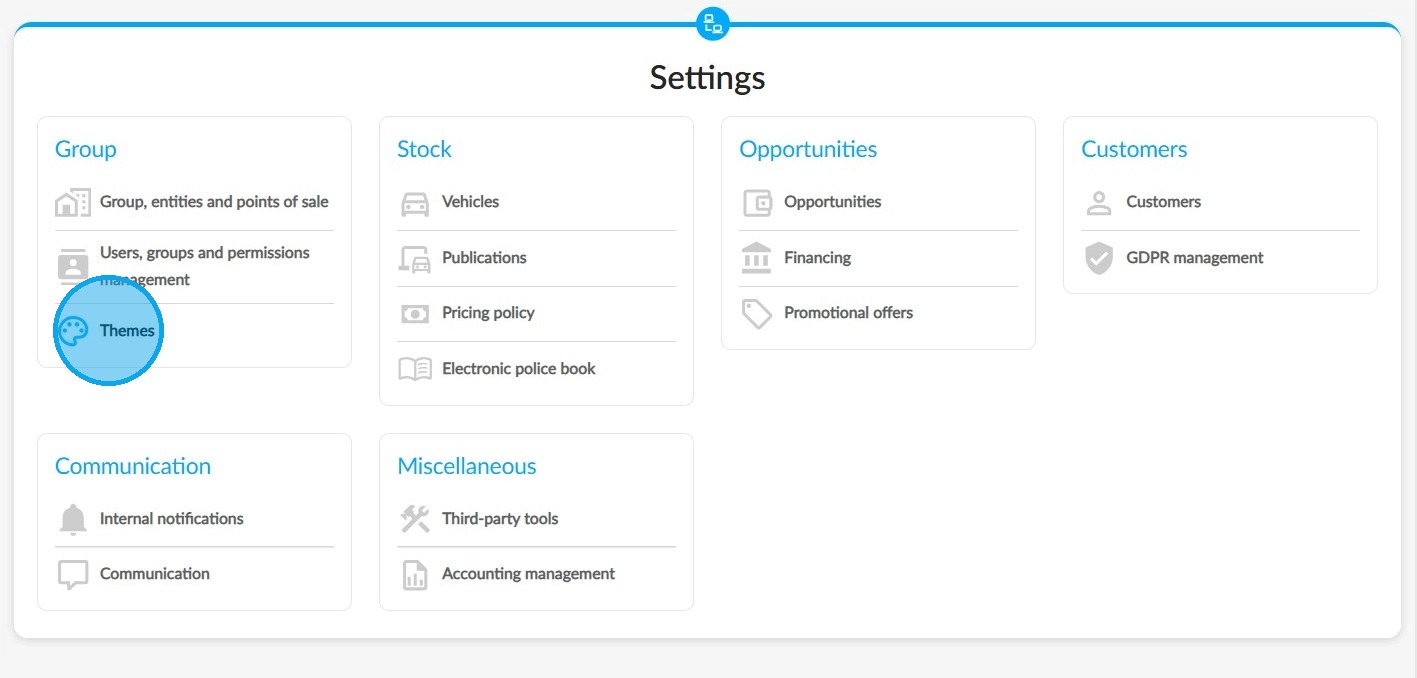
Select the 'Themes' menu from the 'Group' category.
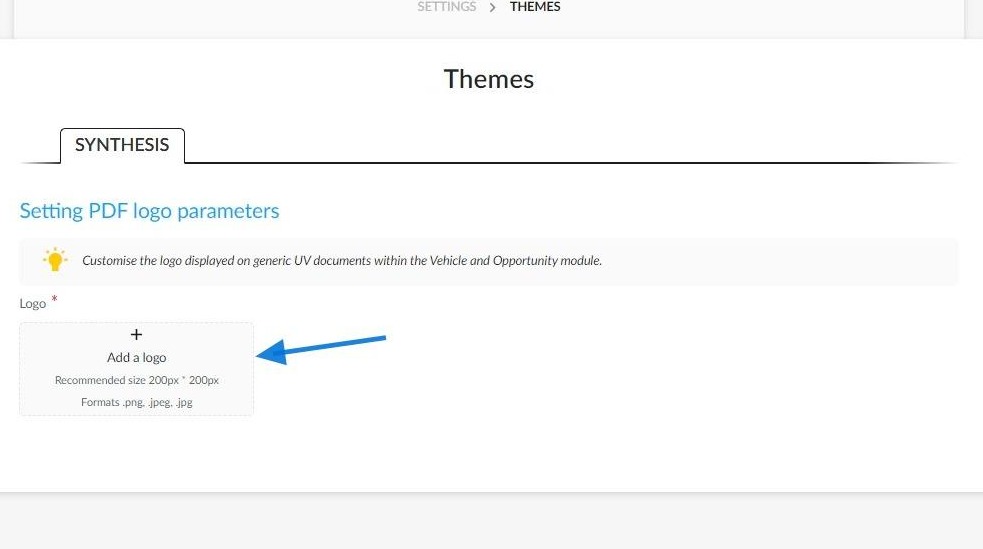
You can insert the logo of your choice on this page by either uploading it or dropping it from your computer.
The following formats are accepted: PNG, JPG and JPEG.
To ensure the picture is displayed correctly, it is recommended that you choose a file with a maximum size of 200 pixels by 200 pixels.
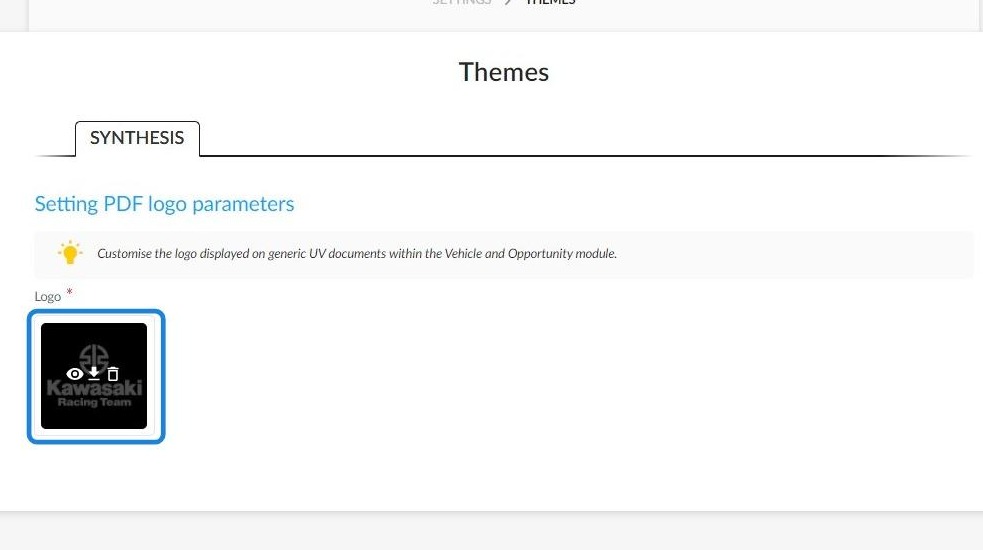
Once you have inserted the logo, you can display a preview, download or delete it using the buttons that appear when you hover the mouse over the logo.
The logo will appear on generic UV documents.
Here is an example of an offer with a customised logo:

Comments
0 comments
Article is closed for comments.